

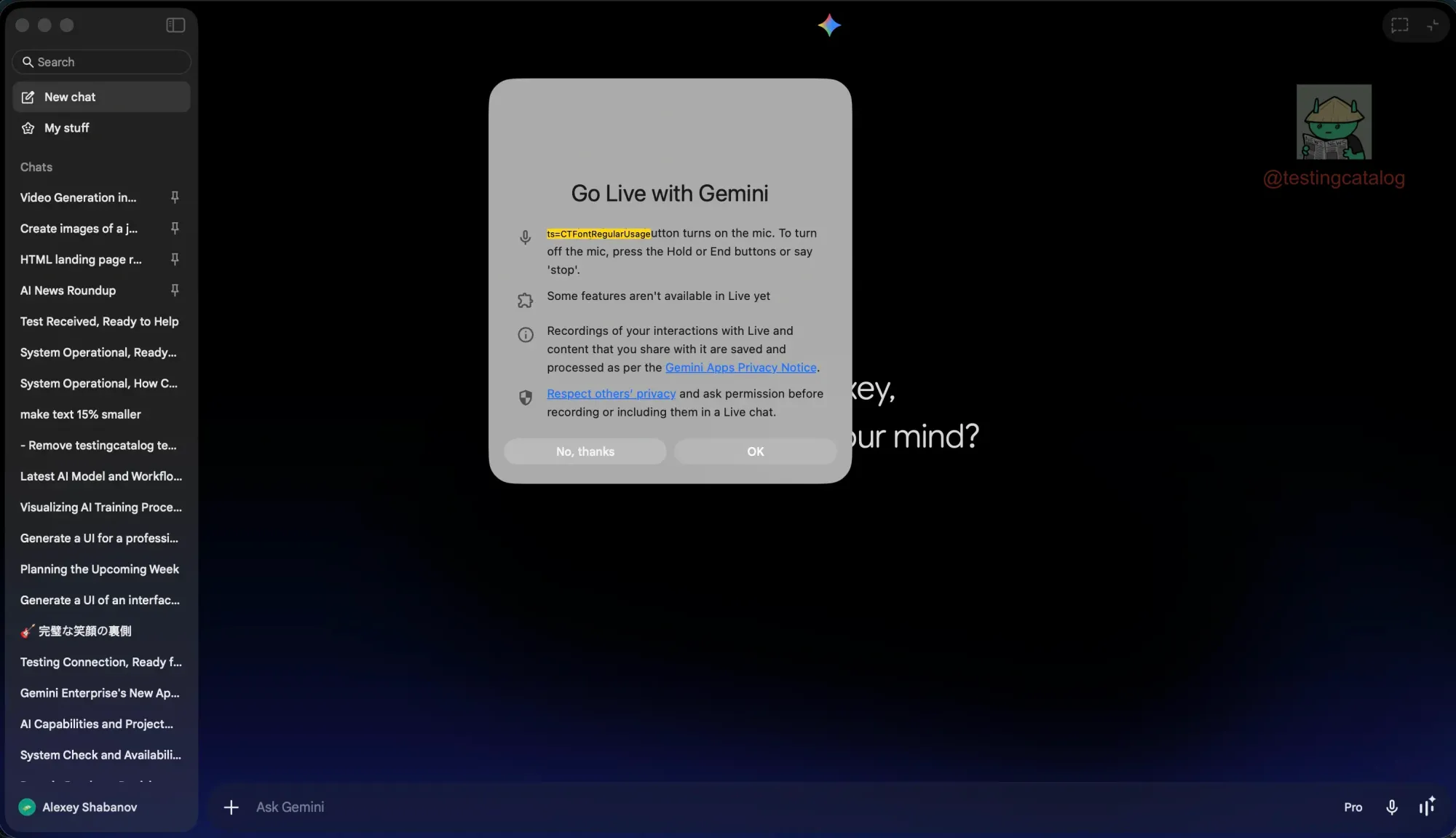
Google launched its native Gemini desktop app for macOS today, built entirely in Swift rather than Electron, a notable technical choice that signals the company's commitment to a polished Mac experience. The app was developed by a small team that built over 100 features in under 100 days, and it largely mirrors what is available on the Gemini website, with keyboard shortcuts for quick access and window-sharing capabilities. However, a closer look at the app's internals reveals features that are not yet functional but clearly in preparation.
Hidden within the app's settings are configuration options for Gemini Live voice mode, including the ability to select from different voices, mirroring the mobile app's existing Live Mode experience. The feature is currently non-functional, but the presence of these settings strongly suggests that Google plans to bring real-time voice conversations to the desktop.

When activated, Gemini Live would appear as a sphere overlay on the desktop, giving users a persistent conversational interface. Additionally, references to screen sharing in Live Mode have been found, which would allow users to show Gemini what they are looking at while speaking, a capability currently available only through AI Studio's Gemini Live models. A separate navigation section also appears to exist for transitioning between the Live interface and the main application.
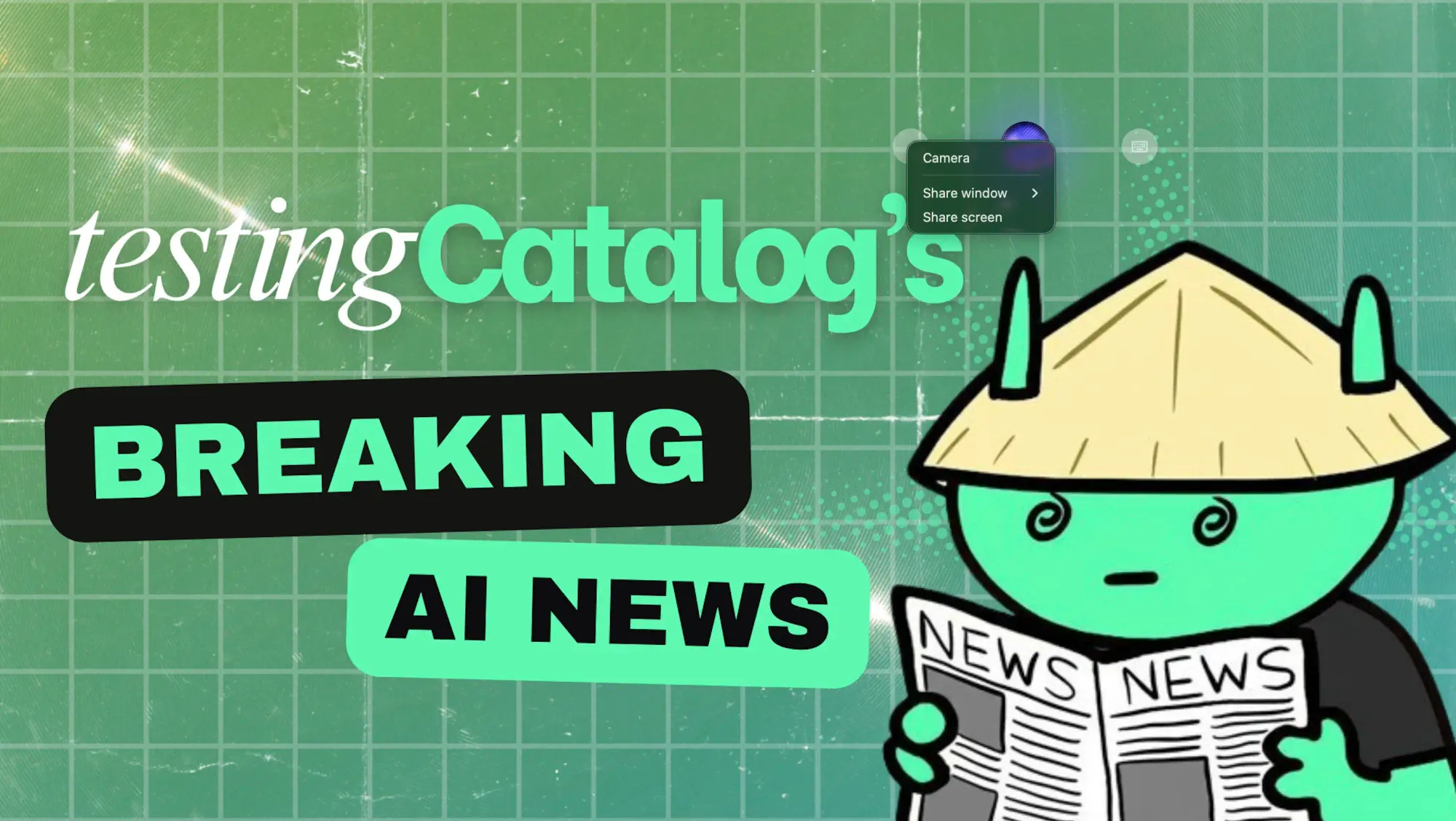
Google has described this initial release as "just the beginning," stating that it is building toward a "truly personal, proactive and powerful desktop assistant, with more news to share in the coming months." That language, combined with Google I/O 2026 scheduled for May 19–20, makes it likely that Gemini Live on desktop and other hidden capabilities will be formally unveiled there.
Introducing Gemini on Mac.
— Sundar Pichai (@sundarpichai) April 15, 2026
It’s the first time we’re bringing the @Geminiapp to desktop. The team built this initial release with @Antigravity, and it went from an idea to a native Swift app prototype in a few days.
More features on the way! pic.twitter.com/YRy0Pqq6zo
The current app also ships without a dedicated Gems tab or a NotebookLM section in the sidebar, both of which are present on the web, and these gaps are likely to be closed as the app matures. For power users and professionals who rely on voice-driven AI workflows, a native desktop Live Mode with screen sharing would be a substantial addition to what is already shaping up as Google's most ambitious cross-platform AI push.


