
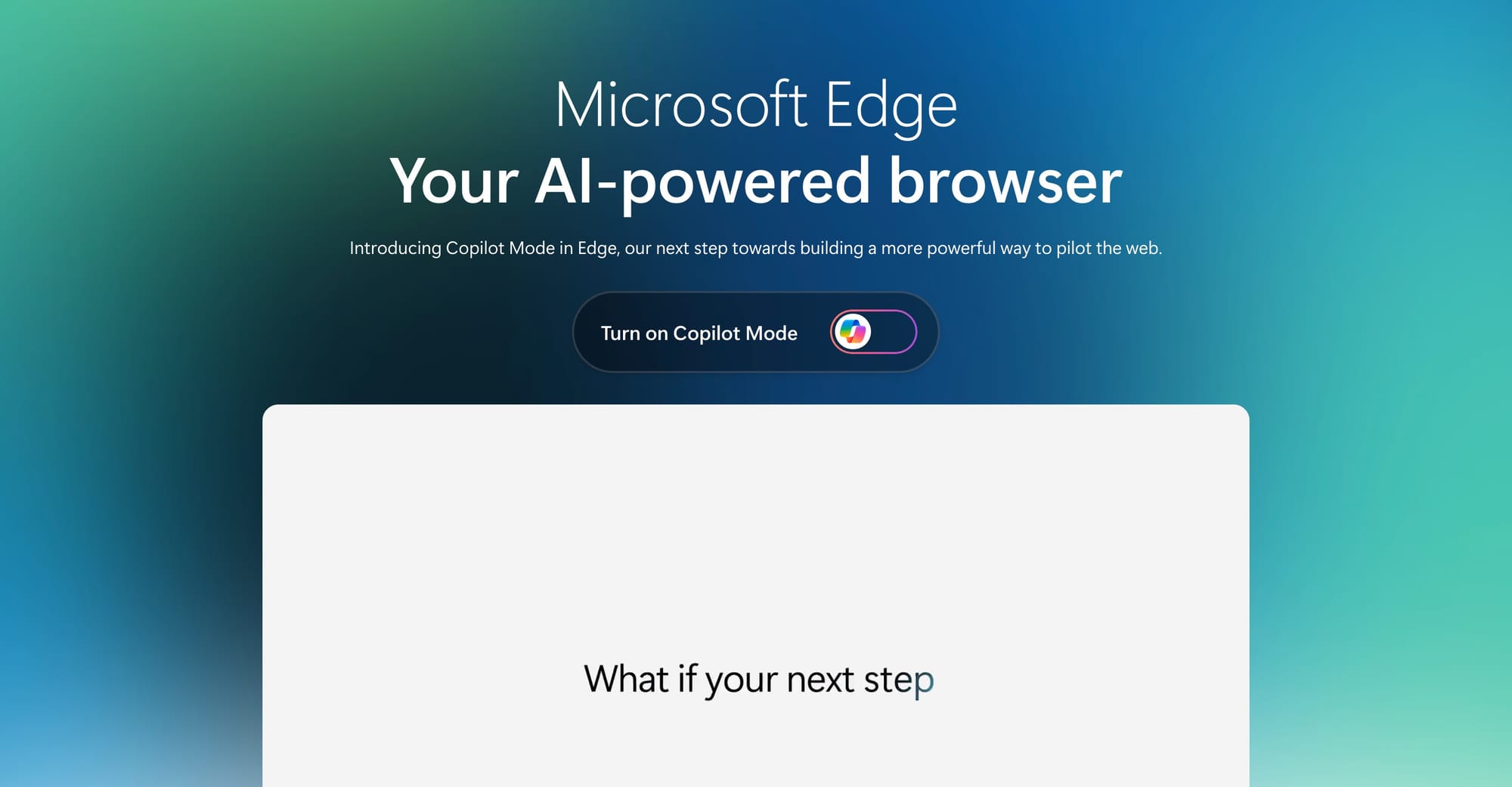
Microsoft’s Copilot Sessions event on October 23 will introduce a major update that expands Copilot’s role across Windows and Edge. Many features previously seen in previews or US-only releases are now rolling out broadly. The new strategy positions Copilot as a central productivity tool, deeply integrated into daily workflows, browsing, and desktop tasks.
It all starts tomorrow — a reimagined Copilot that’s more personal, supportive, and fully in service of you 🙌 Check back in tomorrow at 9 am PT. https://t.co/DAsSdaPhU6 pic.twitter.com/4PmmPKRv0j
— Microsoft Copilot (@Copilot) October 22, 2025
1. New Copilot Look
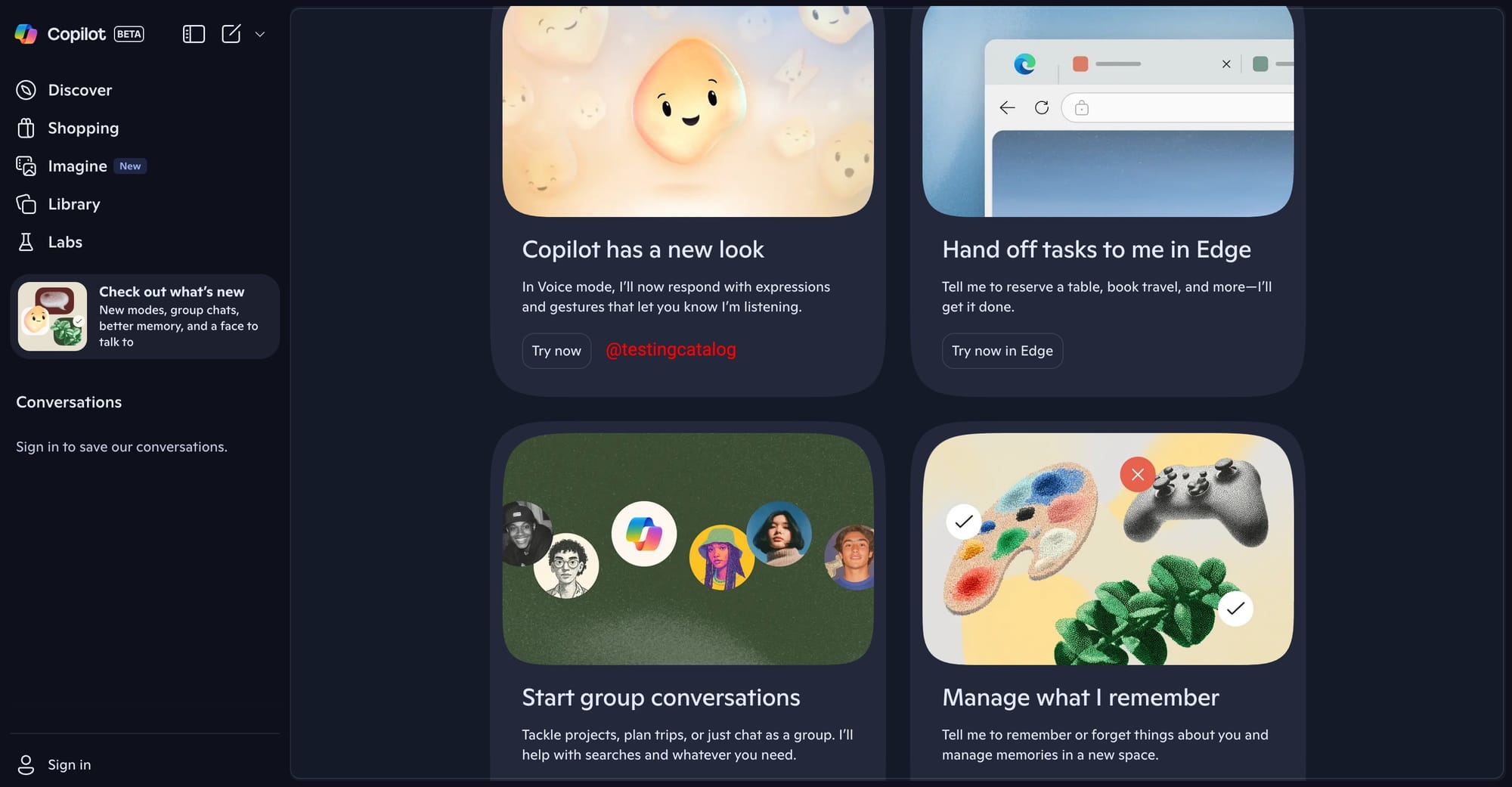
Copilot will feature the “Mico” appearance avatar, with animated expressions and gestures that provide visual feedback during voice interactions. This avatar will be available on the homepage and in voice mode, providing a more responsive and visible assistant.
UPD 🔥: Microsoft started rolling out Mico on Android and iOS to US users already.
BREAKING 🚨: Microsoft is rolling out Mico on Copilot for Android and iOS!
— TestingCatalog News 🗞 (@testingcatalog) October 23, 2025
Mico avatar appears on the main page as well as in the voice mode and can change its color and shape. Real Talk, new Search mode and Group Chats are rolling out too. pic.twitter.com/WTKESQbFPq
2. Task Delegation in Edge (Copilot Actions)
Users will be able to hand off tasks, like reserving tables or booking travel, directly to Copilot in Microsoft Edge. This brings native agent-like actions to the browser, similar to Atlas’s agent mode, and is expected to become widely available.
I've talked a lot about the "Actions in Edge" feature, but haven't shown it in action. Here are two examples of it working in the Copilot pane. The AI navigates, scrolls, types, and clicks for you. You can let it run in the background or watch its progresshttps://t.co/z5Gy0OyBJo pic.twitter.com/iHnRS2kvNv
— Leopeva64 (@Leopeva64) October 17, 2025
Copilot Journeys (featured on the video)
Copilot will help organise your browsing into helpful, topic-based journeys. If you are researching how to start an online business, Copilot recognizes your goal, recommends next steps (like tutorials), and presents a task list and project layout inside the browser. Activation requires user consent, with clear controls for when Copilot can access browsing data. This makes Edge the first mainstream browser with integrated project/task management.
A whole new way to pilot the web.
— Microsoft Edge (@MicrosoftEdge) July 28, 2025
🏠 New Modern Homepage
✍️ Quick Compose
🤝 Simple Task Handoff
🗣️ Voice Navigation
Try now: https://t.co/BVshULxkYw pic.twitter.com/1aHiciKBiZ
3. Group Conversations
Start group chats for projects, planning trips, or informal discussion. Copilot assists with group search and context, supporting collaborative workflows.
BREAKING 🚨: Microsoft is working on Group Chats for Copilot, where multiple users will be participating in the conversation with AI.
— TestingCatalog News 🗞 (@testingcatalog) October 19, 2025
Here is an early look 👀
As reported earlier, OpenAI is planning to add similar functionality to ChatGPT. pic.twitter.com/0bR4alDpj3
4. Memory Management
Users can tell Copilot what to remember or forget and manage memory items directly through a new UI, giving granular control over stored information.
5. App Connectors
Copilot can connect to files, email, and calendar data from Microsoft and Google accounts, giving more relevant and context-aware responses, provided users grant access.
6. Windows Home Base
A dedicated Copilot “home base” on Windows PC lets users find files faster, receive vision-based guided help, and start conversations from the desktop environment.
7. Study and Learn Mode
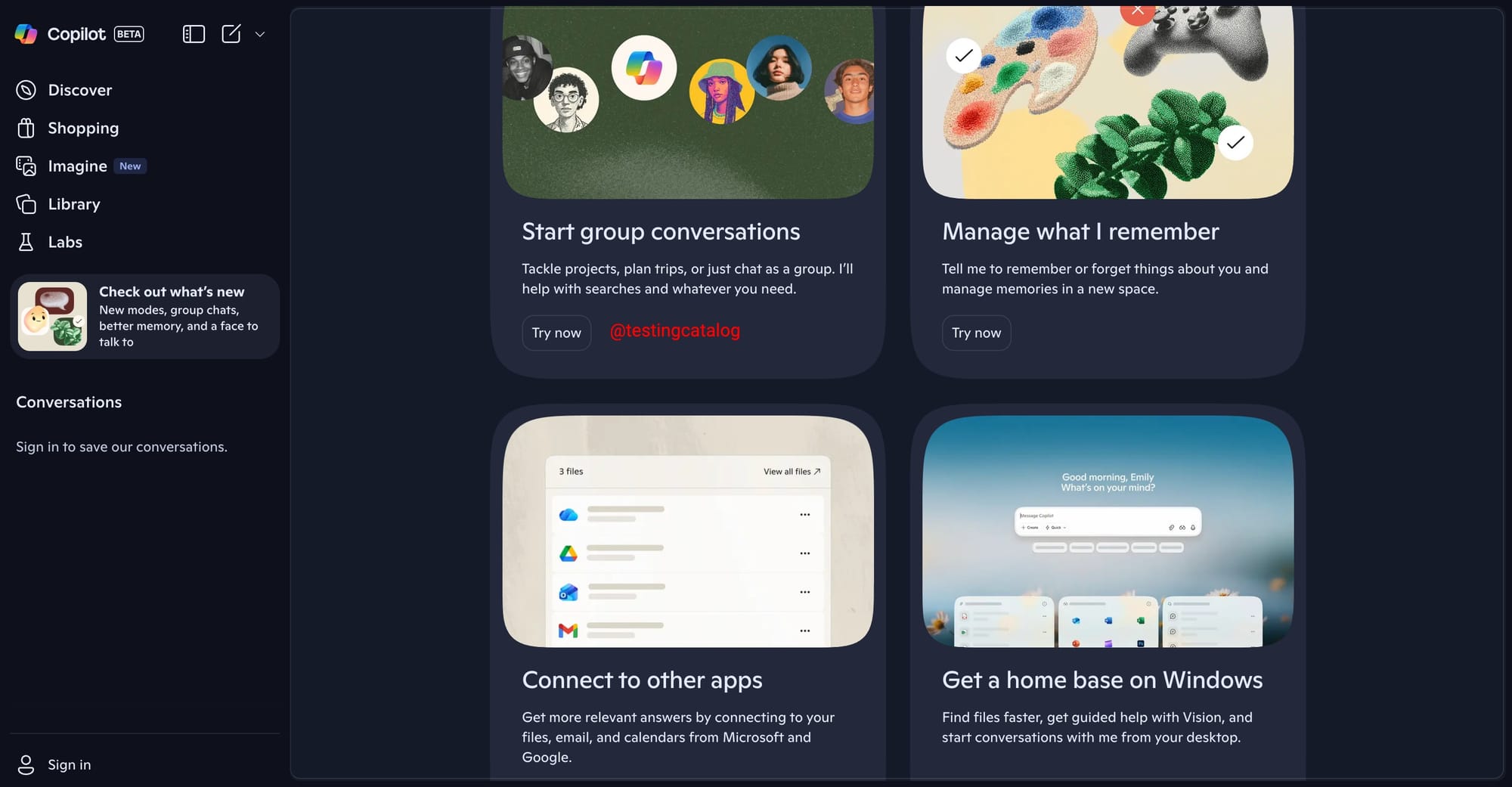
Voice-driven study support allows users to discuss learning topics with Copilot, who can visually express explanations on a virtual board, aiding understanding instead of just providing direct answers.
BREAKING 🚨: Microsoft Copilot will get a new Appearance for its "Study and Learn" voice mode.
— TestingCatalog News 🗞 (@testingcatalog) October 19, 2025
Miko will likely be able to show visual content on the virtual board to help you learn new things. I bet it will get "vision" capabilities in the future, too. pic.twitter.com/2jc3olMvjZ
8. Image Remix (Imagine Feature)
The Imagine experience allows users to browse AI-generated images and remix them with custom prompts, similar to the Imagine Gallery, supporting creative workflows directly in Copilot.
9. Real Talk
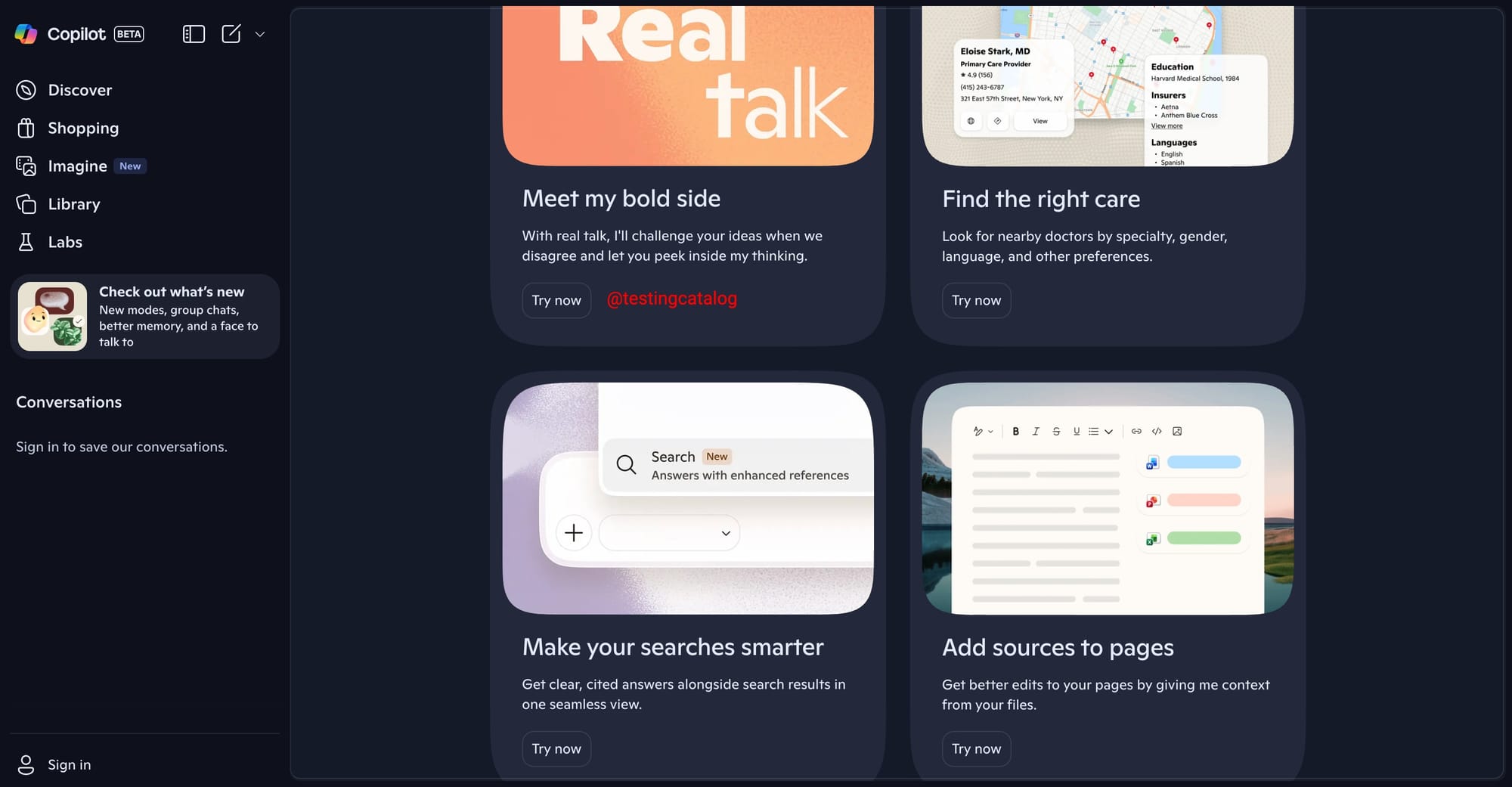
A new mode where Copilot can challenge user assumptions, provide counterpoints, and show its reasoning, rather than simply agreeing. This aims for deeper conversations, but is not as “unhinged” as xAI’s Grok.
10. Find Care
Copilot will help users (initially in the US) find nearby doctors based on specialty, gender, language, and other preferences. Results are surfaced in-line, with interactive map widgets.
11. Smarter Search
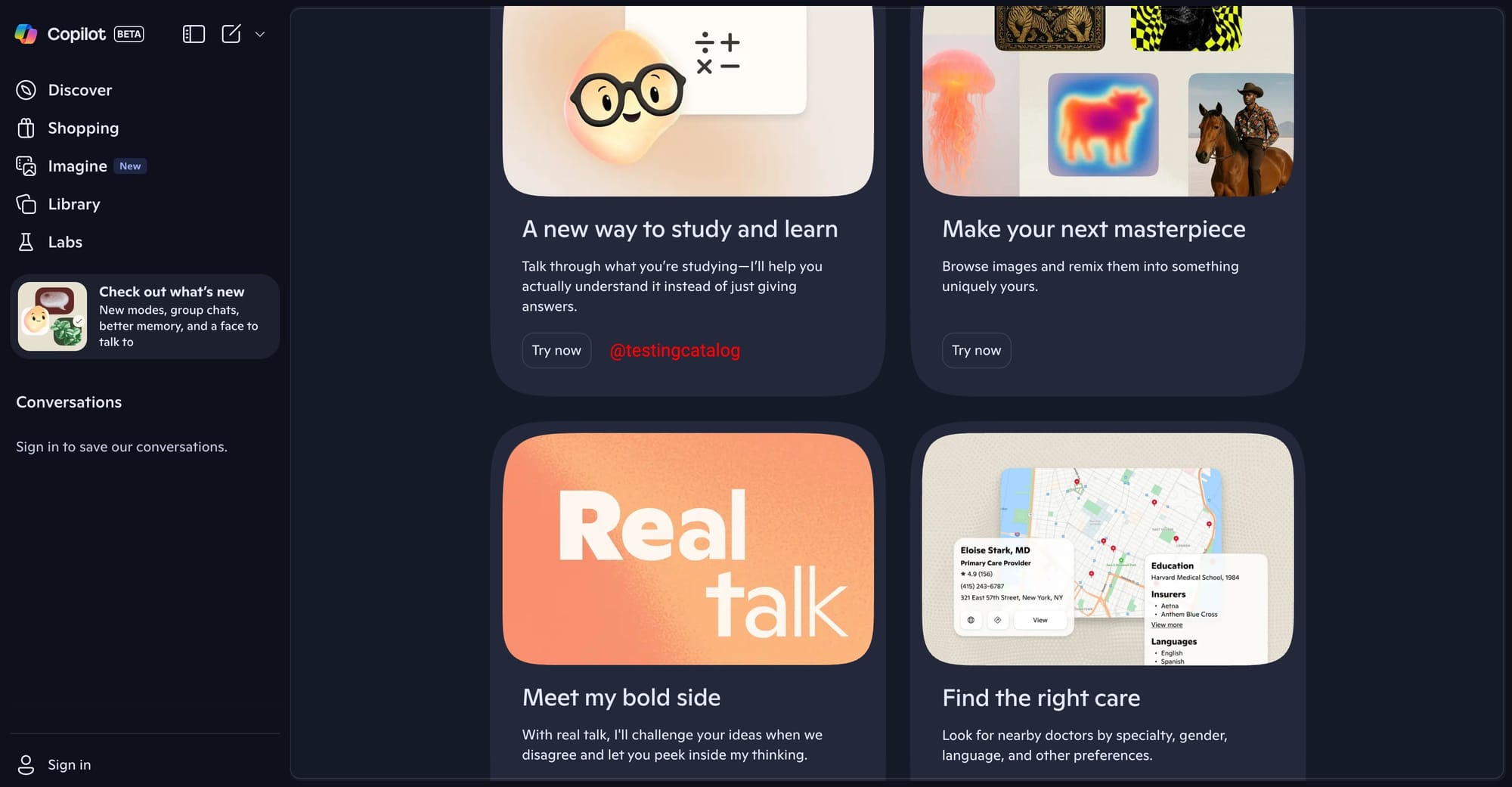
Search results are improved with clearer, AI-generated answers shown alongside standard web results, creating a more seamless experience for information lookup.
12. Add Sources to Pages (Page Context Editing)
Users will be able to attach files to pages and instruct Copilot to use this context for editing documents, improving the quality of AI-powered page edits.
Features such as Copilot Shopping with native checkout, video generation and a voice coach for interviews are in development but not confirmed for immediate release. All updates reinforce Microsoft’s strategy to anchor Copilot as a core productivity, organization, and creativity platform, embedded into Windows and Edge. Most features were discovered via UI previews, internal flags, and staged rollouts; global access will expand after the Copilot Sessions event.


