

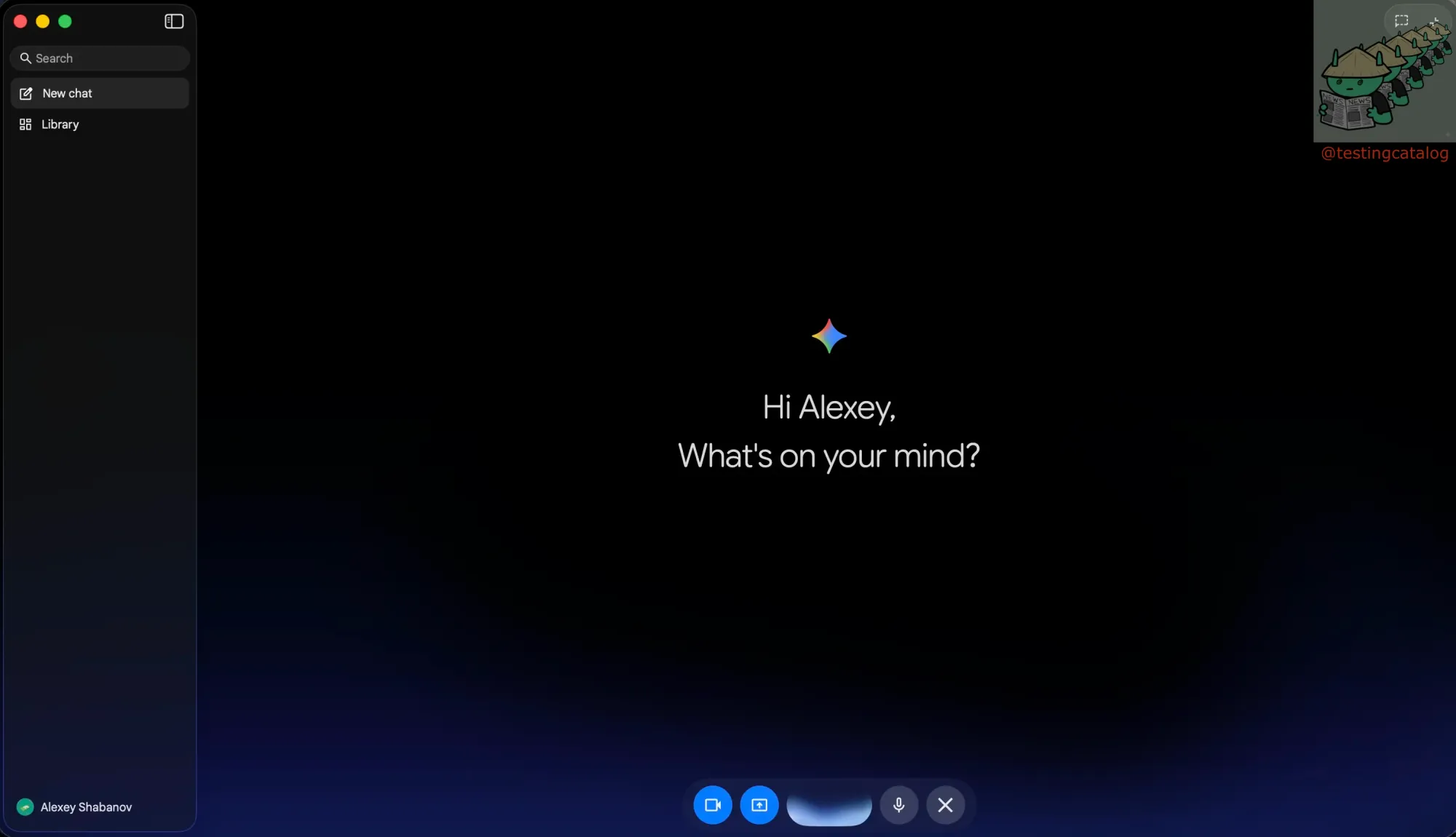
Google's Gemini desktop app for macOS is poised for a significant voice upgrade, with early indications suggesting three new features beyond the basics already available on mobile. The main Gemini Live interface has been redesigned to resemble the phone layout: a full-screen canvas with a glowing center and control buttons anchored at the bottom. This change signals Google's intention to create a unified voice interface across devices rather than maintaining two separate ones.
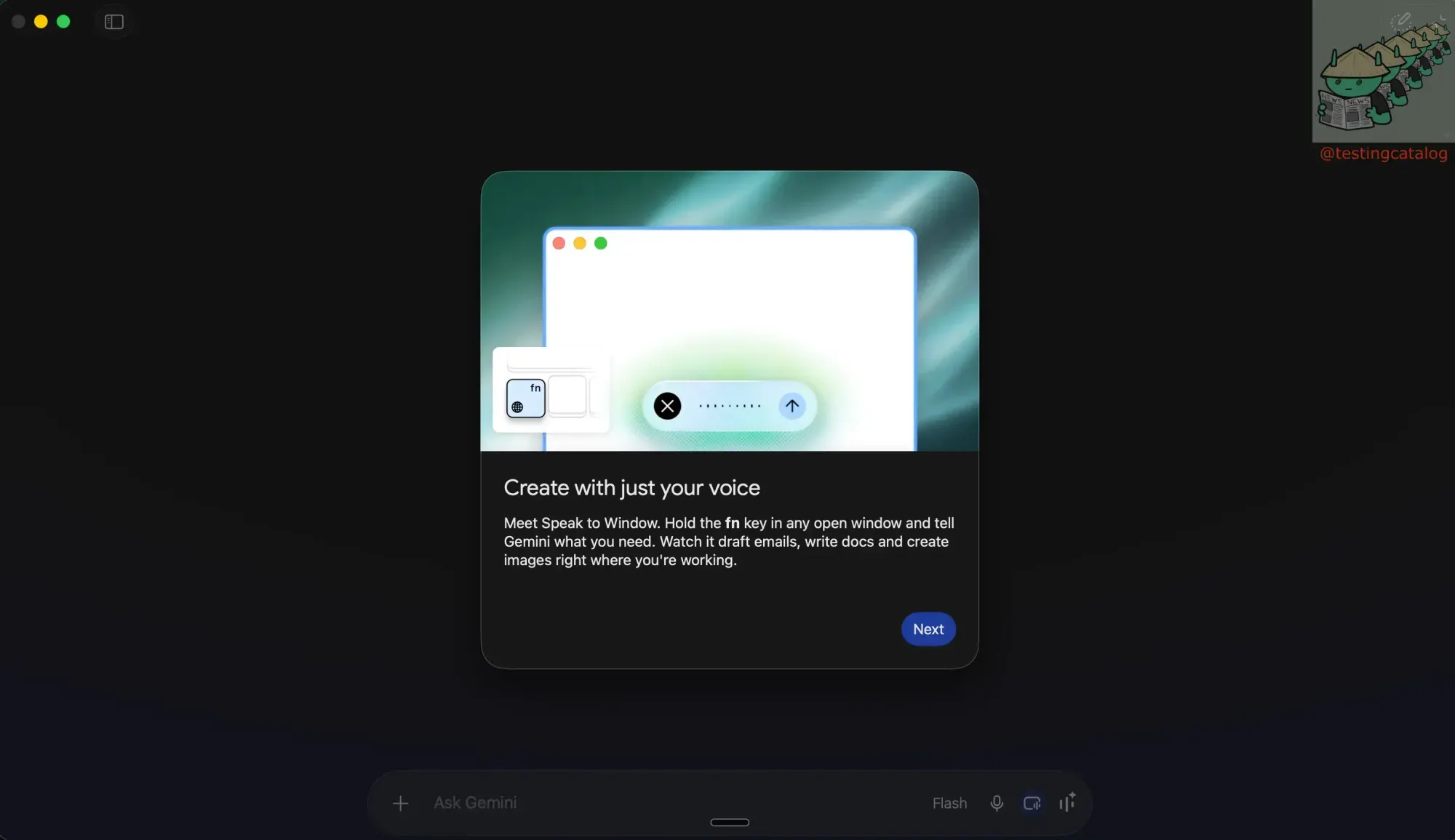
The first addition is system-wide voice dictation. An in-app prompt describes the ability to summon a Gemini panel that types for you in any application. You can assign a hotkey, switch to your browser or editor, and speak. In practice, it functions as a voice keyboard overlaying the entire machine, aligning with the screen-aware drafting feature Google showcased at I/O, where spoken thoughts are transformed into clean text wherever the cursor is positioned.
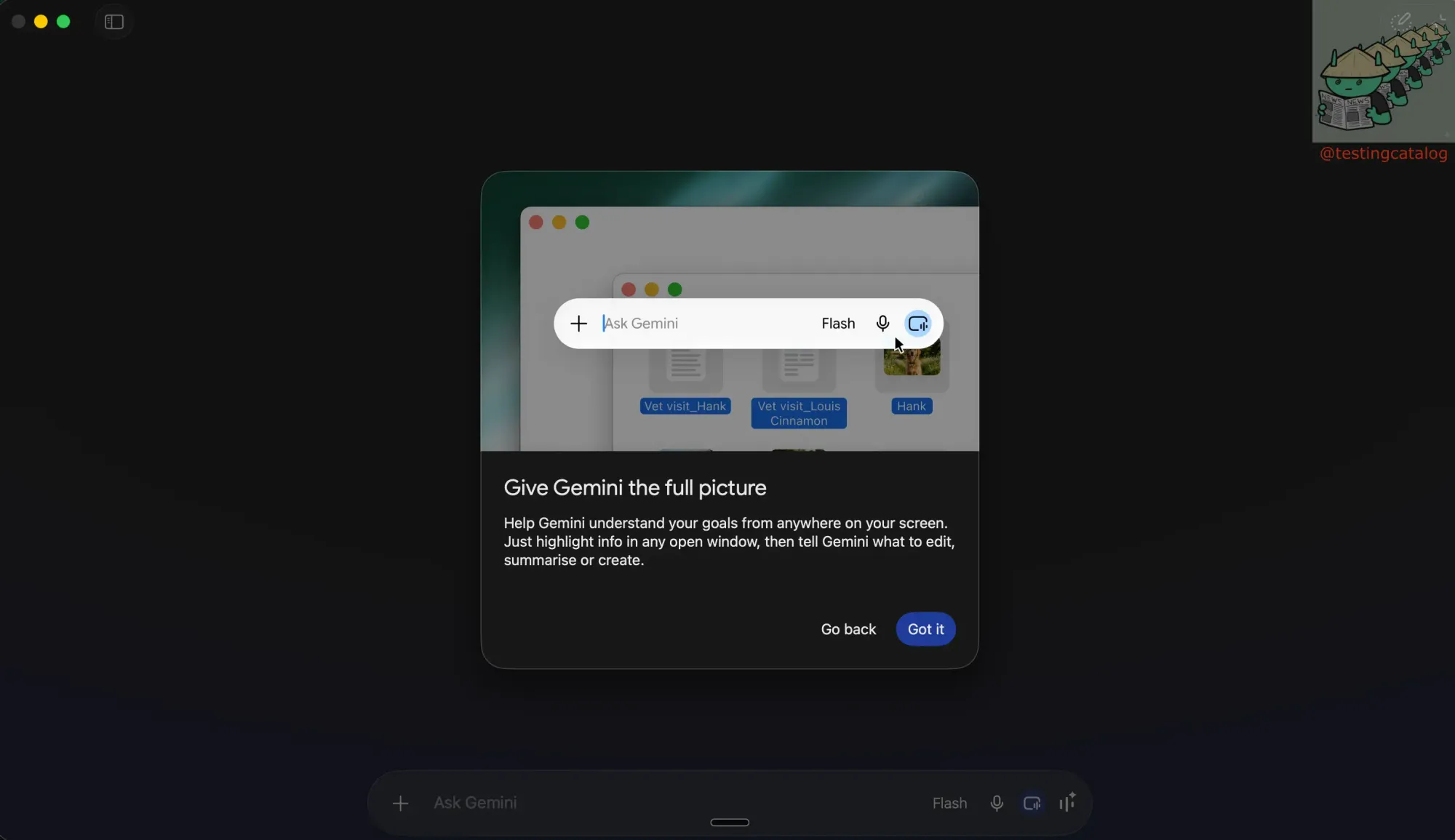
The second feature, reminiscent of the Magic Pointer concept shown earlier, allows Gemini to follow whatever the cursor hovers over. This ensures that both the user and the model remain focused on the same on-screen element during a spoken interaction.
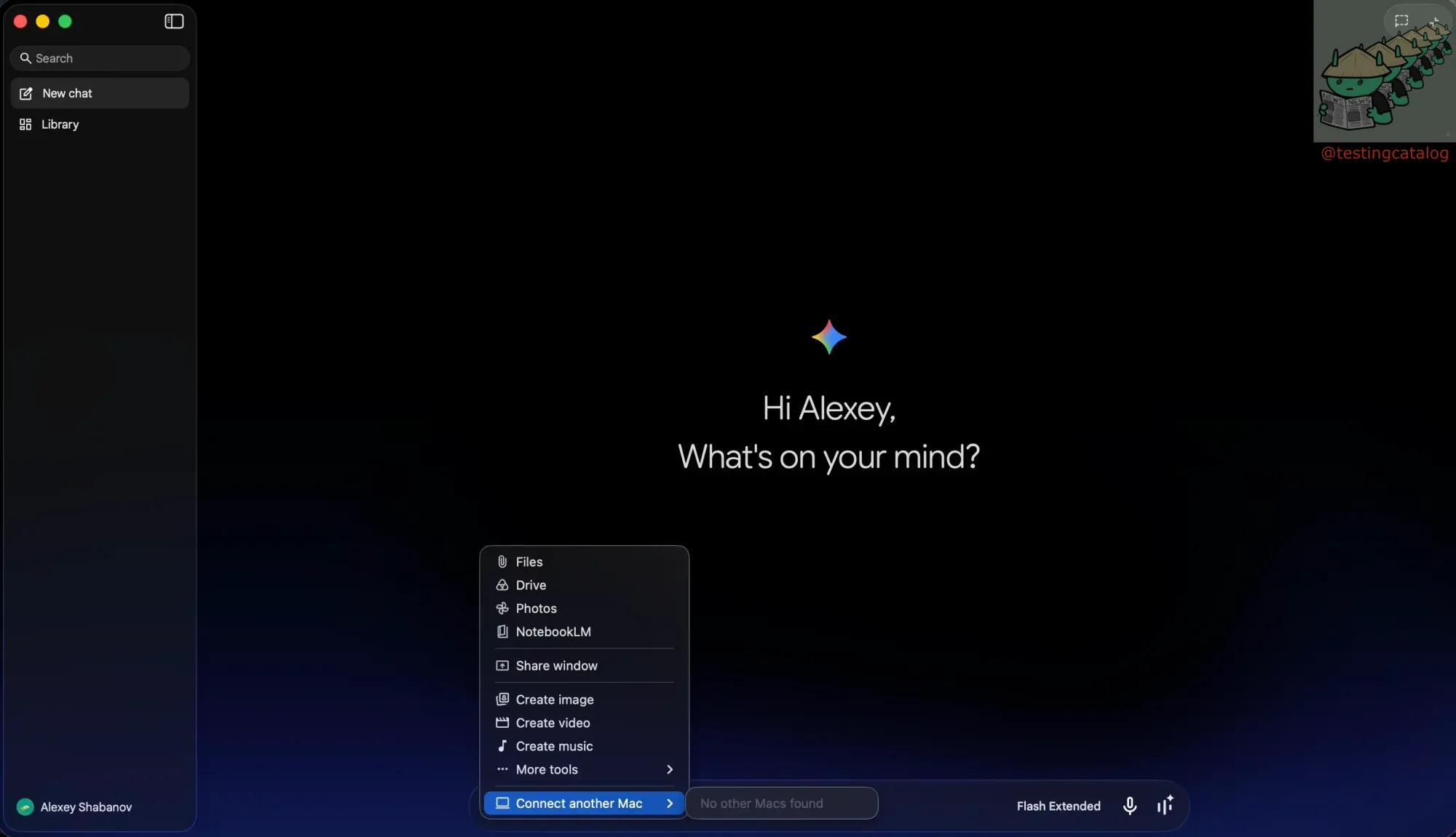
The third addition is less clear: a menu entry, located beside video and image generation options, for connecting to other macOS devices. Its purpose is still uncertain, though it suggests a potential path toward one desktop instance controlling another.
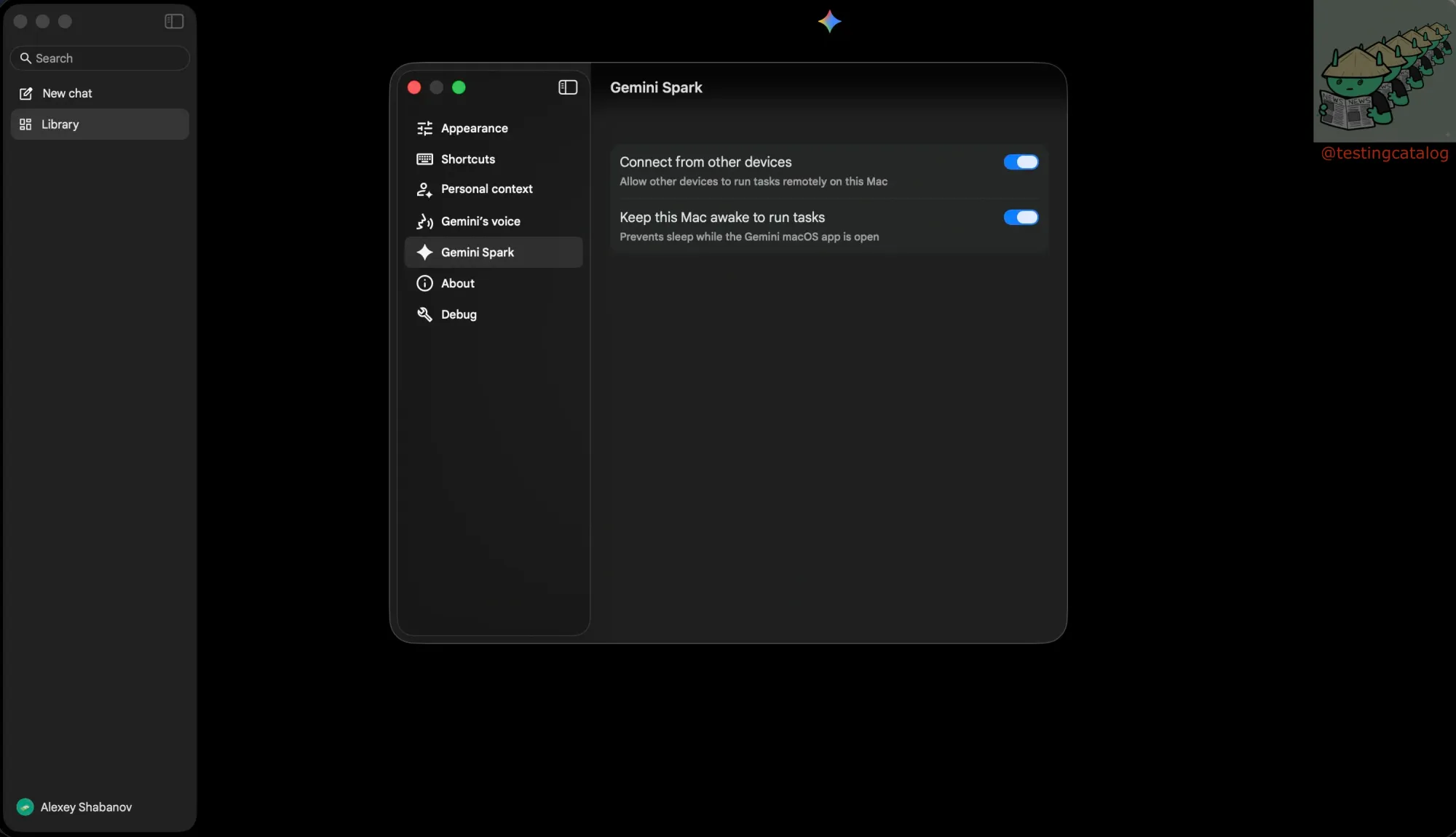
This trajectory aligns with Google's stated plan to introduce its Gemini Spark agent and enhanced voice capabilities to the Mac client this summer, bridging the gap between the desktop app and the web. It also positions Google alongside OpenAI and Anthropic, which already offer similar features such as Codex Remote Control and Claude's Dispatch. Currently, these features are being tested by a small group, so the final version that becomes widely available may still undergo changes.
Join DevMode Discord for more 👀