

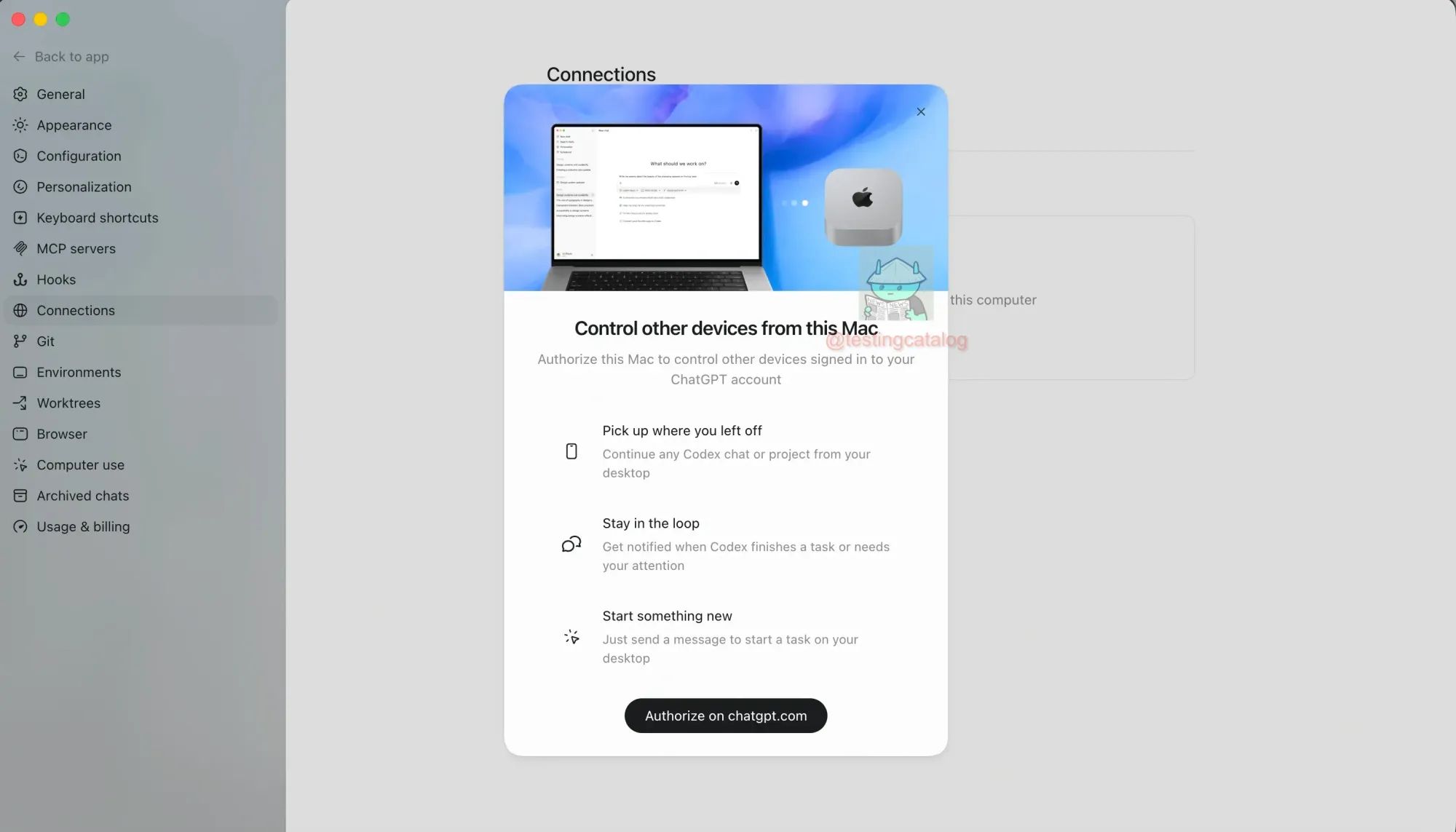
OpenAI appears to be quietly extending the reach of its Codex remote control system, working on a capability that would let the coding agent operate macOS applications through Computer Use even when a laptop is locked or asleep. The work is being positioned as a follow-up to the remote control feature that landed in the ChatGPT mobile app on May 14, which lets iPhone and Android users review outputs, approve commands, switch models, and dispatch new tasks to a Mac running the Codex desktop app.
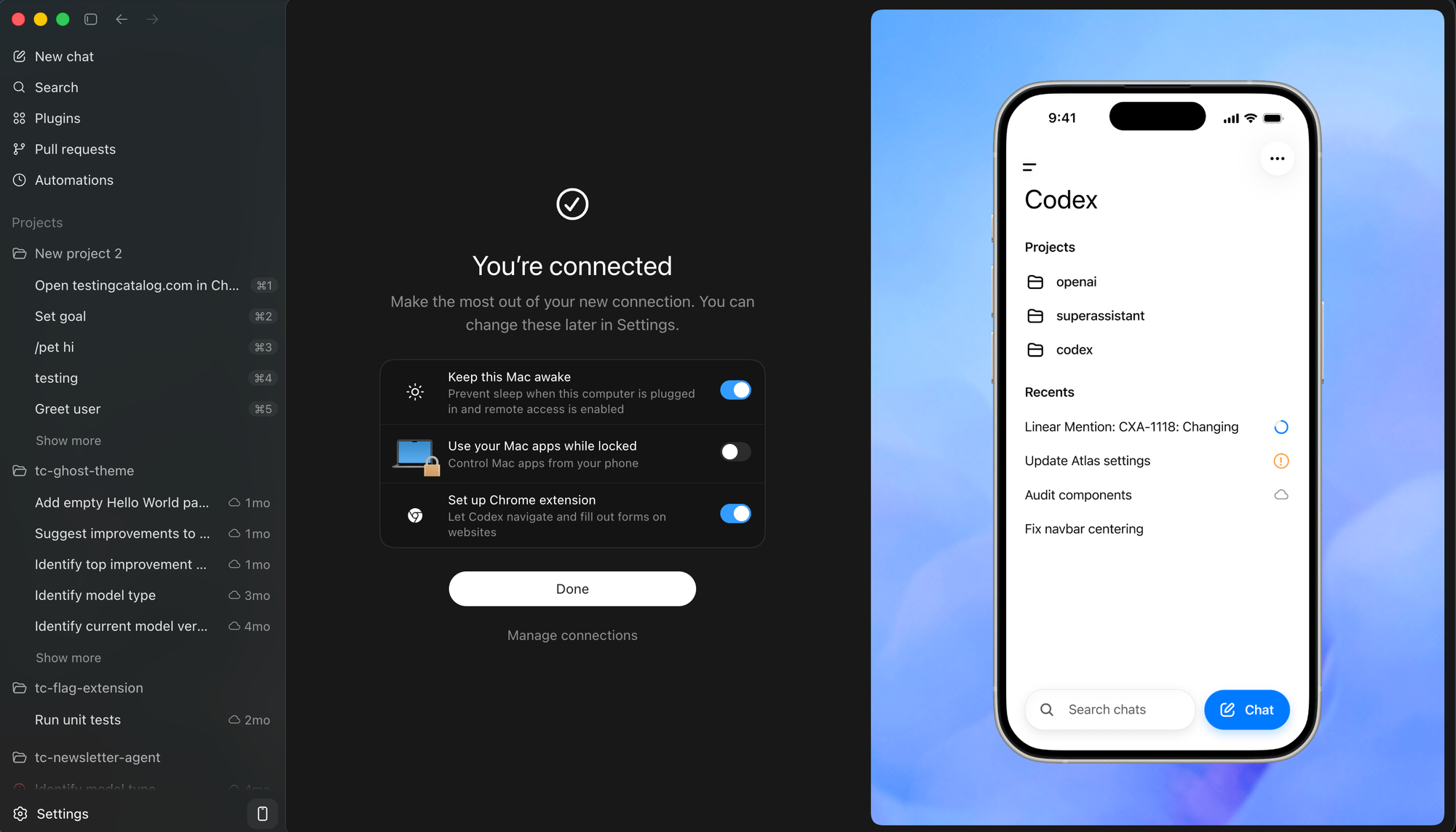
The new piece in development addresses one of the most awkward gaps in that workflow. The blocker has been Computer Use itself, which requires an unlocked, awake session to see the screen, move the cursor, and type in apps. Lifting that restriction would mean a phone could direct the agent to open a desktop app, test a GUI build, run through a simulator, or hit a data source, all without the user having to walk back to the machine to log in first.
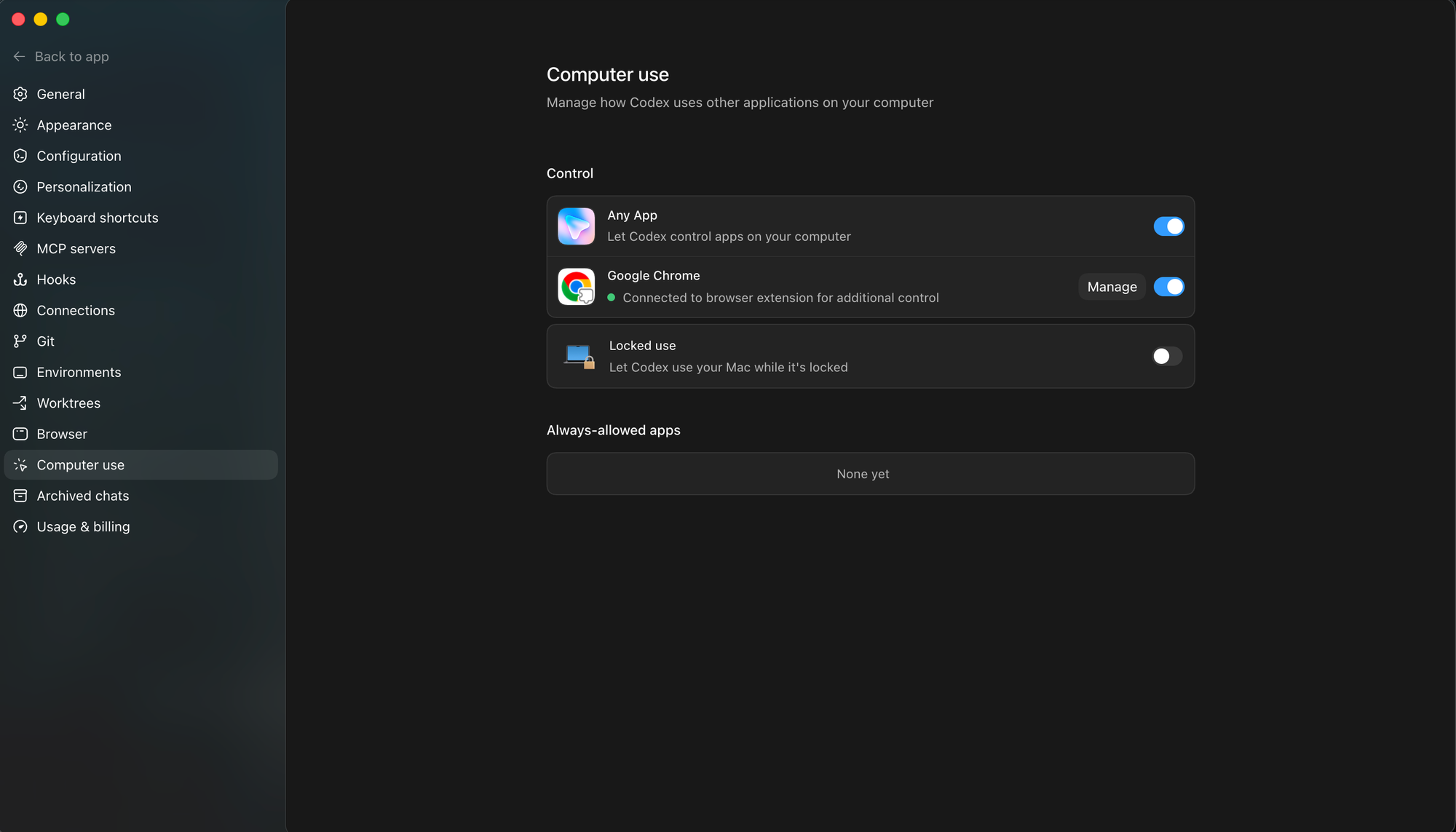
It would also close a gap with Anthropic, which shipped its own phone-to-machine control for Claude Code back in February but remains similarly constrained once a Mac locks.
How Apple reacts is the open question. Bypassing the standard expectation that a locked screen means an idle, untouchable session sits uncomfortably with macOS security defaults, and any approach that keeps a screen-driving agent active inside a locked session will likely draw attention from Cupertino. Release timing has not surfaced, but this should be read as the second beat of the same remote-control story rather than a standalone launch.
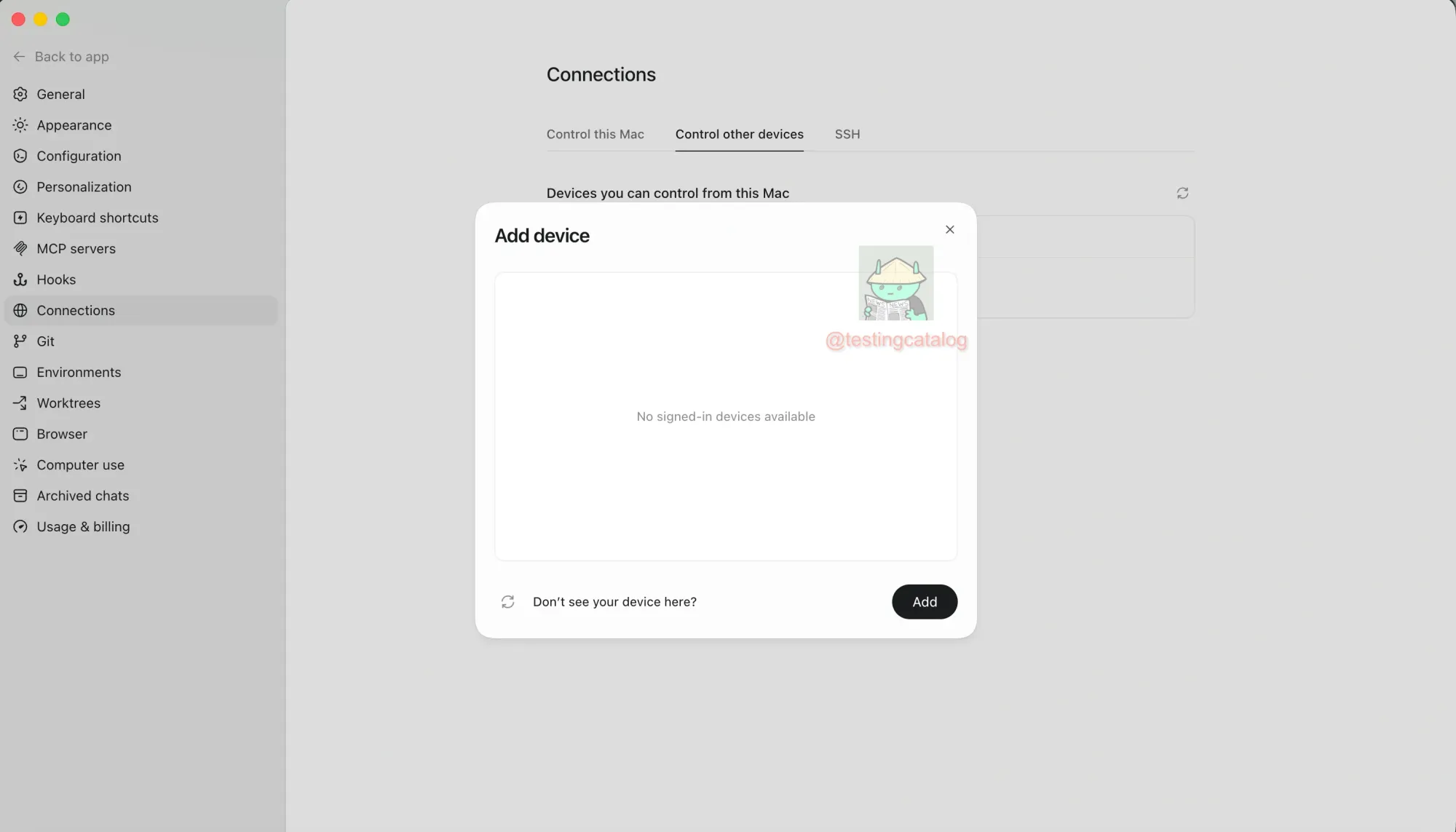
Additionally, OpenAI is exploring the possibility of connecting to and controlling other desktop devices running the Codex app. For example, you can install it on a Mac Mini and operate it directly from your main device. Based on the still-developing UI component, users will be able to connect to and operate many devices remotely.


