

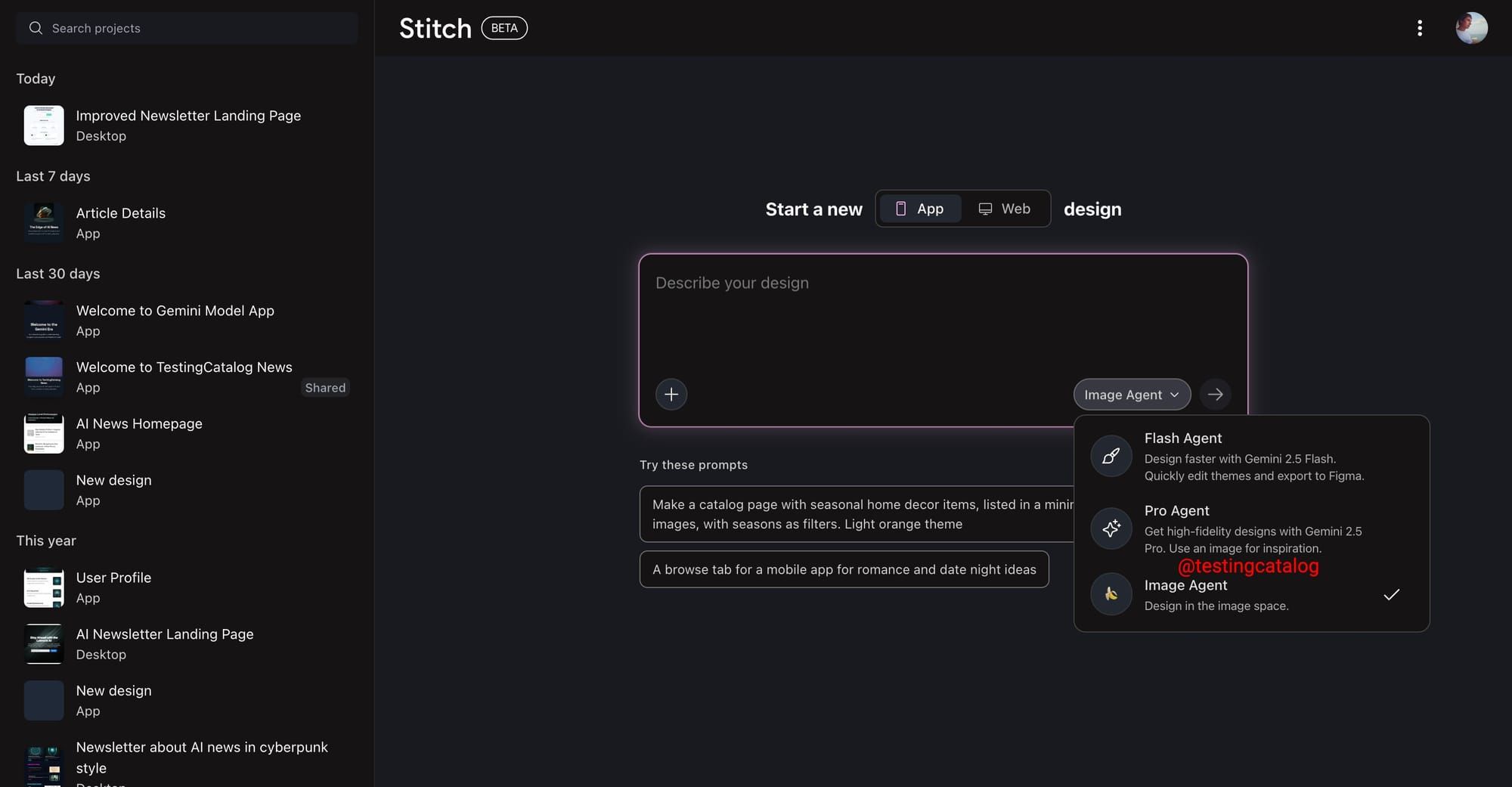
Google is preparing new features for its Stitch design agent, aimed at product teams and UI designers who work with Google’s growing suite of AI tools. The most notable addition under development is the Image Agent mode, marked by a banana icon and a prompt to “design in the image space.” This option will appear alongside existing modes such as Flash Agent and Pro Agent, suggesting it could enable users to generate and incorporate AI-made images directly into their UI designs. The mention of “image space” hints at a possible new workspace or area within Stitch, though it’s not confirmed if this will operate separately from the current design space.
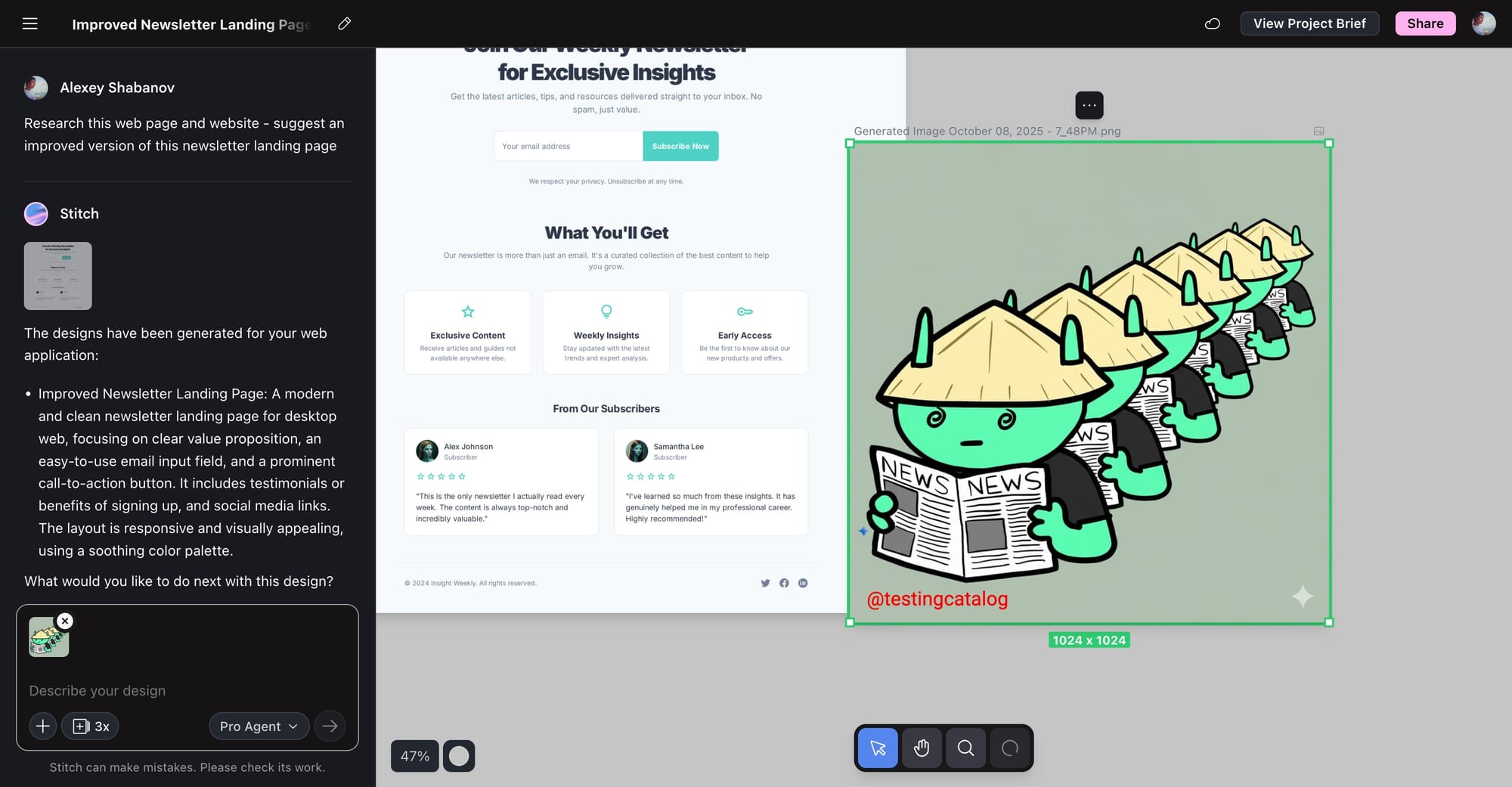
On the canvas, users already have the ability to upload images straight to their project, making it easier to combine visual assets.
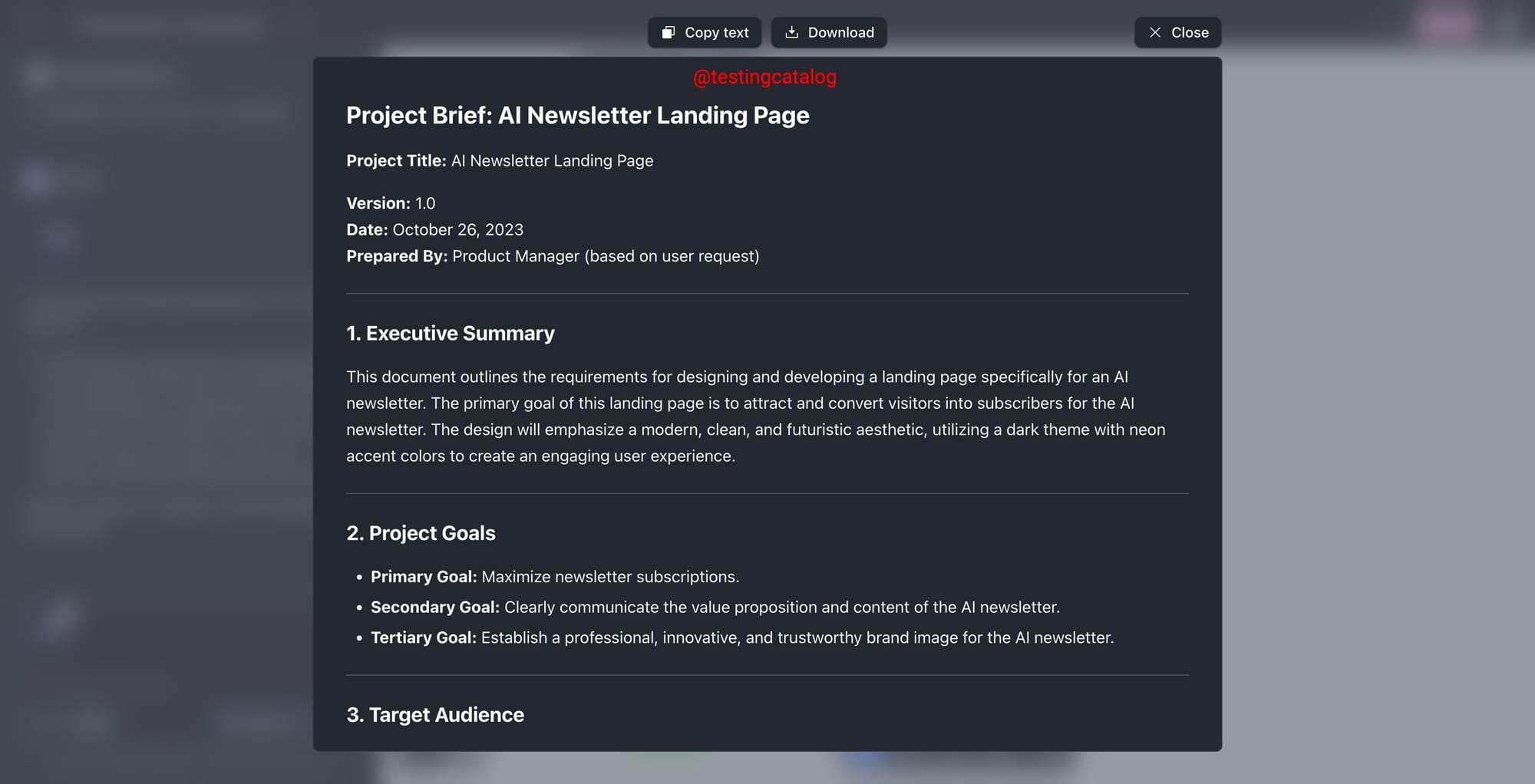
Another upcoming feature is a button that creates a comprehensive document summarizing project goals, features, and screens, generated from the chat history. This feature will help teams keep detailed records and transfer project context into other tools.
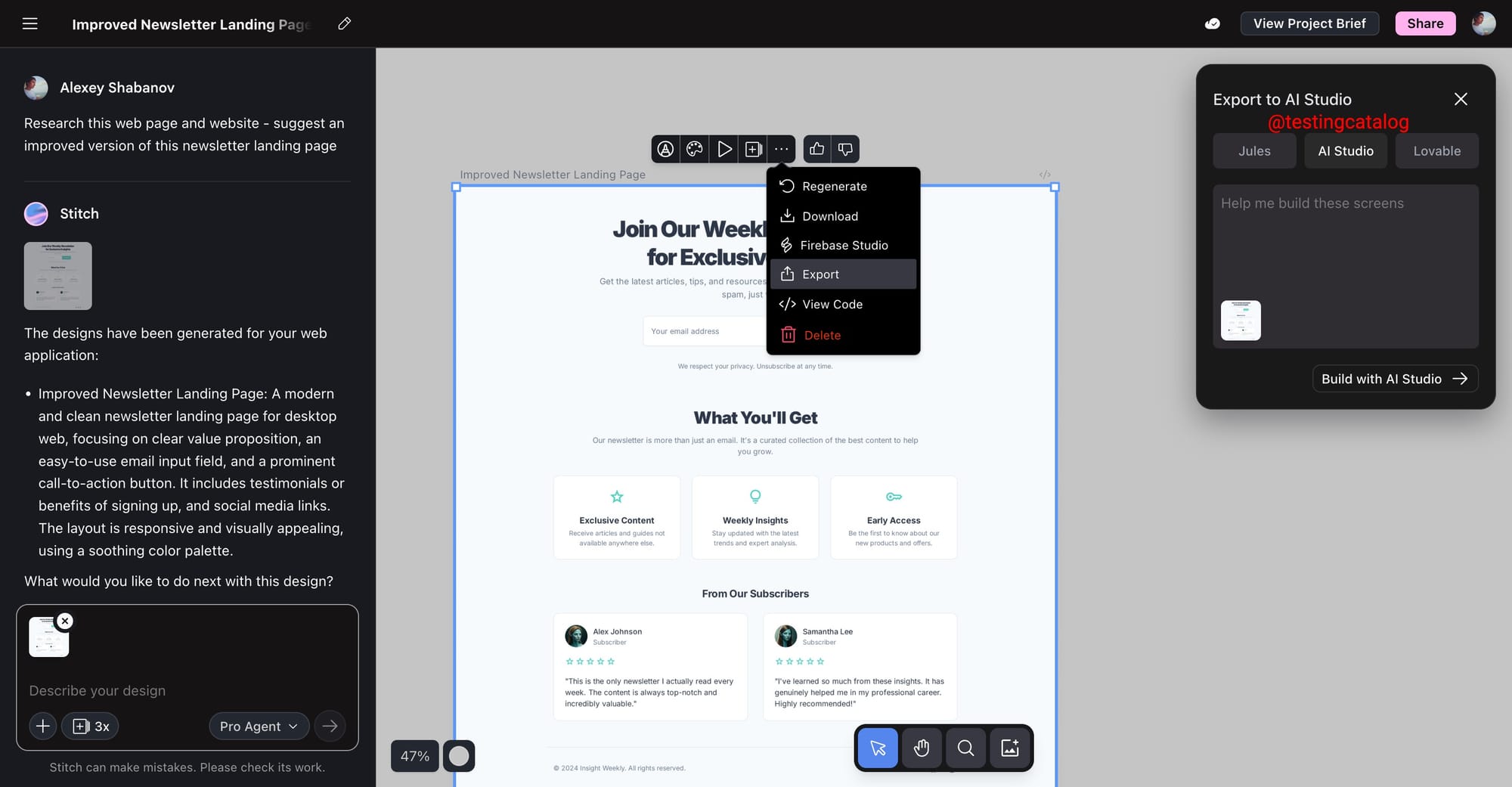
Export options are also being broadened: projects will soon be exportable not only to Jules (Google’s SWE agent) but also to AI Studio and possibly Lovable, which shows Google’s intent to link Stitch closely with its wider developer ecosystem. While the exact launch dates for these updates remain unspecified, the features align with Google’s current strategy to strengthen design and development workflows across its AI product lineup, especially as new model updates like Nano Banana 2 approach. These moves suggest Stitch is evolving to support more visual and cross-platform project development, with a focus on practical integrations for both design and engineering teams.


