

UPDF 2.0 positions itself as a cross-platform PDF workstation, combining classic editing tools with a heavier focus on automation and AI. The update centers on three areas: an AI assistant for working inside documents, expanded batch operations for repetitive jobs, and a redesigned interface built around a WYSIWYG editing flow plus personalization options like skins, toolbar switching, templates, and an eye protection mode.
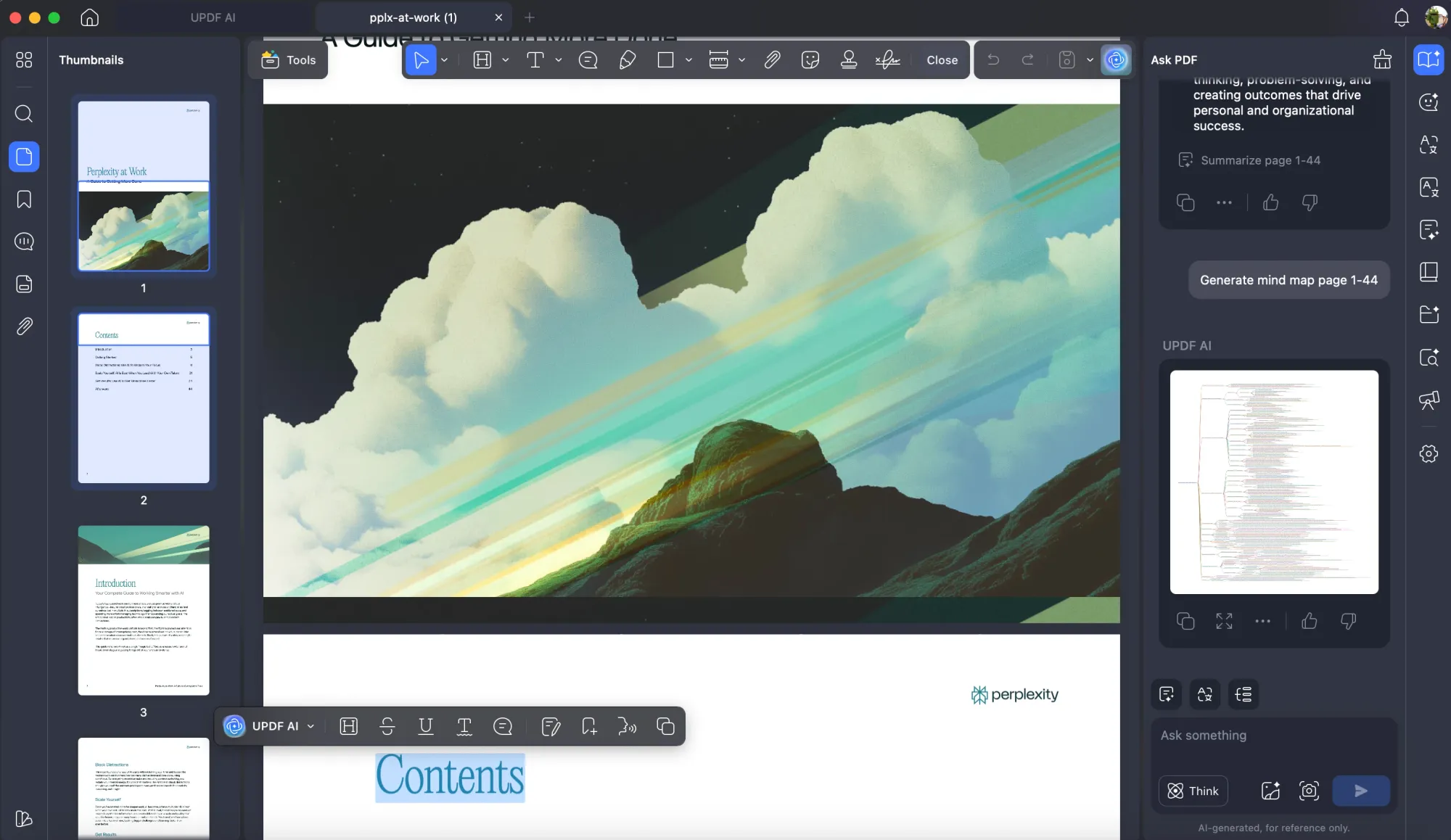
The core addition is UPDF AI. From the app, you can “chat with PDF” to ask questions about a document, then run targeted actions like summarize, translate, or explain selected passages. There is also full-document PDF translation that aims to keep the original layout, plus options like chat with image, PDF to mindmap, and “Chat Project” for grouping work.
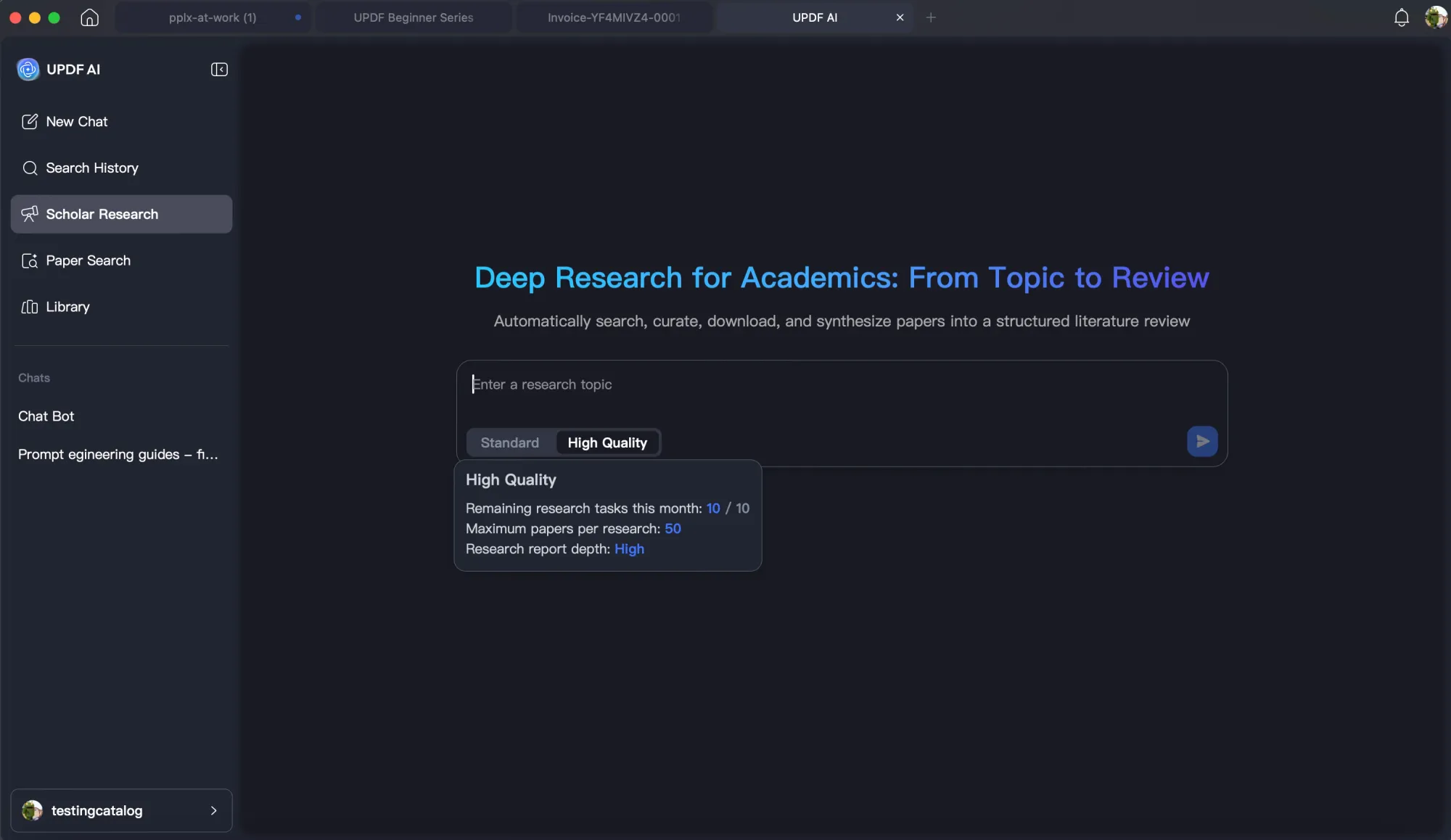
For academic use, Scholar Research and Paper Search are framed as a way to find relevant papers by keyword, analyze sources, and generate structured outlines.
On the productivity side, UPDF 2.0 adds six batch tools, including:
- Batch OCR
- Compression
- Watermarking
- Backgrounds
- Headers and footers
- Batch element removal
These are alongside broader batch processing such as convert, merge, encrypt, insert, and more. Standard editing remains broad: edit text, images, and links, and manage watermarks, backgrounds, and headers and footers from the tools panel. OCR can convert scanned PDFs into editable files, and conversion covers common targets like Word, Excel, PowerPoint, images, CSV, HTML, TXT, and XML.
Beyond the headline items, UPDF 2.0 includes annotation toolsets, page organization (insert, replace, extract, split, rotate), form creation with field recognition, digital signatures, password protection with two password types, redaction and document sanitization, compare PDFs, and flattening to lock interactive elements into a non-editable layer. UPDF also promotes cloud sync and sharing via link, QR code, or email.
As a company, UPDF is explicitly targeting Adobe Acrobat’s footprint with a multi-device, multi-OS strategy (Windows, macOS, iOS, Android), and it markets licensing and support as differentiators: one account on up to four devices, lifetime upgrades, a lower price point relative to Acrobat, monthly updates, 24/6 customer service, a 30-day money-back guarantee, and enterprise-focused authorization management.
Finally, UPDF Pro also offers a one-time lifetime purchase with lifetime free updates, while Adobe Acrobat primarily uses a subscription model.


