

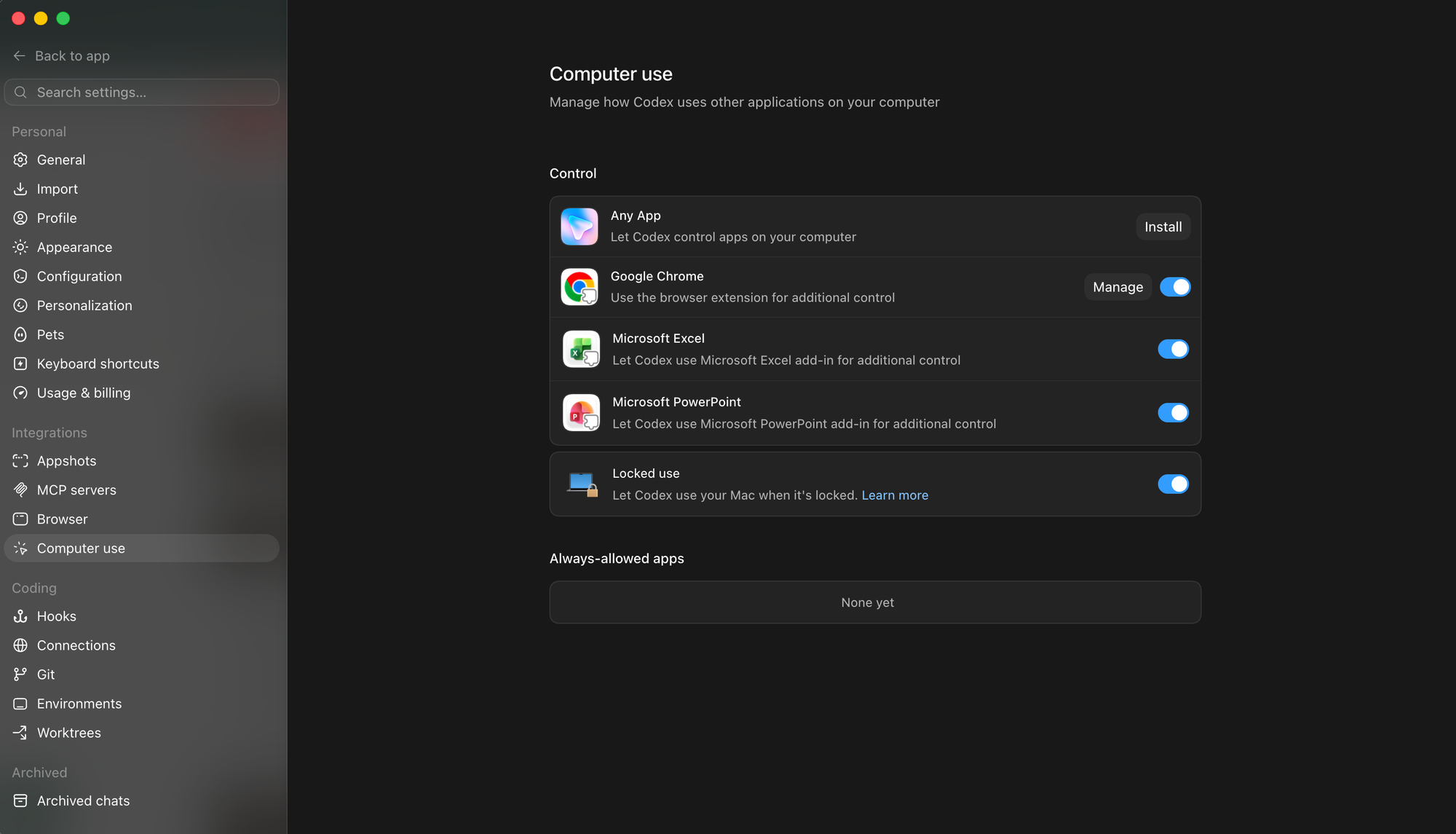
OpenAI appears to be preparing a more targeted form of computer use for Codex, with two options surfacing in the Computer Use section of the settings, both tied to using Microsoft Office. Rather than treating PowerPoint and Excel as generic windows to click through, the toggles suggest Codex working through each app's add-in layer, the task-pane and content add-in framework Microsoft exposes to developers, to handle slides and spreadsheets with more precision than screenshot-and-cursor control allows.
Codex's computer use, shipped earlier this year, already reads native interfaces and drives them through clicks and keystrokes, but that general approach struggles with the depth of a pivot table or the master-slide structure of a deck. Routing through add-ins would give Codex a structured handle on document internals, the kind of access that separates a reliable edit from a brittle one. For people who live in spreadsheets and decks, finance teams, analysts, and consultants, it would cut the shuffle between Codex and Office and let more work be handed off in place.
The features remain unreleased and carry no public timeline; they sit in settings without being switched on. Where they would appear is clear enough: inside the desktop Codex app on macOS and Windows, as opt-in controls beside the existing Computer Use plugin.
The strategic read is the more telling part. OpenAI has spent the year turning Codex from a coding assistant into a general workbench that operates the software around it, and a dedicated Office path fits that arc. It also sets Codex against Microsoft's own Copilot, whose agent mode now supports multi-step actions natively in Word, Excel, and PowerPoint, and which relies on Anthropic's models for some of that work. Anthropic, in turn, drives Office through its own add-ins. Operating the productivity layer through structured hooks rather than raw pixels is becoming the shared battleground, and Codex is moving to claim its share.


