
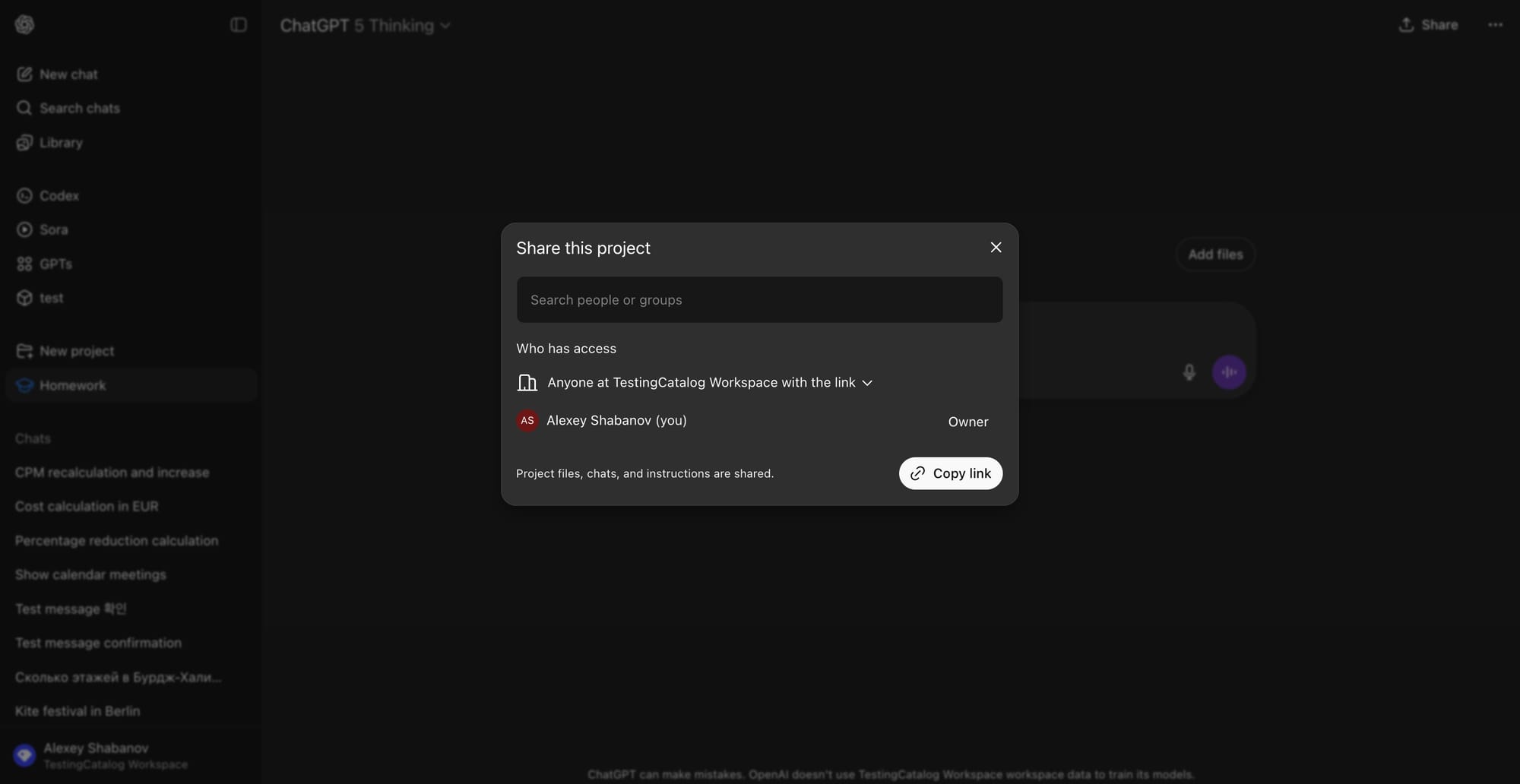
OpenAI has announced the launch of shared projects, smarter connectors, and new compliance controls for ChatGPT Business. Shared projects are rolling out today for Business, Enterprise, and Edu users, with availability for Free, Go, Plus, and Pro users coming soon. Connectors are generally available in settings, and admins have control over access. OpenAI reports having 5 million business users. Notably, projects can only be shared within a workspace.
Shared projects transition projects from a single-user mode to a team mode. Team members can add files and instructions to a single project, allowing ChatGPT to use that context across various chats. Project creators can invite others via email or link, granting chat or edit access. Each project maintains a private memory, ensuring that long-running work does not lose context. Use cases for shared projects include client work, content production, and reporting.
Connectors now have the capability to pull context from platforms such as Gmail, Google Calendar, Google Contacts, Microsoft Outlook, Microsoft Teams, SharePoint, GitHub, Dropbox, and Box. ChatGPT can automatically decide when to use a connector or perform a search. Synced connectors reduce latency by preloading data. OpenAI has indicated that new connectors across CRM, knowledge, and ticketing systems are forthcoming, along with availability inside projects and GPTs. LogicMonitor has reported productivity gains from using Drive in conjunction with ChatGPT.
OpenAI has also added ISO 27001, 27017, 27018, and 27701 certifications and expanded SOC 2 to include four Trust Services Criteria. Enterprise and Edu users benefit from role-based access controls, IP allowlisting, and SSO with OIDC in addition to SAML. By default, data from the Business plan is not used for training. For Enterprise and Edu users, connectors and shared features are disabled by default and can be enabled by administrators.


