
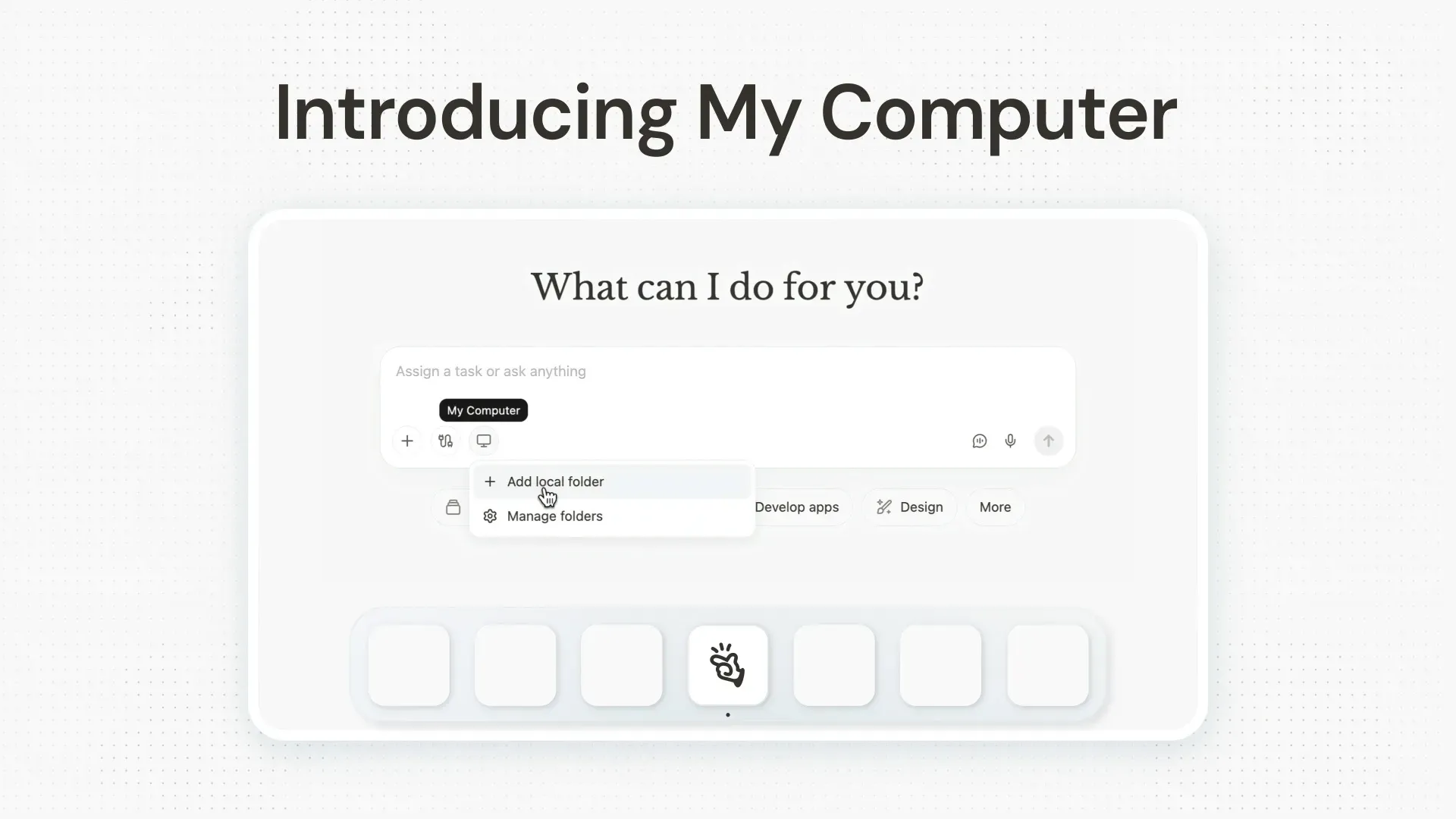
Manus has introduced "My Computer," a new capability within the Manus Desktop application that allows the AI agent to operate directly on users' local machines. This update enables Manus to access, read, edit, and organize files, as well as execute command-line tasks and control local applications, addressing a longstanding limitation of its cloud-based environment. The feature is available immediately to all macOS and Windows users, making it accessible to a broad user base including professionals, creatives, and anyone relying on local computing power for daily tasks.
Today, we're taking Manus out of the cloud and putting it on your desktop.
— Manus (@ManusAI) March 16, 2026
Introducing My Computer, the core feature of the new Manus Desktop app. It’s your AI agent, now on your local machine. pic.twitter.com/OaWU4imk3Q
My Computer distinguishes itself technically by granting Manus the ability to leverage the full suite of command-line tools and local resources, including GPUs for machine learning or AI inference tasks. Unlike previous cloud-only iterations, users can now automate workflows such as:
- File management
- App development
- Remote task execution
All these tasks can be performed while maintaining granular control over permissions. Compared to competitors, this level of local integration and user approval for each action sets a new standard for AI agents on personal computers.
Industry insiders have noted the potential for Manus to disrupt traditional automation tools, and early testers have highlighted the convenience of remote task orchestration and integration with existing services like Gmail and Google Calendar. The company, Manus, has built its reputation on providing a general-purpose AI agent capable of broad integrations, and this move to bridge cloud and local computing reinforces its commitment to expanding practical AI utility for end users.


