
Google’s Stitch AI design tool is about to receive several substantial updates that are positioned to make it more appealing for UI/UX designers, product teams, and anyone looking to streamline prototyping with generative AI. These features surfaced as previews and are likely close to rollout, though there’s no firm release date yet.
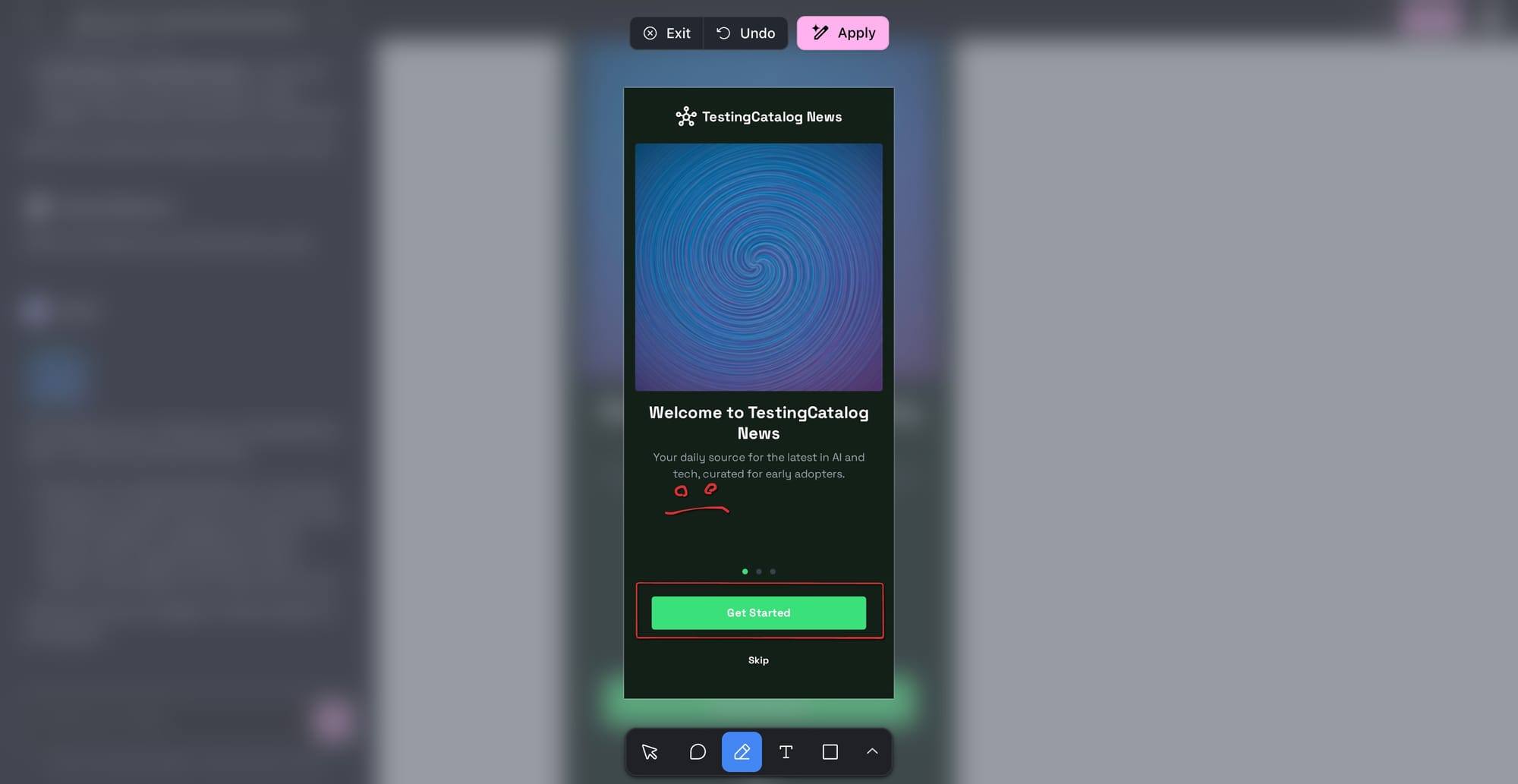
The Annotate feature, labeled with a banana icon suggesting it leverages Google’s lightweight Nano-Banana model, allows users to open a dedicated page for placing annotations directly on UI screens. These can include comments and visual notes. Once submitted, the annotated screenshot goes into the chat, where Gemini can parse the feedback and make detailed, context-aware UI changes. This workflow should support faster iteration between design and AI editing, especially for distributed teams and rapid prototyping sessions.
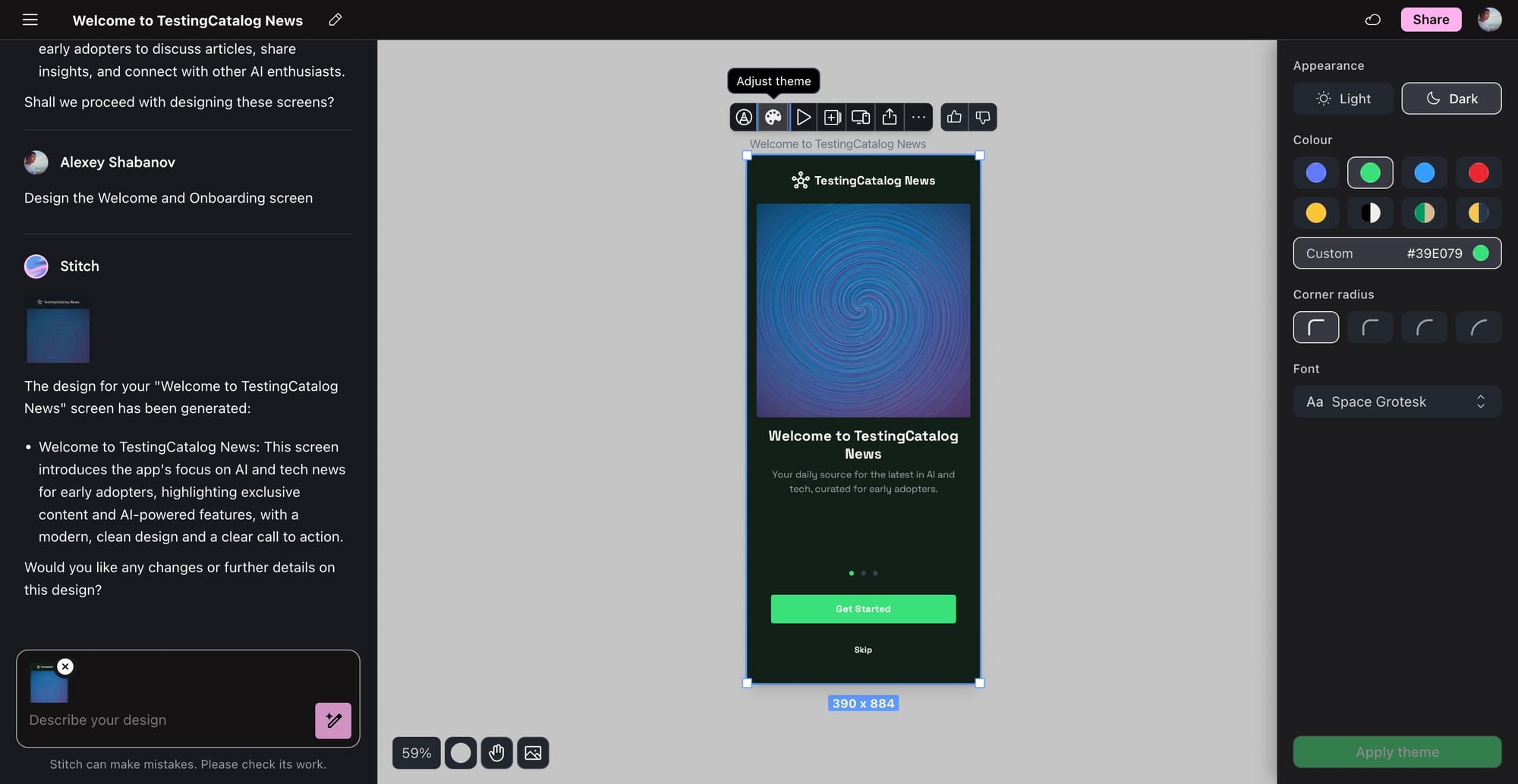
The theme introduces a sidebar where users can set light/dark modes, choose a primary or dual color palette, tweak corner radius, and adjust fonts, with changes cascading across the entire UI. This positions Stitch as a more viable option for design systems work, where consistent theming is crucial.
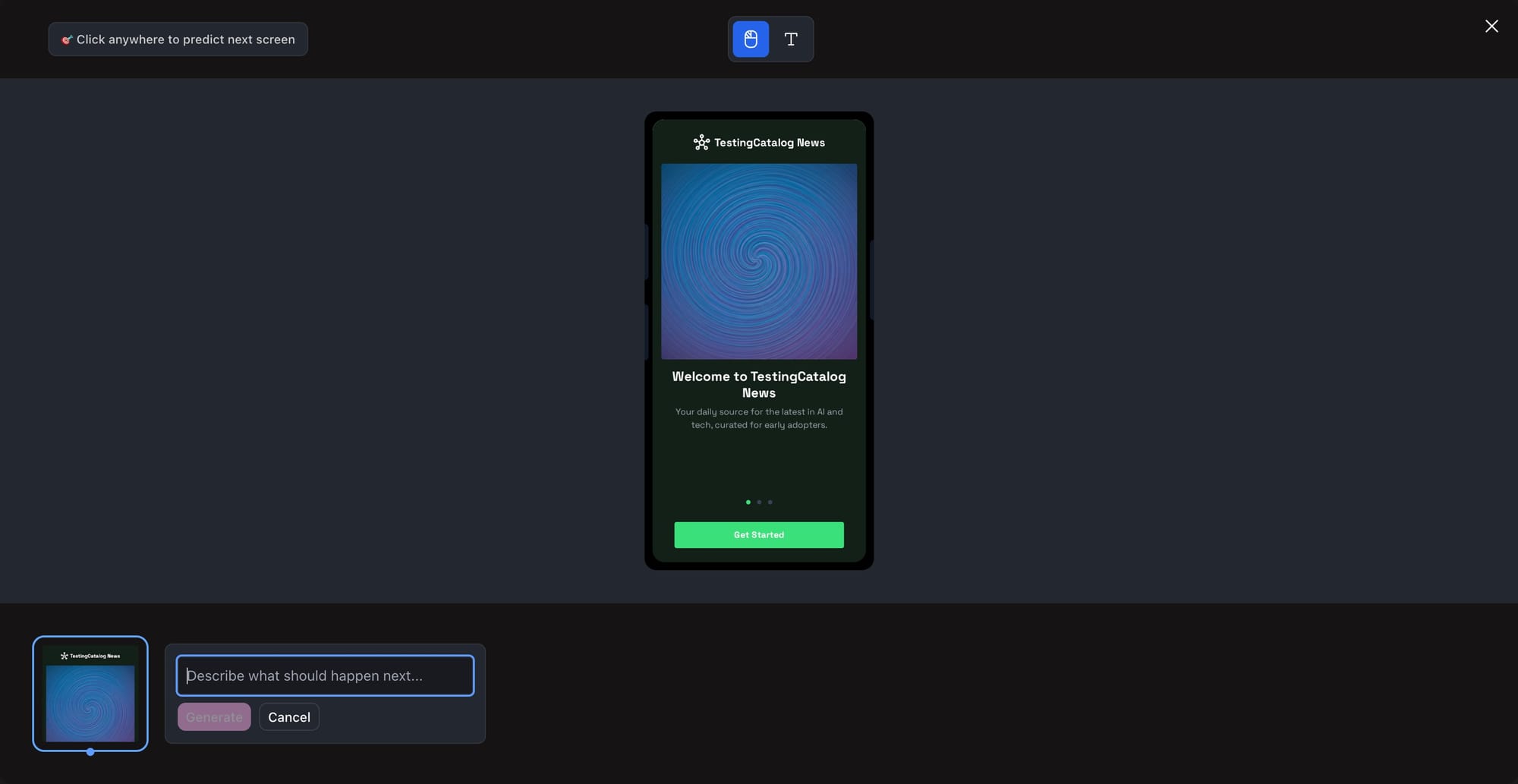
The Interactive feature stands out by letting users prototype UX flows in a hands-on manner. With click and input modes, plus a Describe prompt, it enables granular control over page transitions and user interactions, essentially offering a low-code way to storyboard how an app should respond to user actions.
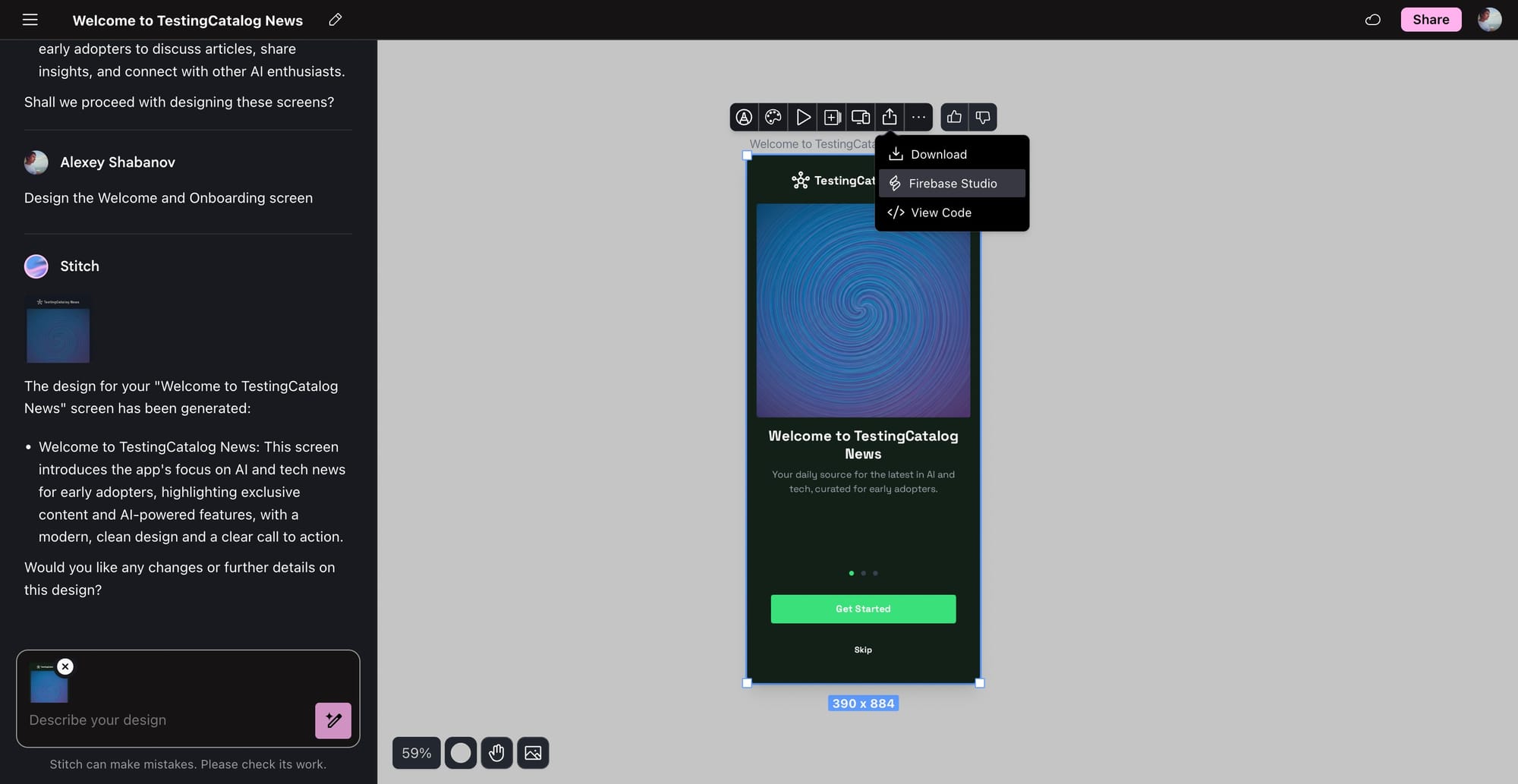
A smaller addition is the Expert (or Share) button, now letting users export directly to Firebase Studio, further tying Stitch into Google’s cloud ecosystem and speeding up the handoff between design and development.
Stitch is Google’s answer to the growing interest in AI-powered UI/UX tools. Its recent updates align with the company’s push to embed AI across its productivity and cloud offerings, offering more integrated, workflow-driven solutions for professionals working across design and frontend development. If these features deliver as intended, they could help position Stitch as a serious competitor to Figma and similar platforms, particularly among teams already using Google’s stack.


