
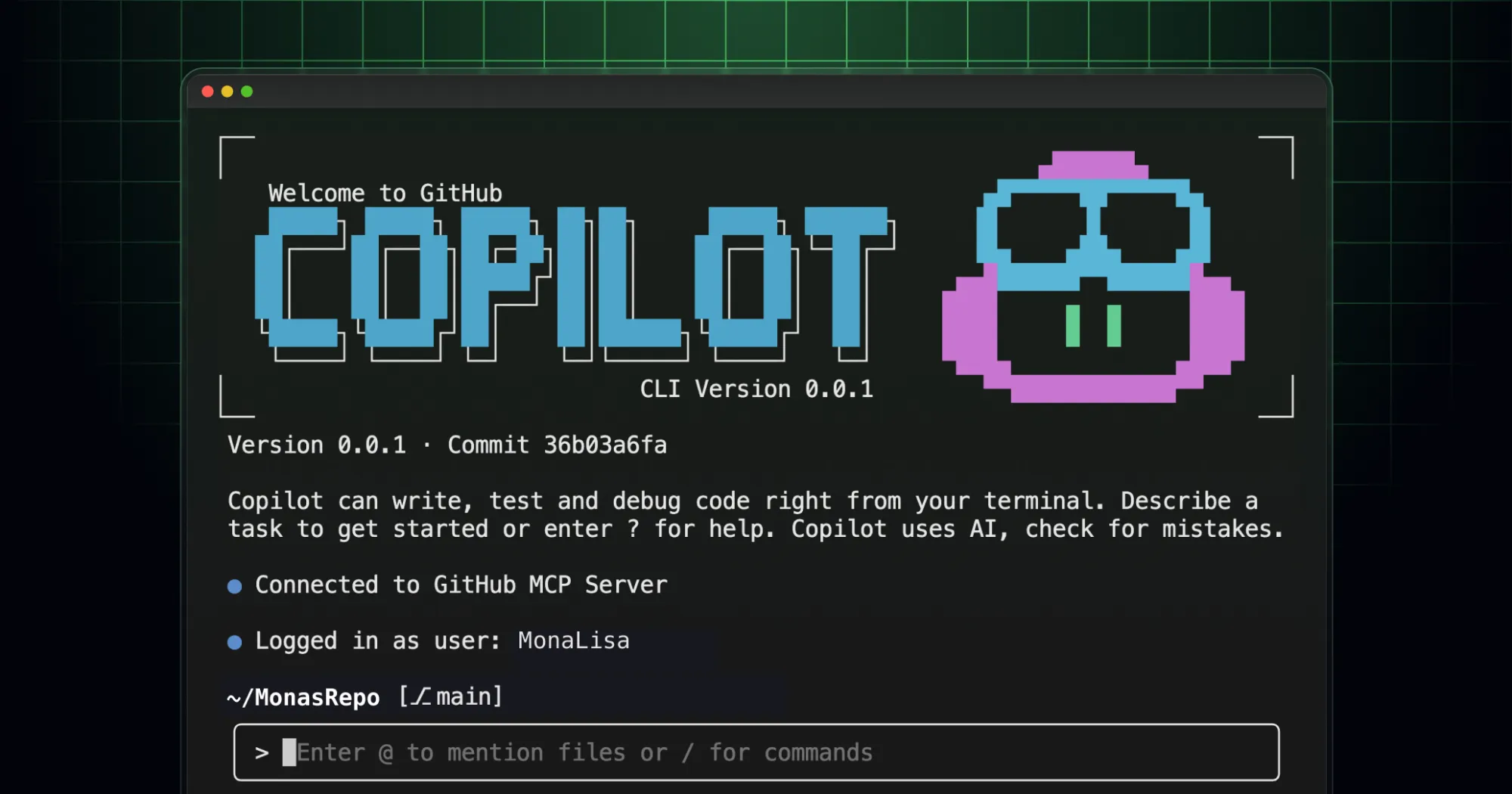
GitHub has introduced Copilot CLI, bringing its AI-powered coding agent to the terminal for developers working on local machines. This release is currently in public preview and is targeted at developers who use GitHub Copilot Pro, Pro+, Business, or Enterprise plans. By integrating directly into the command line, Copilot CLI offers real-time assistance without requiring users to switch applications.
The tool supports operations such as building, editing, debugging, and refactoring code, leveraging an AI agent that can handle complex tasks and respond to natural language instructions. Users retain full control, as every proposed action requires explicit approval before execution, addressing concerns about unintended changes to codebases.
Copilot CLI utilizes GitHub's MCP server by default but can be extended with custom MCP servers, allowing for tailored workflows and greater flexibility. It features deep integration with GitHub repositories, enabling developers to manage issues and pull requests directly from the terminal.
Early feedback from developers highlights the convenience of accessing Copilot’s capabilities natively in their workflow and the potential productivity gains compared to previous browser-based or IDE-only solutions. As a major player in developer tooling, GitHub continues to build on its Copilot suite, aiming to streamline software development with advanced AI assistance that is now accessible to users across supported platforms and regions where GitHub services are available.


