
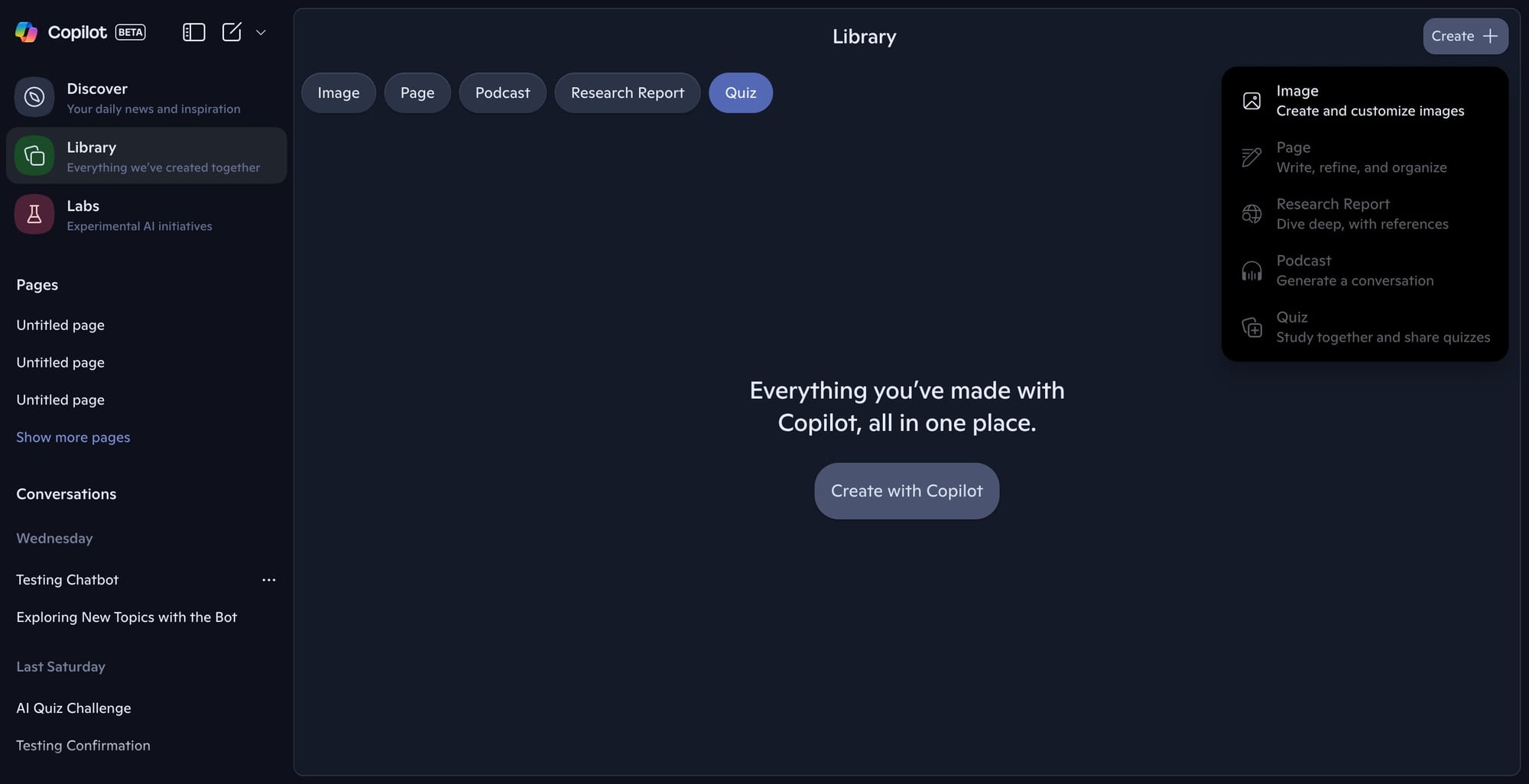
Microsoft is continuing to expand its Copilot library feature, aiming to make it a hub where users can store and manage various types of digital content. The latest development builds reveal that, in addition to images, users will soon have dedicated categories for podcasts, research documents, and quizzes. These new sections are currently placeholders, no content is displayed yet, and creation tools are inactive, suggesting backend infrastructure or UI wiring is still in progress. Nevertheless, the interface points toward a future where users will be able not only to access these artifacts but also generate them directly within Copilot.
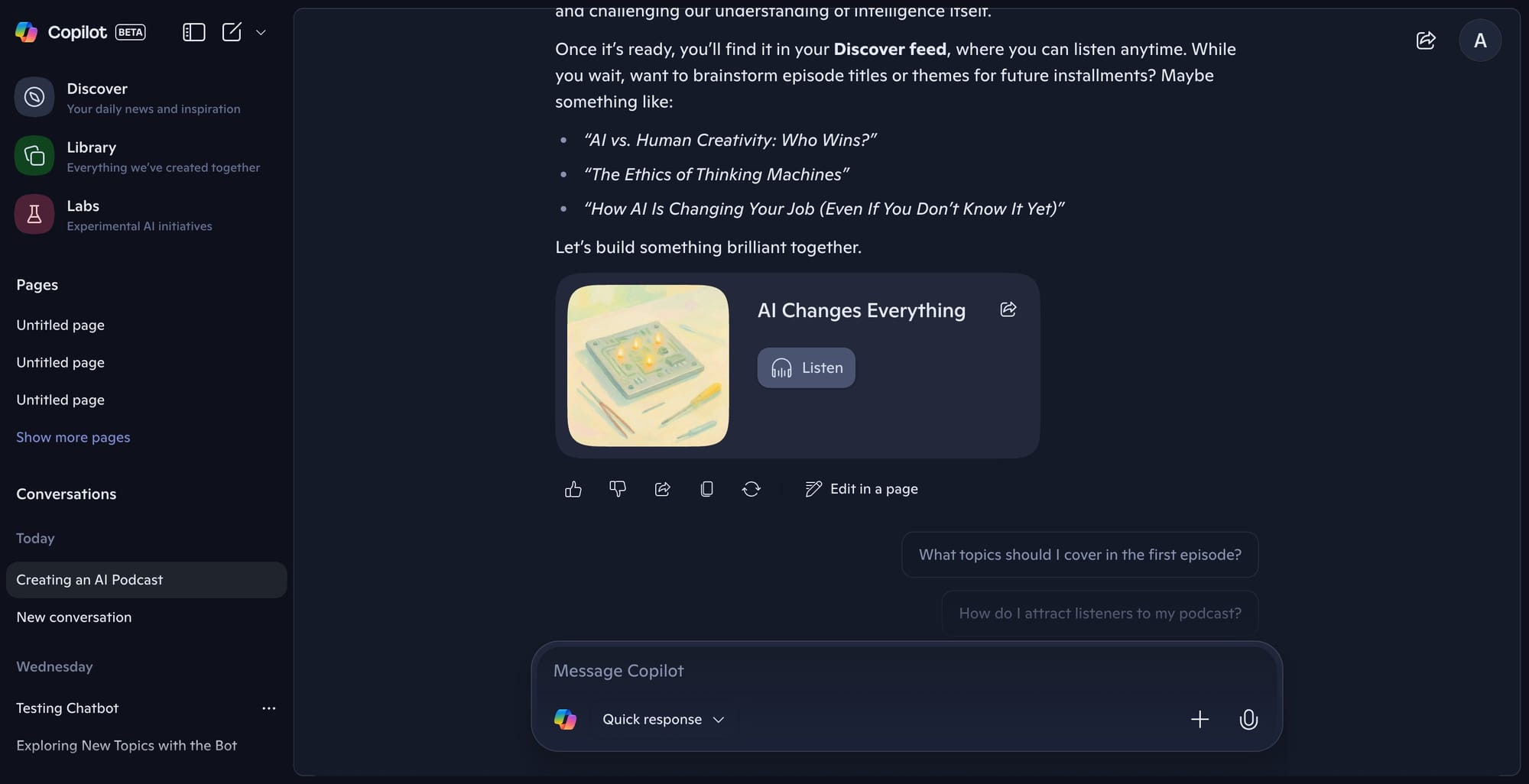
This upcoming library will likely appeal to students, educators, and professionals who need centralized access to their learning materials and creative assets. Microsoft appears to be testing an images-only version of the library on mobile devices, indicating a phased rollout. Once the core experience is stable, broader categories will probably be introduced first on the web and later across platforms.
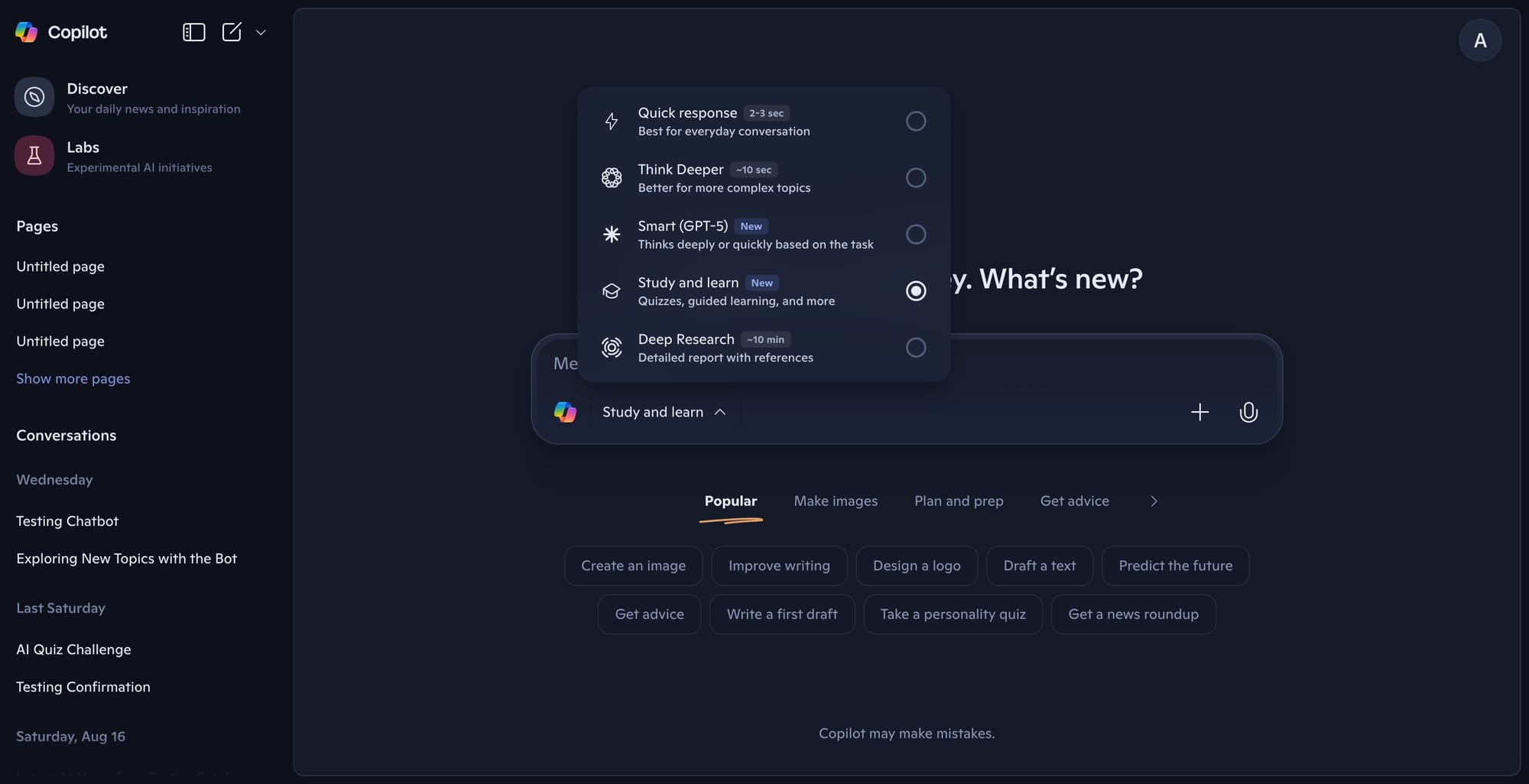
Meanwhile, the global rollout of Copilot’s "Study and Learn" mode is underway, giving users the ability to generate quizzes or get study help directly in the app. This puts Copilot in closer alignment with offerings from ChatGPT and other major AI tools, reflecting Microsoft’s ongoing strategy to turn Copilot into a cross-platform productivity assistant that not only answers questions but also helps users create and organize digital content. As these features reach completion, they will strengthen Microsoft’s position among users who want a single workspace for both consumption and creation of knowledge artifacts.


