
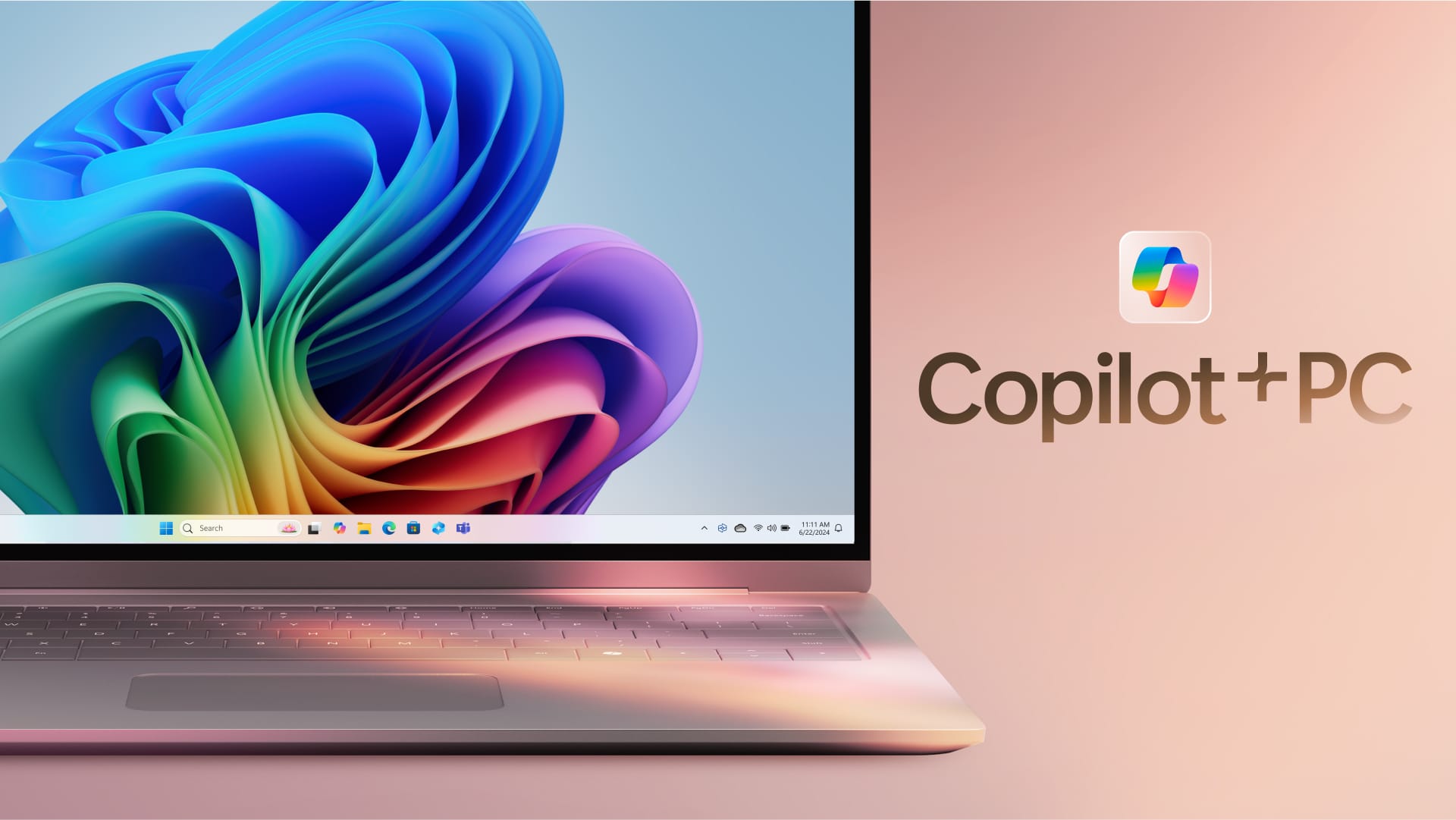
Microsoft is transforming every Windows 11 machine into an “AI PC” with the introduction of new Copilot voice and vision features, a revamped taskbar entry point, and initial previews of agent actions that operate on local files. The “Hey Copilot” voice wake word is now generally available on Windows 11 where Copilot is deployed. Copilot Vision is being rolled out globally, offering full desktop and app sharing, Highlights that point and show within apps, and an upcoming text mode for Insiders.
Copilot for Windows got a huge upgrade with many Agentic AI features.
— TestingCatalog News 🗞 (@testingcatalog) October 16, 2025
- Voice Copilot on Win 11
- Copilot Vision on Windows
- Reimagined taskbar experience
- Previewing Copilot Actions for local files
-Copilot connectors, easy doc creation$MSFT is back 🔥 https://t.co/WITxxssIvy pic.twitter.com/Lt1X2NxlEe
Windows Insiders and Copilot Labs will test Copilot Actions that can sort photos, extract data from PDFs, and attempt multi-step tasks by driving desktop and web apps. Copilot connectors allow users to link OneDrive, Outlook, Gmail, Google Drive, Google Calendar, and Contacts so Copilot can answer questions across personal content. Windows Settings hooks enable plain language requests to jump to exact toggles. Manus appears in File Explorer as a context action that builds a website from local files in a private preview, while Filmora adds a right-click edit action.
Gaming Copilot integrates with the new ROG Xbox Ally handhelds and Game Bar, offering on-screen tips, builds, and quest help with voice control. The rollout targets PC first, then the Xbox mobile app, with age and region limits noted by Xbox.
This is Microsoft's new agentic Copilot feature for Windows 11 in action. It will take your task and complete it in a separate desktop environment, and you can watch it while it works or minimize and get on with your own task. pic.twitter.com/s1qaXaTVUS
— Zac Bowden (@zacbowden) October 16, 2025
This targets all Windows 11 users, with Copilot+ PCs recommended for on-device NPU features. For creators, students, and office workers, the pitch is faster search, document export to Word, Excel, PowerPoint, and task automation guarded by opt-in controls. Microsoft outlines three security commitments for agent actions: user control, visibility into steps, and staged previews.
Microsoft frames this as the next input shift for PCs. Availability starts today via Microsoft Store updates for supported Windows 11 devices, with broader agent features landing first in the Windows Insider Program and Copilot Labs.


