
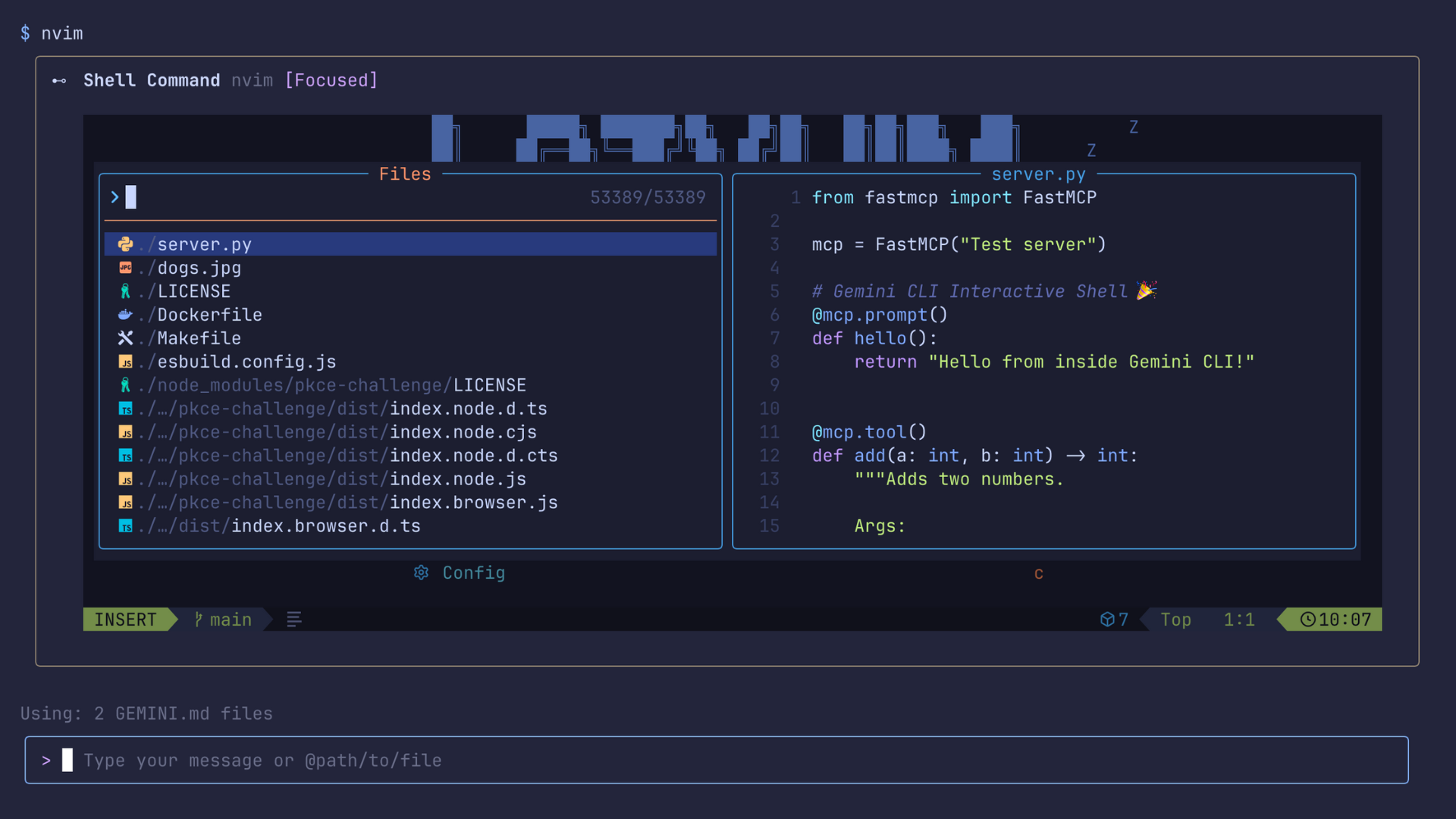
Google has introduced a major update to Gemini CLI, delivering a built-in interactive shell now available in version 0.9.0. This release is aimed at developers and technical professionals who rely on command-line tools for tasks such as code editing, system monitoring, and version control. With the new support for pseudo-terminal (PTY) integration, users can run full-featured interactive commands such as vim, top, or interactive git workflows directly inside Gemini CLI without needing to switch to an external terminal. This improvement is publicly accessible and can be installed via npm globally, making it broadly available to users on supported platforms.
Gemini CLI can now run complex and interactive commands directly within your Gemini CLI session! Top, Vim, and others.
— TestingCatalog News 🗞 (@testingcatalog) October 16, 2025
CLIMINI 🤖 https://t.co/8fLaLIntm6 pic.twitter.com/aWa5UQMIhc
The update includes technical enhancements like the use of the node-pty library, allowing the CLI to spawn and manage terminal sessions with real-time streaming of terminal state, including colors and cursor positions. The architecture supports two-way communication, meaning keystrokes and window resizing are handled seamlessly, mirroring the behavior of a native terminal. Compared to earlier versions, this upgrade eliminates the need to exit Gemini CLI for interactive applications, which previously limited workflow continuity. Early user feedback highlights smoother workflows and reduced context switching, while industry observers note the CLI's closer alignment with native terminal capabilities, setting it apart from agent-based CLIs that struggle with interactivity.
Google continues to build on Gemini CLI as part of its initiative to support AI-enabled developer tooling. This release underlines the company’s focus on practical usability for technical audiences, encouraging feedback to refine cross-platform support and input handling. The new interactive shell further positions Gemini CLI as a comprehensive environment for developers working with complex, interactive command-line applications.


