
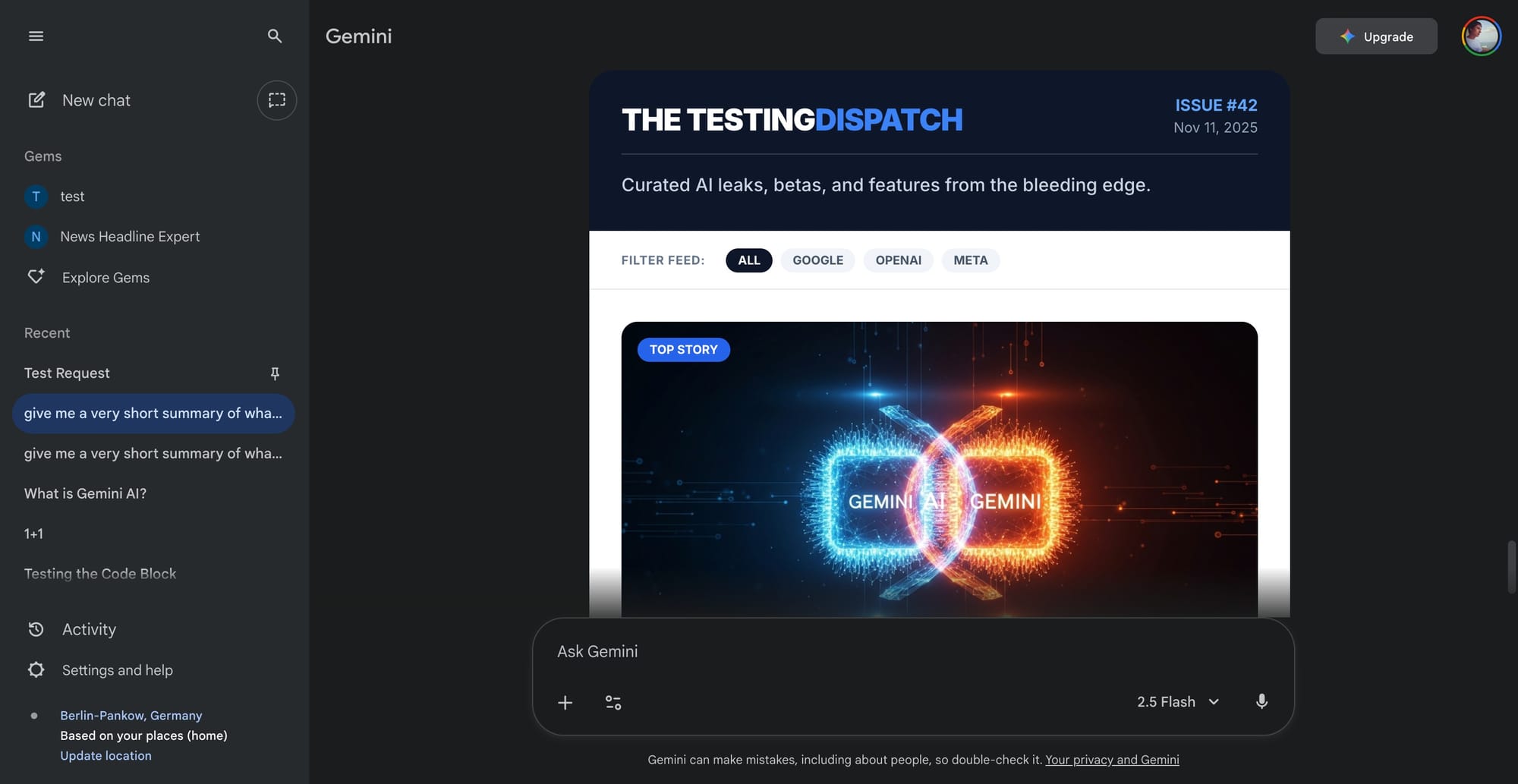
Google is advancing its work on Visual Layout and Creative Canvas, two features aimed at expanding interactivity within the Gemini platform. Visual Layout was previously demonstrated as a way to create structured, presentation-style interfaces, but Creative Canvas introduces a more flexible experience. This mode allows users to generate interactive Canvas blocks directly within the chat interface, not as side sheets but as embedded, inline elements. Users can prompt Gemini to build artifacts like interactive news dashboards, complete with article summaries and dynamic layouts, or even playable web-based games that launch instantly within the same window.
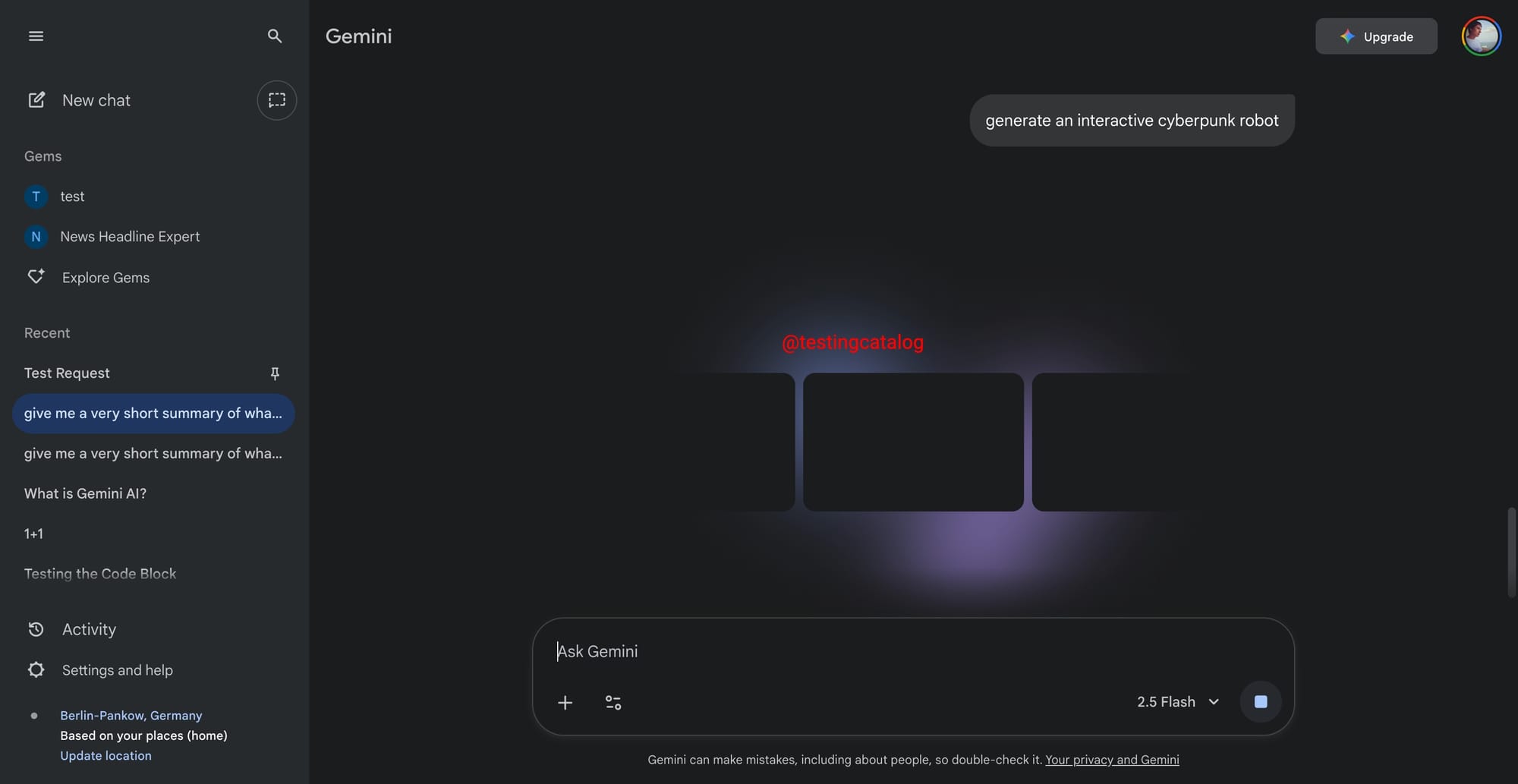
BREAKING 🚨: Early preview of Dynamic View on Gemini. Dynamic View (Creative Canvas) will let users render interactive canvas experiences inline within a Gemini Chat.
— TestingCatalog News 🗞 (@testingcatalog) November 11, 2025
What it can do:
- Search the web
- Generate Images
- Render Games and more!
Magic box 🤖 https://t.co/AQfUvlmOI7 pic.twitter.com/6nK4GYmdwQ
Source 👀
Creative Canvas shares some overlap with Visual Layout, yet distinguishes itself by supporting a wider range of outputs, moving beyond static layouts to deliver interactive applications. This opens up the potential for users to design experiences, such as mini-games or interactive summaries, that are immediately usable inside Gemini. The technology behind these features leverages Google’s evolving model stack, which is currently under internal testing for Agent Mode, Visual Layout, and Creative Canvas. Each mode has distinct purposes, and their internal codenames often lead to confusion, but all are being developed to give end users more control over how AI-generated content is presented and used.
There is no public timeline for release, and it remains to be seen if these features will roll out in sync with the anticipated new Gemini model versions. The underlying goal is to empower users to build and explore interactive digital artifacts natively within Gemini, with possible implications for productivity, education, and creative experimentation.


