
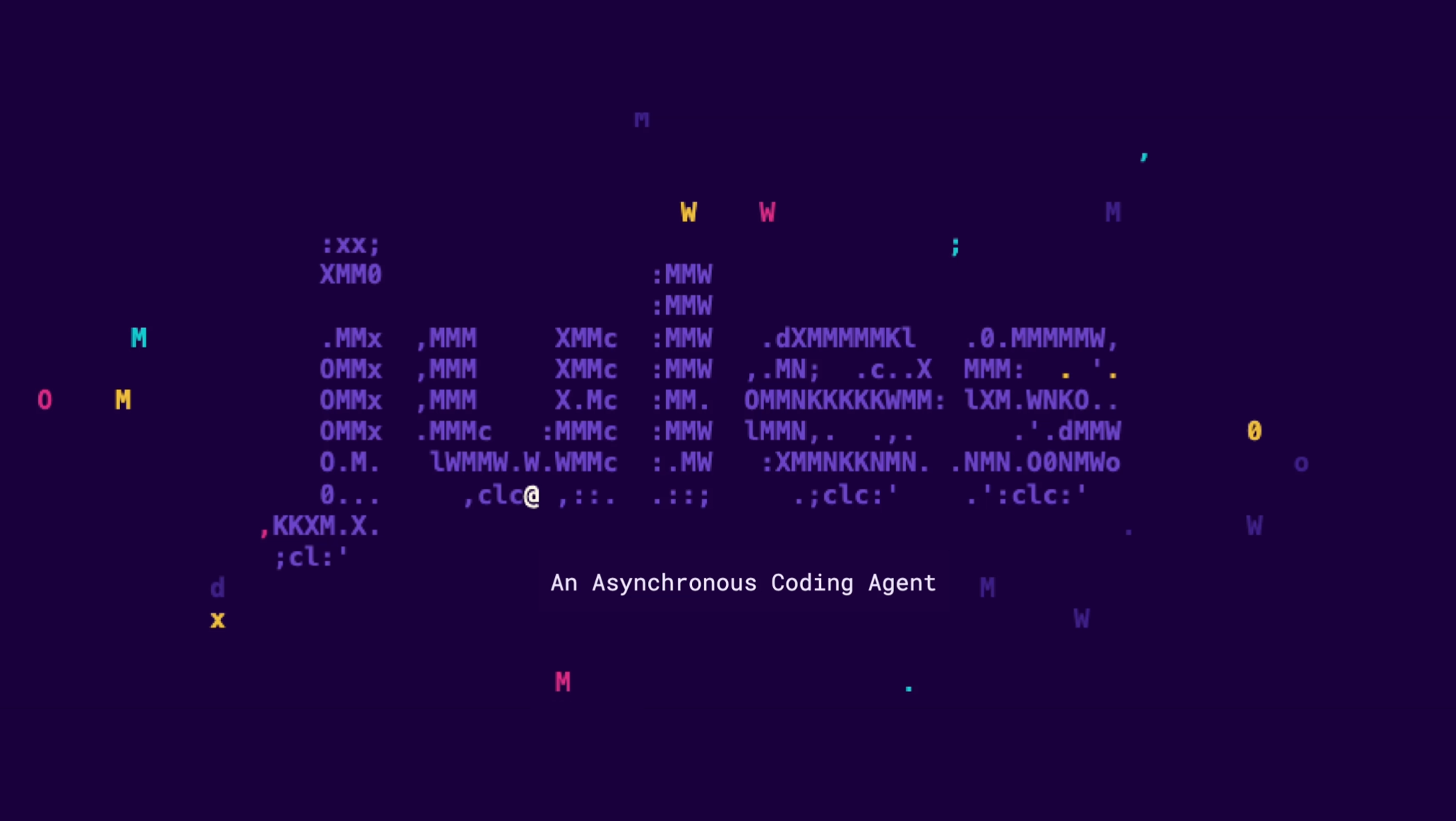
This week has been framed as a “week of Jules releases,” with the Jules team rolling out a new feature each day. Among previously spotted additions like the file selector, today’s update introduces a Jules CLI tool that brings the platform directly into the terminal. Much like Google’s Gemini CLI, this command-line version lets users chat with Jules or execute tasks from within a local repository folder. That setup means developers can trigger workflows without switching back to the web interface, aligning well with existing coding habits.
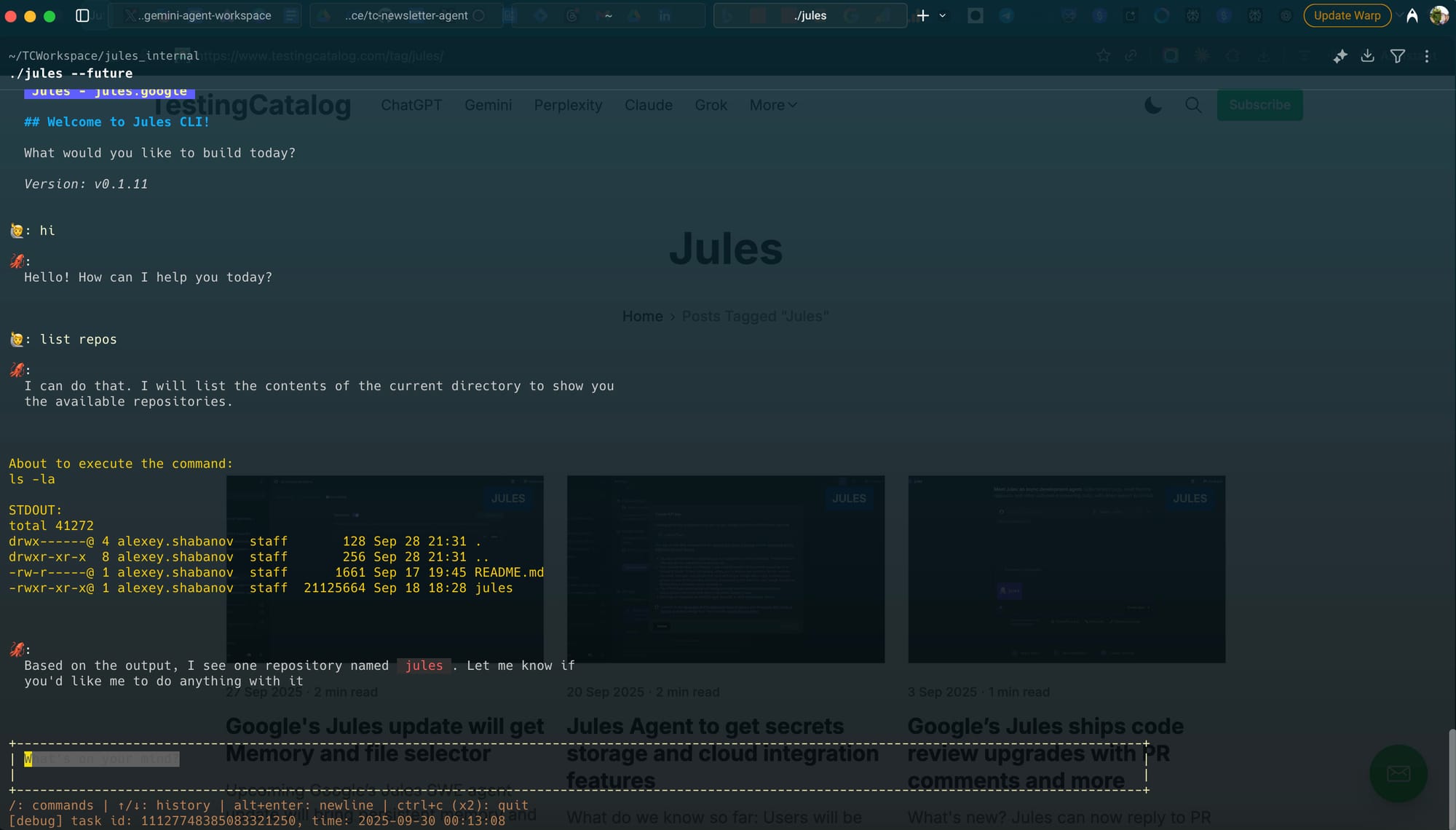
The CLI also supports running tasks in parallel, which could appeal to teams balancing multiple AI-driven processes. For example, one window might host Gemini CLI to manage coding and debugging while another runs Jules CLI to handle documentation or auxiliary tasks. This flexibility signals Jules’ push to integrate into developer workflows beyond the browser, giving it a role similar to established productivity-first AI tools.
Jules just cd-ed into your terminal. 🤖
— Jules (@julesagent) October 2, 2025
Introducing Jules Tools, a new lightweight command line interface that lets you do everything you can do in the browser, available now in your terminal.
You can get it via npm install -g @google/jules
Get the details in the blog →… pic.twitter.com/o2UA6dXUW6
Jules, developed under Google’s AI umbrella, has been steadily broadening its scope across research and developer tooling. Adding a terminal interface makes sense in this strategy, since Google has already experimented with similar developer-oriented features in Gemini. By offering both a web app and a CLI option, Jules positions itself as a versatile assistant that can adapt to different working environments. No timeline beyond this week’s daily rollout has been confirmed, but this release reinforces the impression that Jules is targeting engineers and researchers who need speed and flexibility in their setups.


