
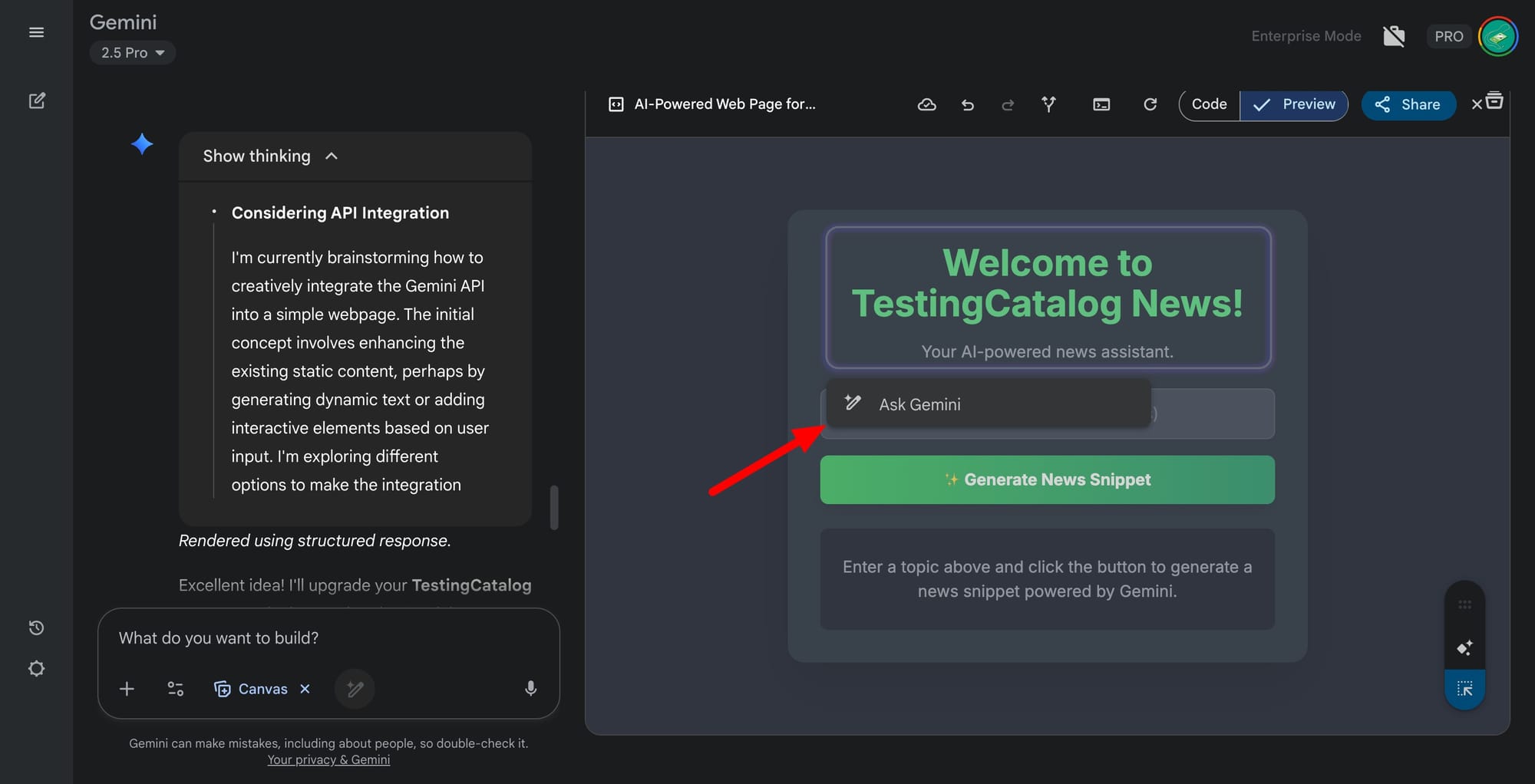
Google continues to invest in making web development more approachable, especially for users without a traditional programming background. In recent Gemini web builds, a notable upgrade has appeared for the Canvas feature. A new "Select and Ask" button allows users to interact with individual UI components within the web app preview. By simply selecting any visible element, like a button, users can prompt Gemini to change its appearance or behavior, such as altering colors, removing elements, or introducing new features. This change brings a granular, visual approach to app modification, eliminating the need for users to dive into the codebase.
Previously, a similar capability was seen in Anthropic’s Claude Artifacts, but with a requirement for users to directly manipulate the code by highlighting relevant sections. Gemini's update now enables the same precision directly from the user interface, broadening access for those less familiar with coding. This shift could particularly benefit solo founders, small business owners, and early-stage teams who want to quickly iterate on web apps without the overhead of hiring developers or learning complex syntax.
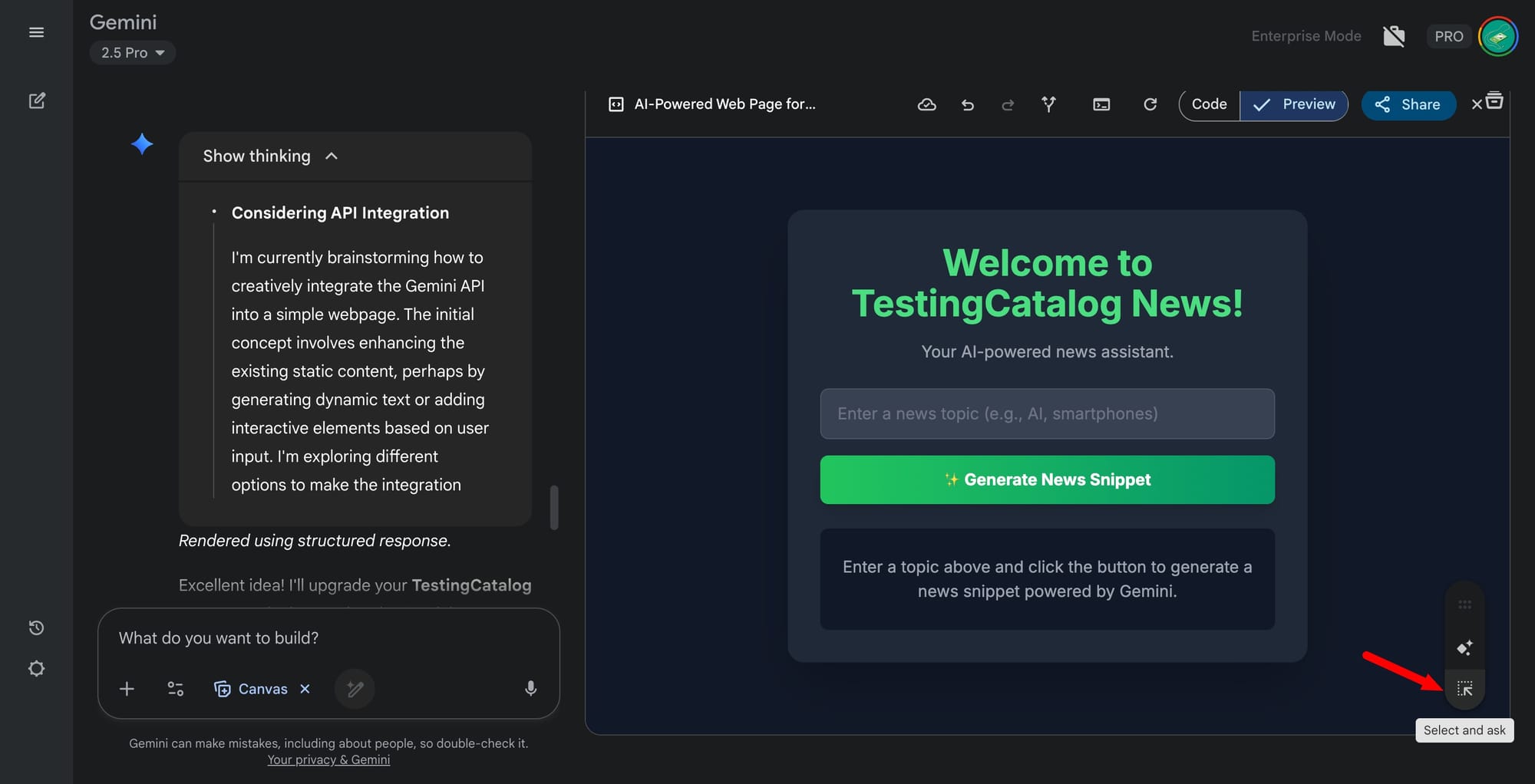
Additionally, the inclusion of a button to fork or copy a web app as a new canvas streamlines experimentation, letting users test changes in parallel without disrupting their original work. This fits neatly into Google’s wider strategy: lowering the barriers to app development and targeting web creators through both Gemini and AI Studio. The latter also recently received GitHub integration, further supporting collaborative and iterative workflows.


