
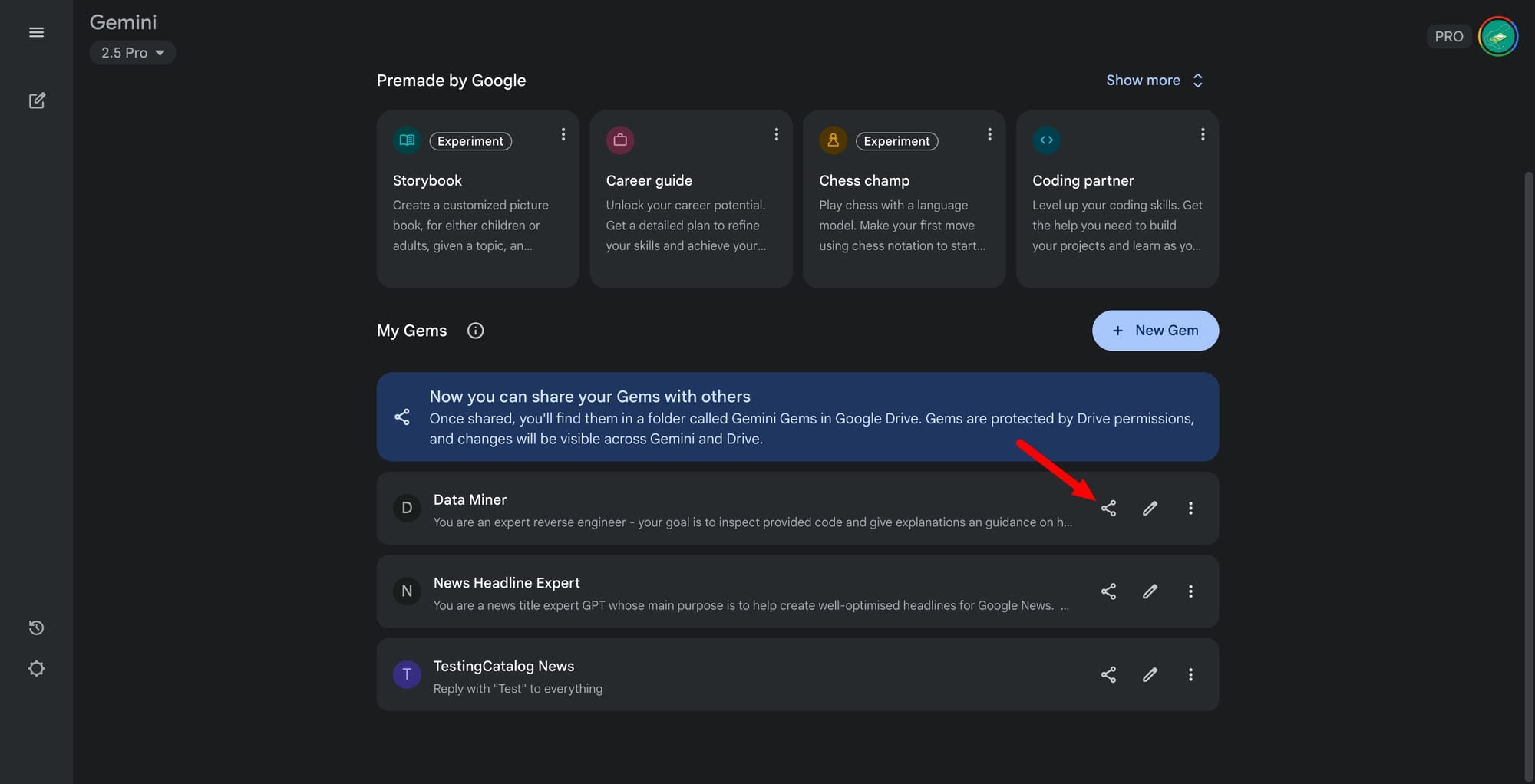
Google has introduced a new sharing capability for Gems within its Gemini platform, allowing users to distribute their custom-built automations and workflows with others. This update enables creators to grant access to their Gems, whether for family travel planning, collaborative writing, or organizing meals, directly with select individuals or groups. Access controls mirror those found in Google Drive, permitting the original creator to determine viewing or editing permissions for each shared Gem. The update is now available to all Gemini users on the web, broadening the tool’s reach beyond private use to collaborative environments.
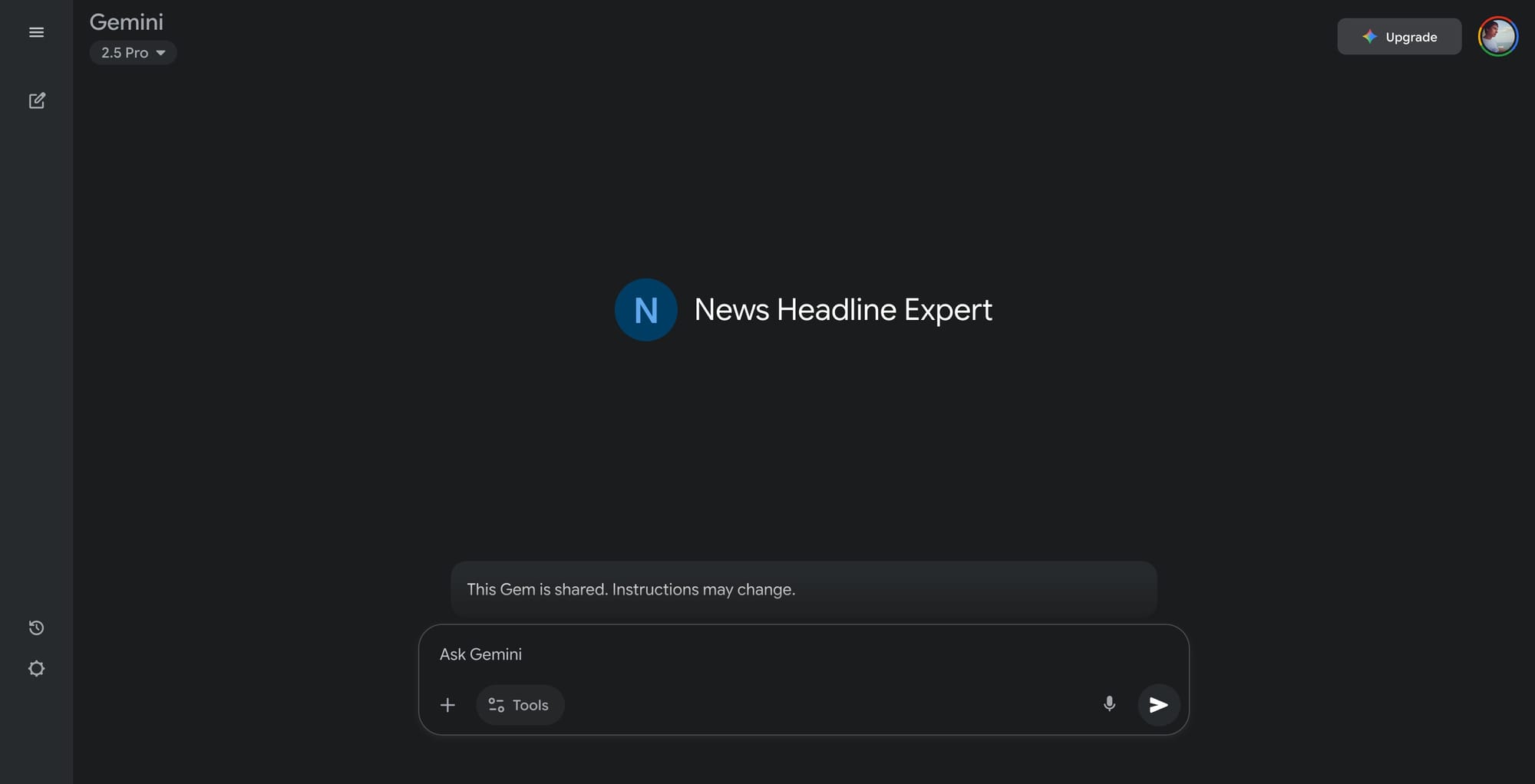
Gems are tailored AI-driven routines or helpers within Gemini, designed to automate repetitive prompting and streamline multi-step tasks. Technical capabilities include the ability to save, modify, and execute complex prompt sequences, which can now be leveraged by multiple users when shared. This development positions Gemini as a more versatile platform compared to earlier iterations that restricted such routines to individual users, and it places Google in direct competition with other AI assistants that have limited or no sharing features. Early users and industry observers note that the feature supports teams and families in coordinating projects or sharing expertise, with feedback focusing on its potential for productivity and knowledge transfer.
By popular demand: Your custom Gems are now shareable
— Google Gemini App (@GeminiApp) September 18, 2025
Starting today, you can share the Gems you create with friends, family, and colleagues. Just open your Gem manager on the web and click “Share” next to any Gem you’ve created. pic.twitter.com/CkwHzlnBM0
Google, a global leader in artificial intelligence and productivity tools, has steadily expanded Gemini’s feature set to cater to both individual and collaborative use cases. This announcement underscores the company’s focus on making its AI platforms adaptable for broader, real-world applications, directly responding to user requests for more flexible and social ways to utilize AI-powered tools.


