
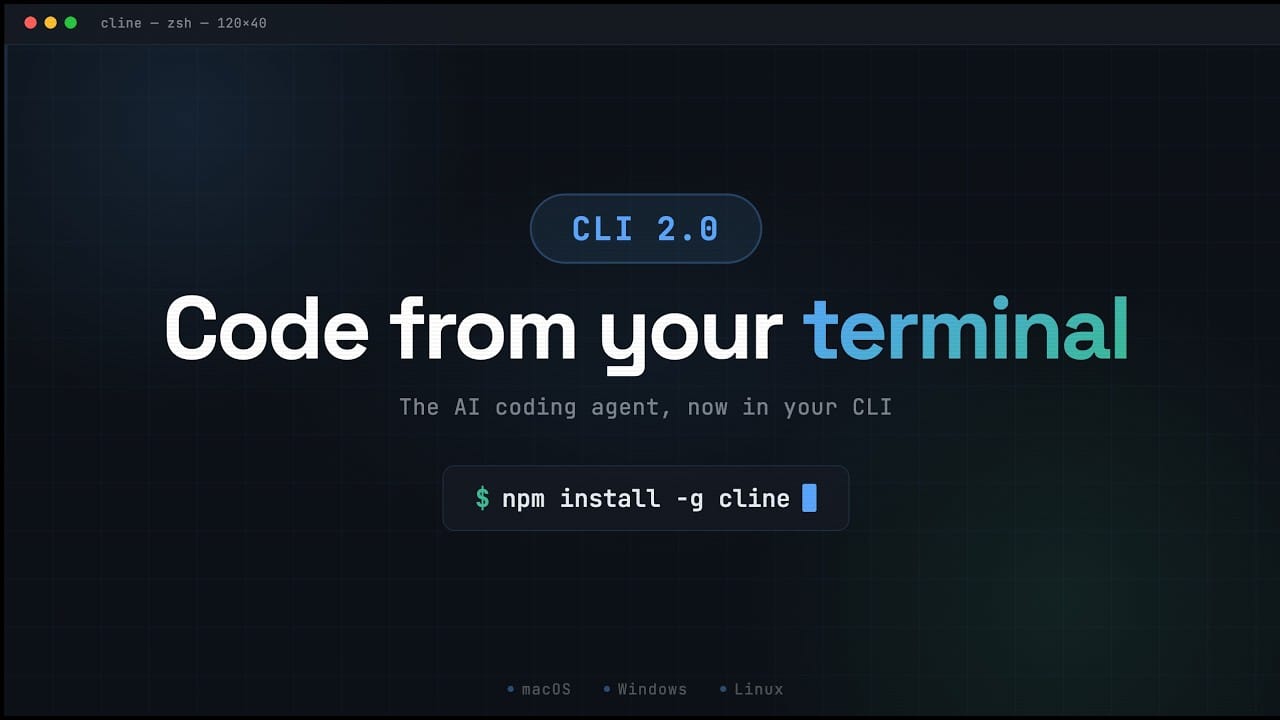
Cline has released Cline CLI 2.0, pushing its coding agent beyond the IDE and directly into the terminal for both hands-on sessions and fully autonomous runs. The rollout includes a limited-time free trial powered by Moonshot AI’s Kimi K2.5 and MiniMax 2.5, positioning the CLI as an entry point for developers who want an agent that can plan, execute, and iterate without leaving the command line.
The 2.0 release rebuilds the terminal experience to mirror the agent loop Cline users know from editors. In interactive mode, the CLI behaves like a full terminal UI with real-time task planning and execution, a Plan/Act toggle via Tab, auto-approve via Shift+Tab, file mentions with @ for workspace context, and slash commands like /settings, /models, and /history for quick navigation. Sessions end with summaries that surface what changed, what ran, and how many tokens were consumed.
Introducing Cline CLI 2.0: An open-source AI coding agent that runs entirely in your terminal.
— Cline (@cline) February 13, 2026
Parallel agents, headless CI/CD pipelines, ACP support for any editor, and a completely redesigned developer experience. Minimax M2.5 and Kimi K2.5 are free to use for a limited time.… pic.twitter.com/R5TBKC71DZ
For automation, Cline CLI 2.0 adds a headless path designed for pipelines and scripting. Developers can run with -y (YOLO mode) to auto-approve actions and stream results to stdout, pipe data in and out to chain multi-step flows, and emit structured output via --json for parsing. The workflow docs also call out timeout controls and environment variables like CLINE_DIR for configuration isolation and CLINE_COMMAND_PERMISSIONS for restricting what shell commands the agent is allowed to execute.
Cline is also betting on editor portability. CLI 2.0 can run as an Agent Client Protocol (ACP) server using cline --acp, allowing the same agent to plug into JetBrains IDEs, Neovim, and Zed, alongside other ACP-compatible editors. That ACP route is positioned as a way to keep access to Cline capabilities such as Skills, Hooks, and MCP integrations across environments, while letting each editor provide its own native tooling and context.
Installation is handled through npm (npm install -g cline) with Node.js 20+ required and Node 22 recommended. Authentication is routed through cline auth, with options that include signing in via a Cline account, using a ChatGPT subscription through OpenAI Codex OAuth, importing existing credentials from Codex CLI or OpenCode, or bringing a direct API key. Provider support spans major hosted model APIs as well as local model runtimes, reflecting Cline’s pitch that developers should not be locked to a single vendor.
Cline’s broader project is built around an open-source agent that operates with explicit permission for file edits and command execution, and can be extended through the Model Context Protocol. Cline CLI 2.0 is framed as the next step in turning the terminal into the control plane for agentic development: long-running work, parallel sessions, and automation-first usage, while still keeping an interactive path for developers who want review points before the agent acts.


