
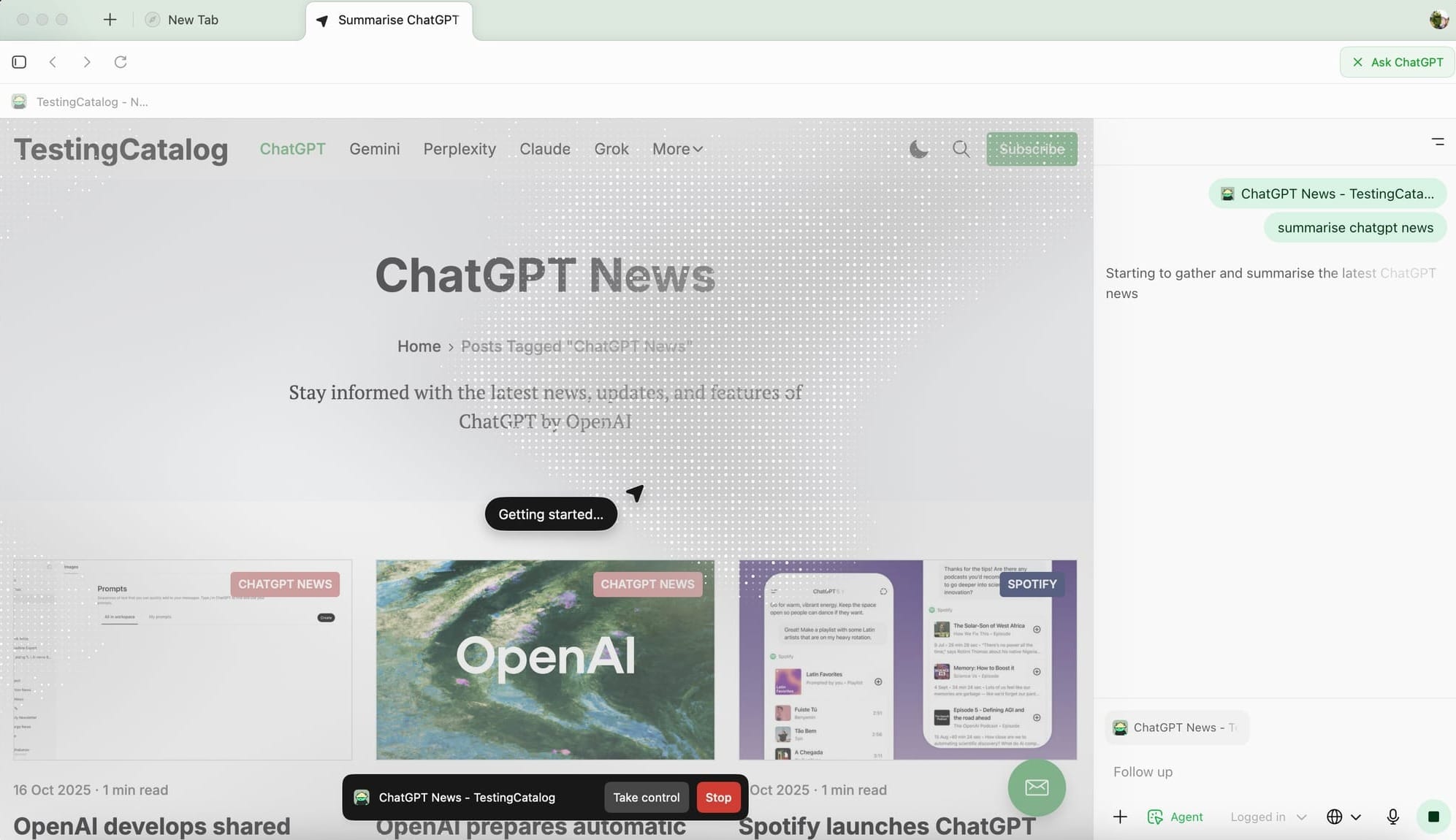
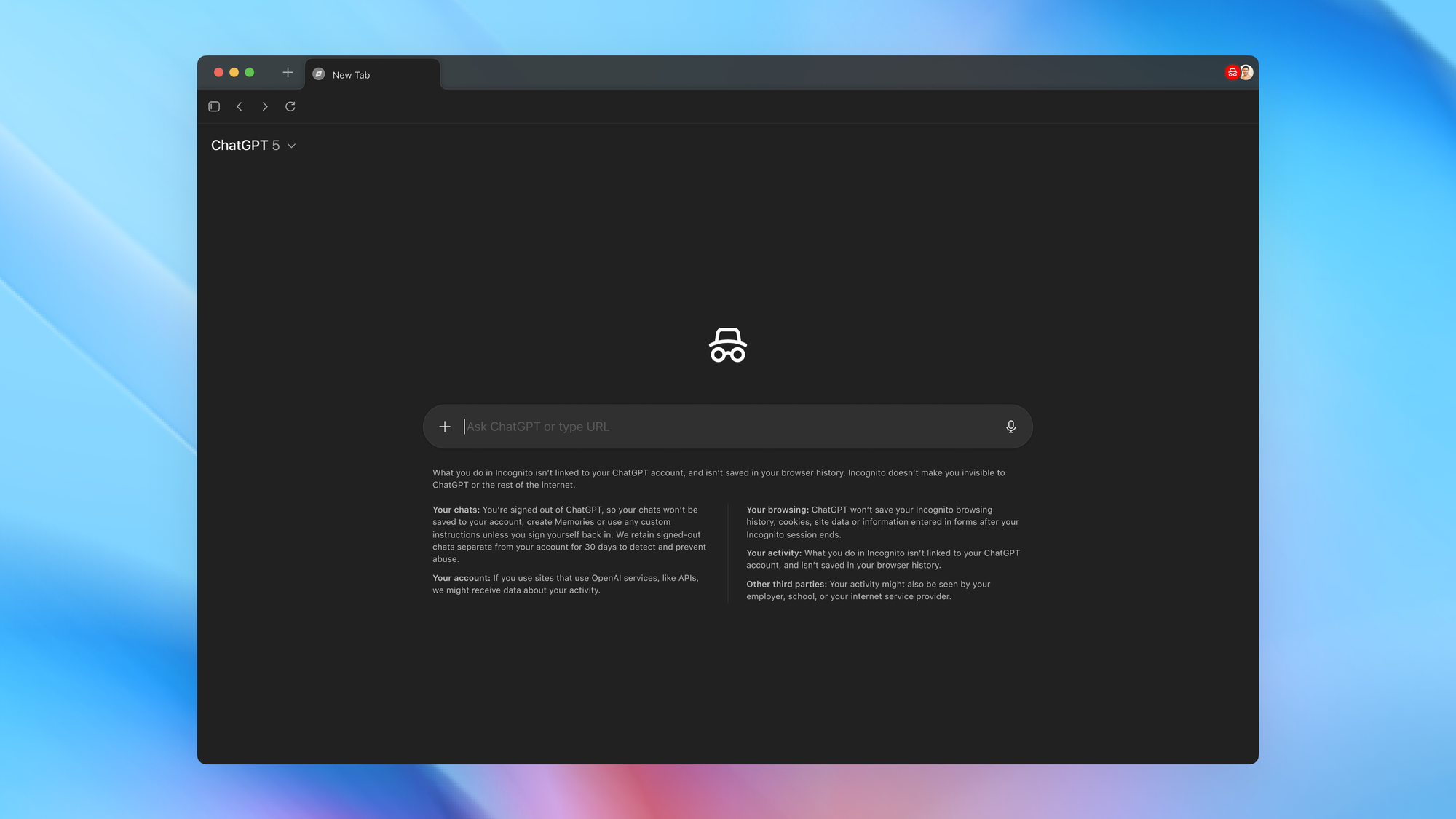
OpenAI has released ChatGPT Atlas, a macOS web browser built around ChatGPT. Atlas functions as both a standard browser, with tabs, bookmarks, extensions, and incognito mode, and a conversational interface where ChatGPT assists directly inside the browsing experience.
Atlas onboarding
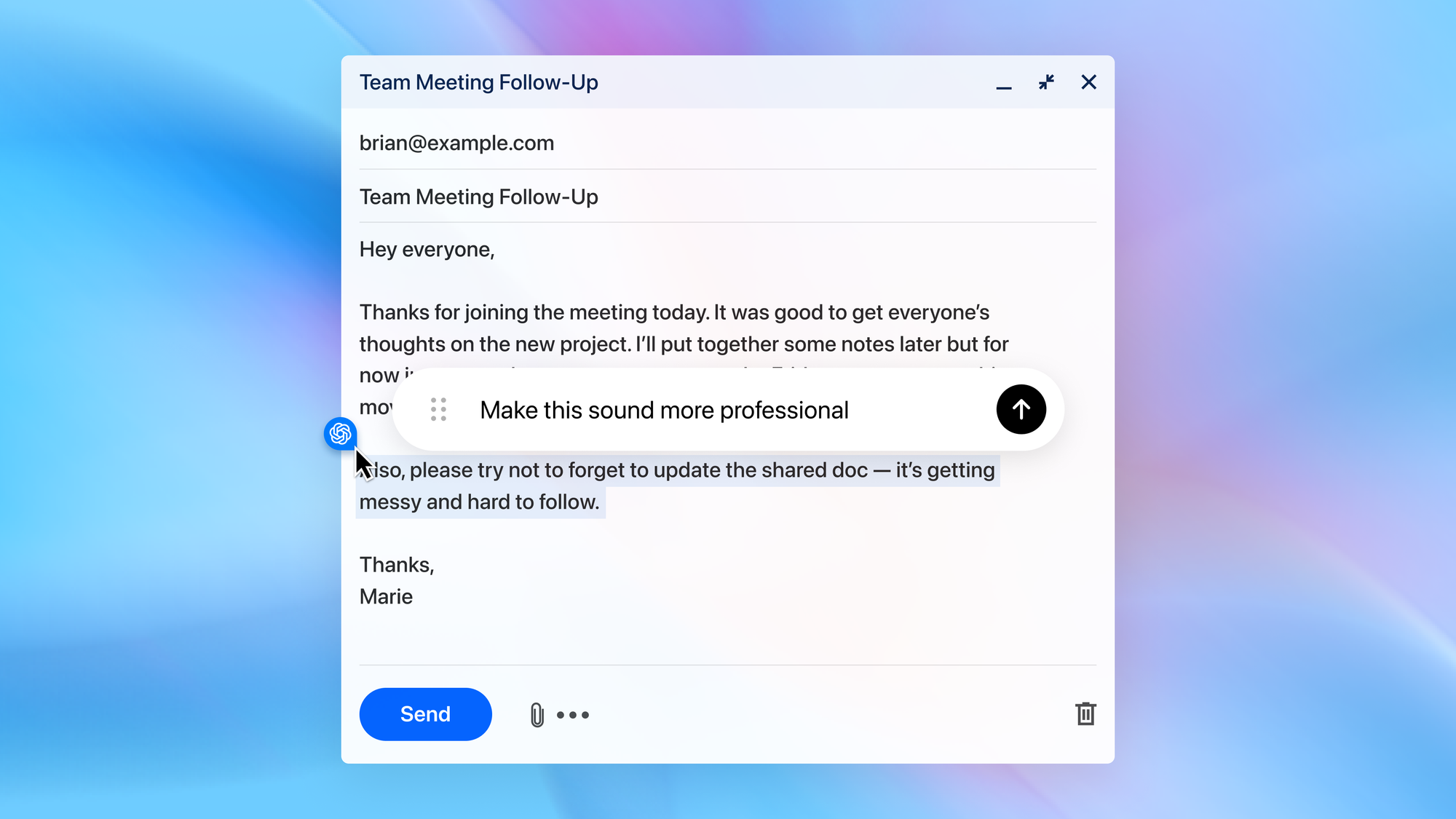
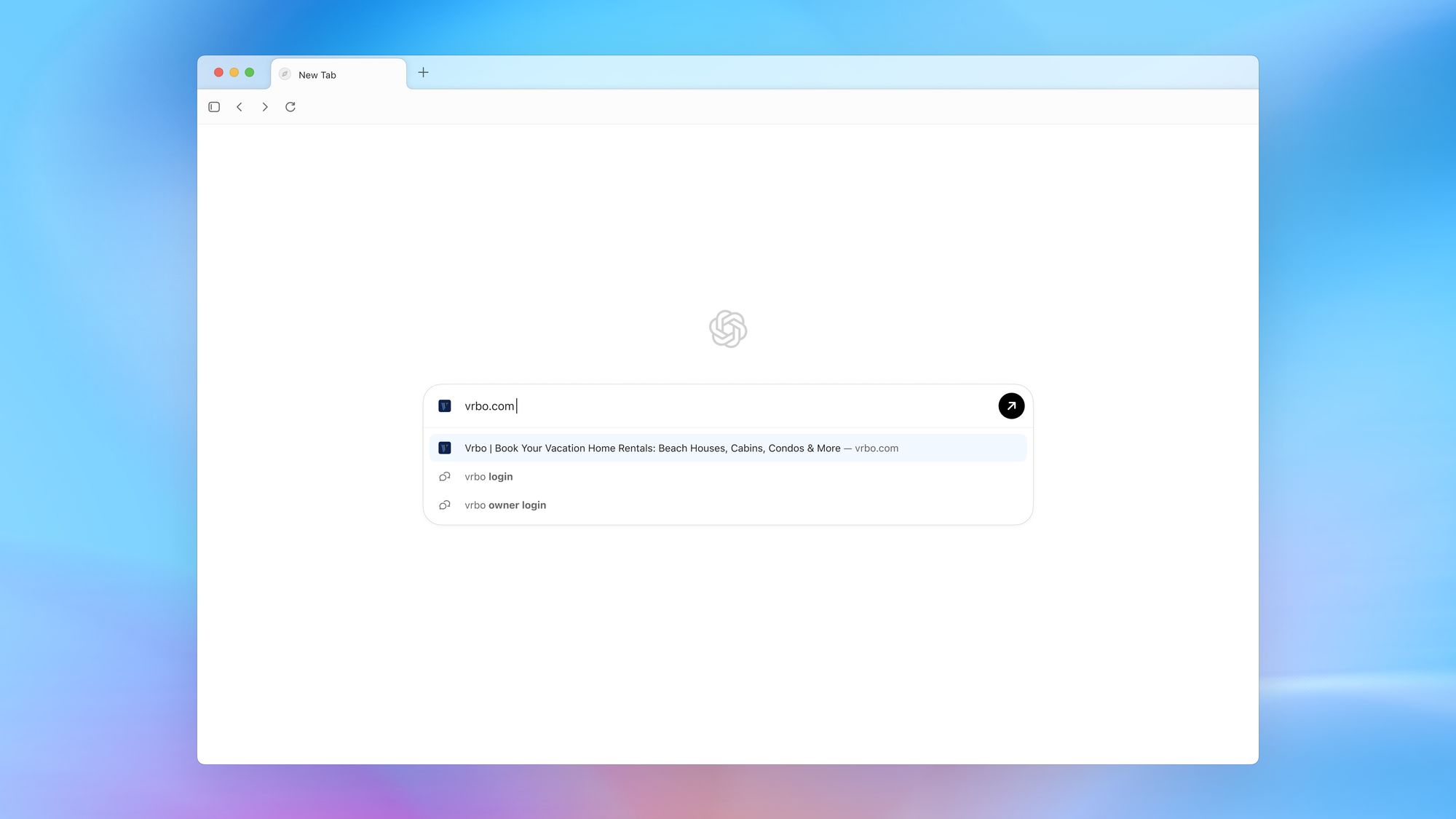
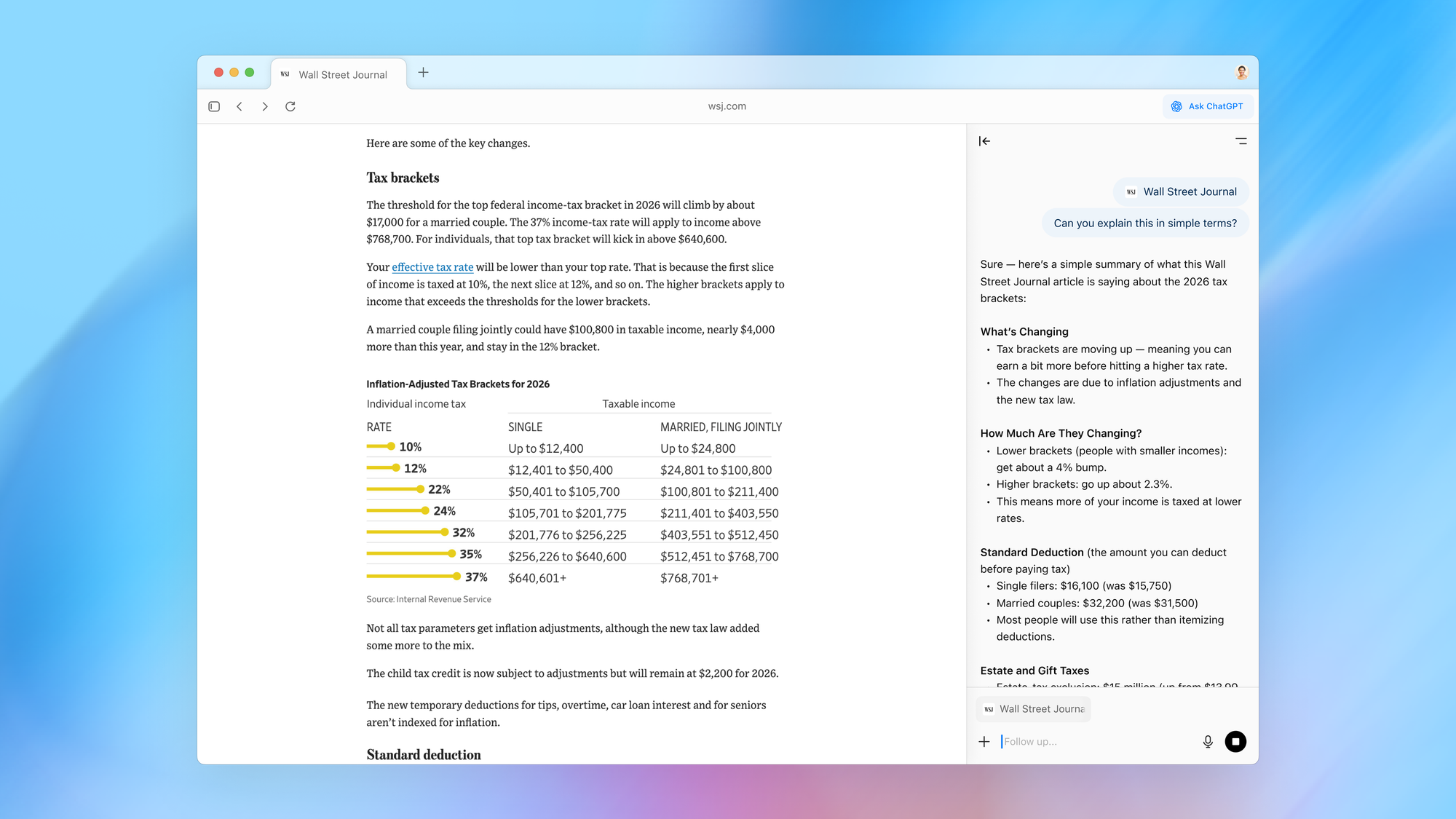
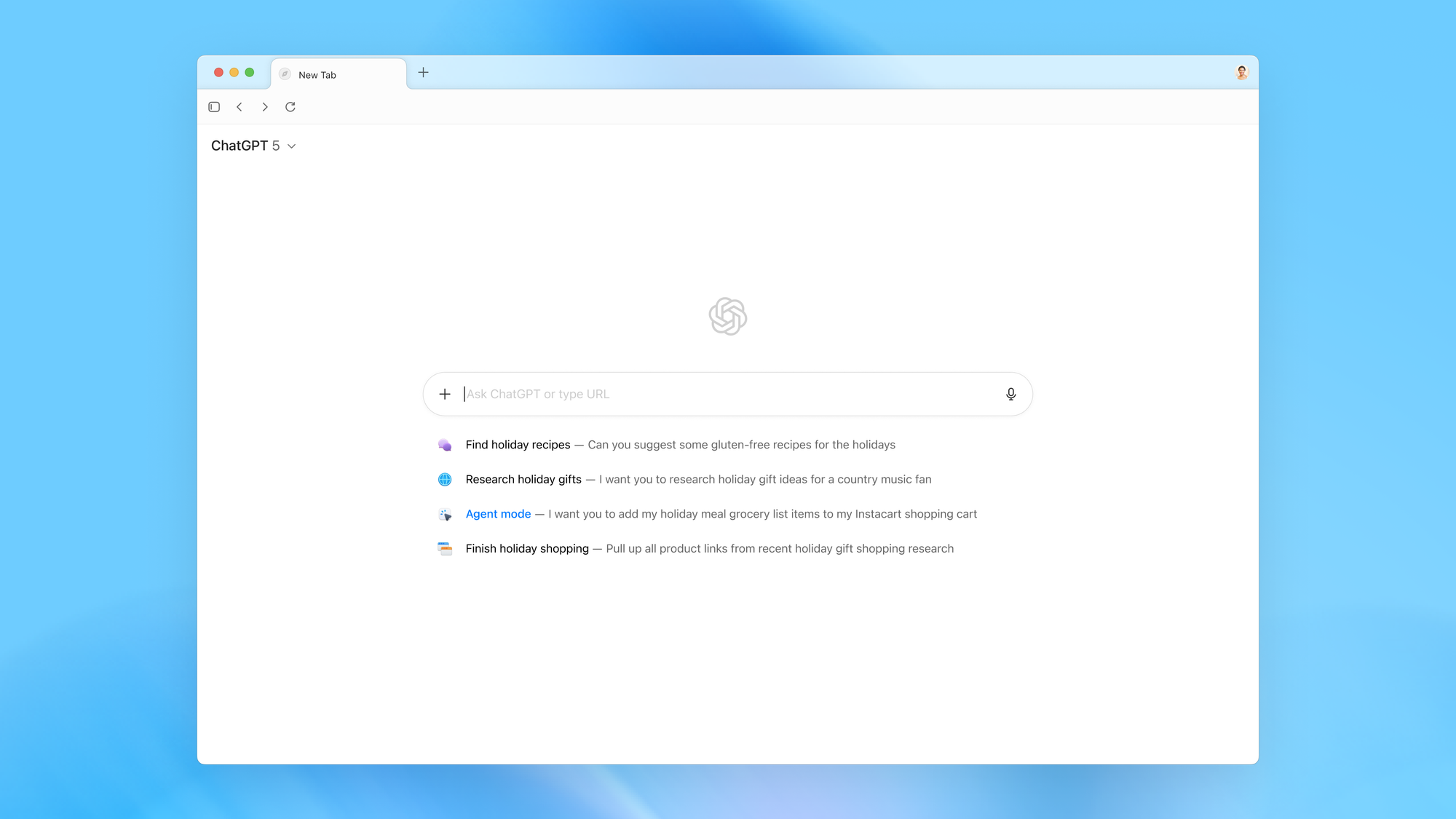
Users can open a new tab to enter a URL or prompt ChatGPT, then filter results through tabs for links, images, videos, or news. A sidebar allows contextual conversation based on the current webpage, while in-line writing support operates within any text field.
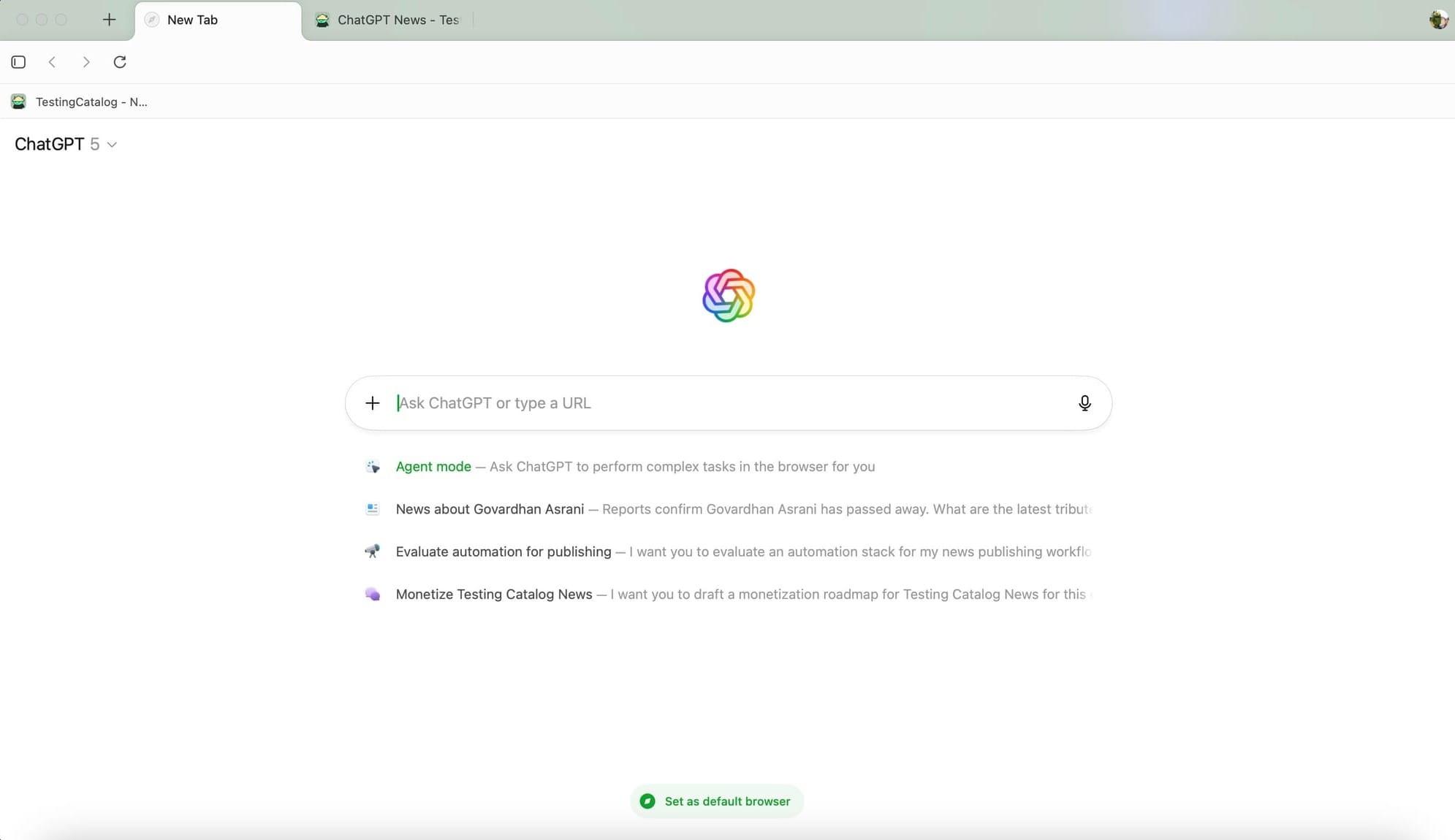
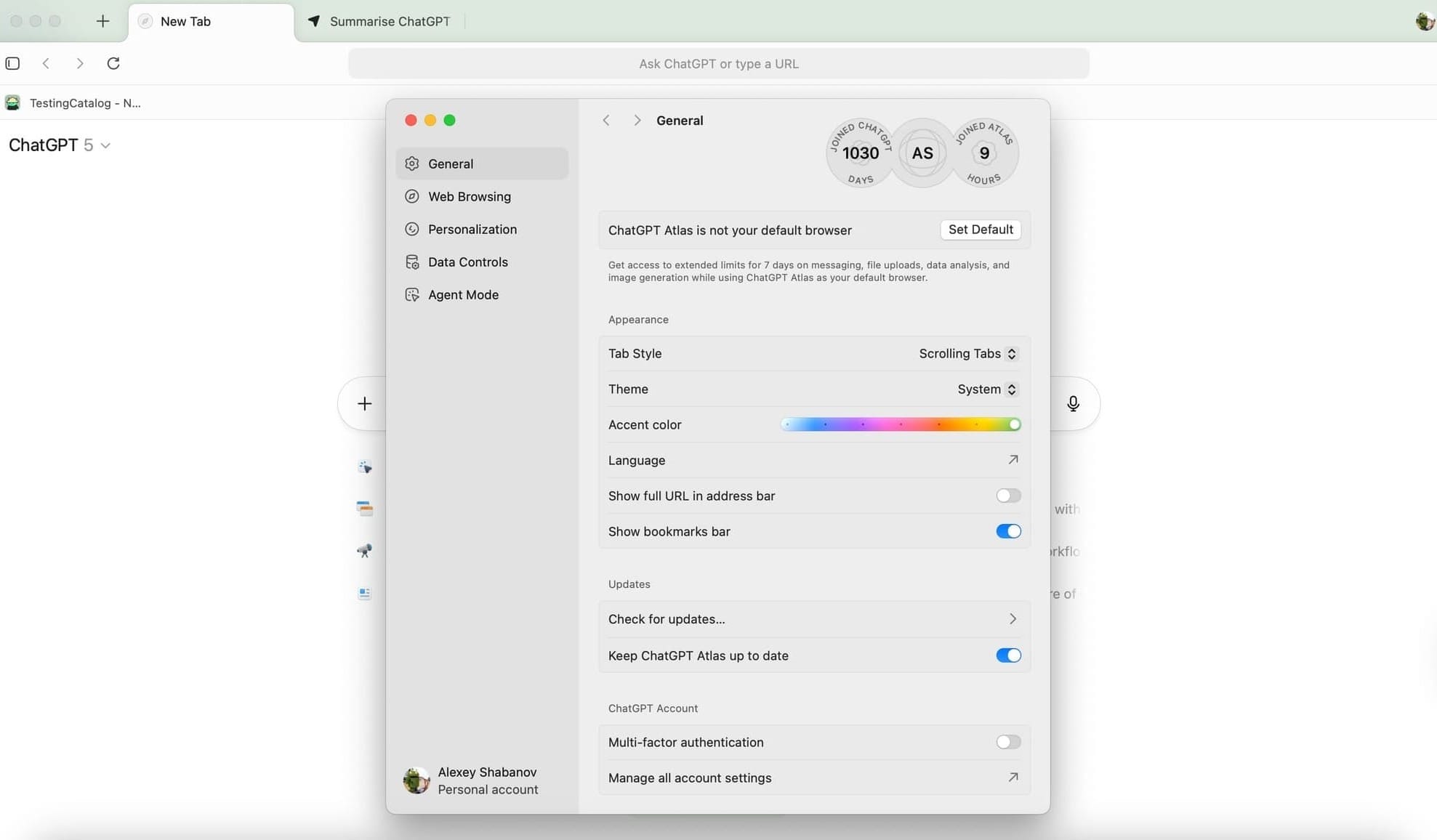
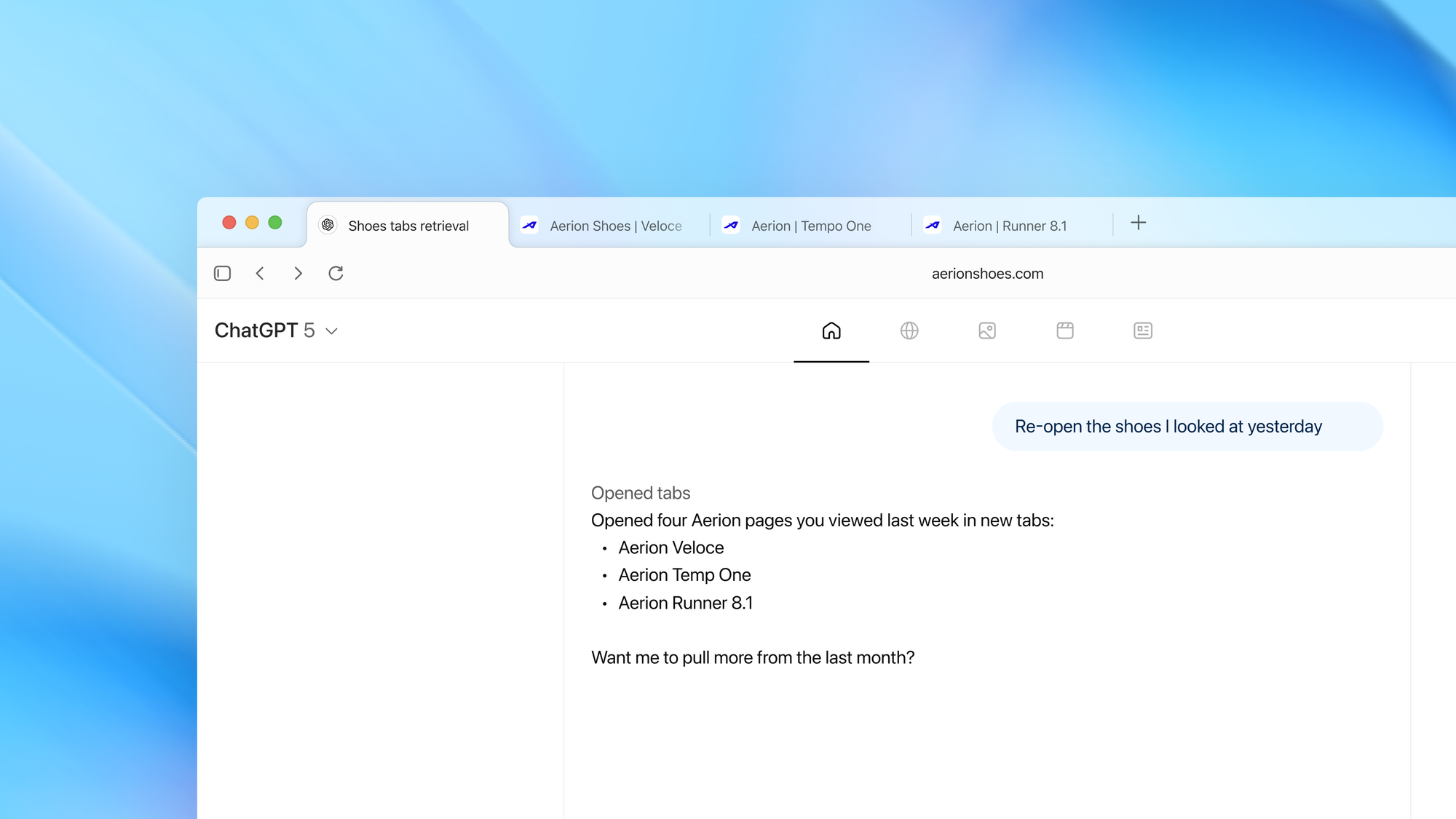
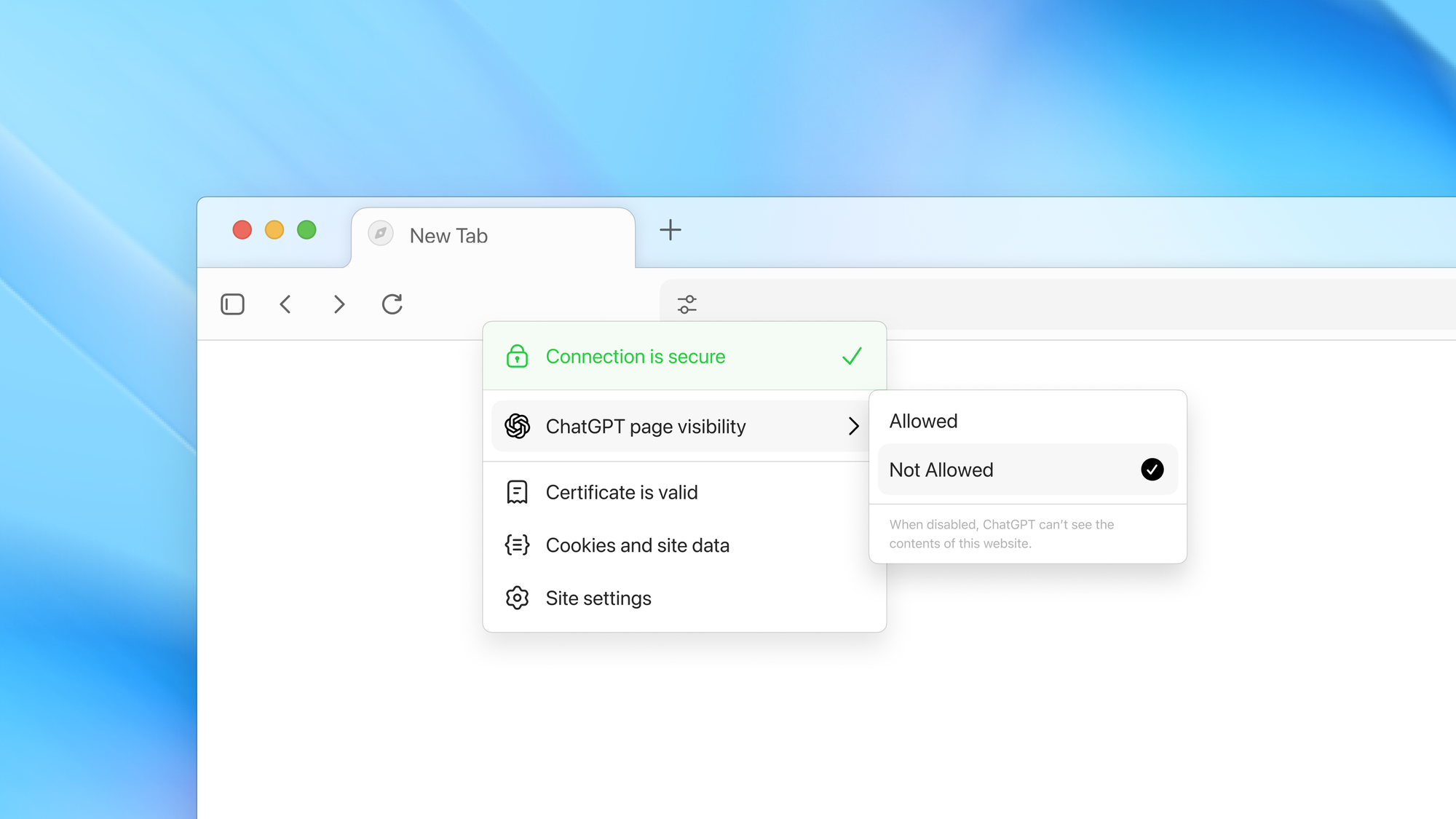
Atlas introduces browser memories, giving users the option to let ChatGPT recall pages or topics previously explored to suggest follow-ups or automate repetitive tasks. These can be reviewed, edited, or deleted at any time. Natural-language commands like “clean up my tabs” or “re-open shoes I looked at yesterday” execute browser actions directly.
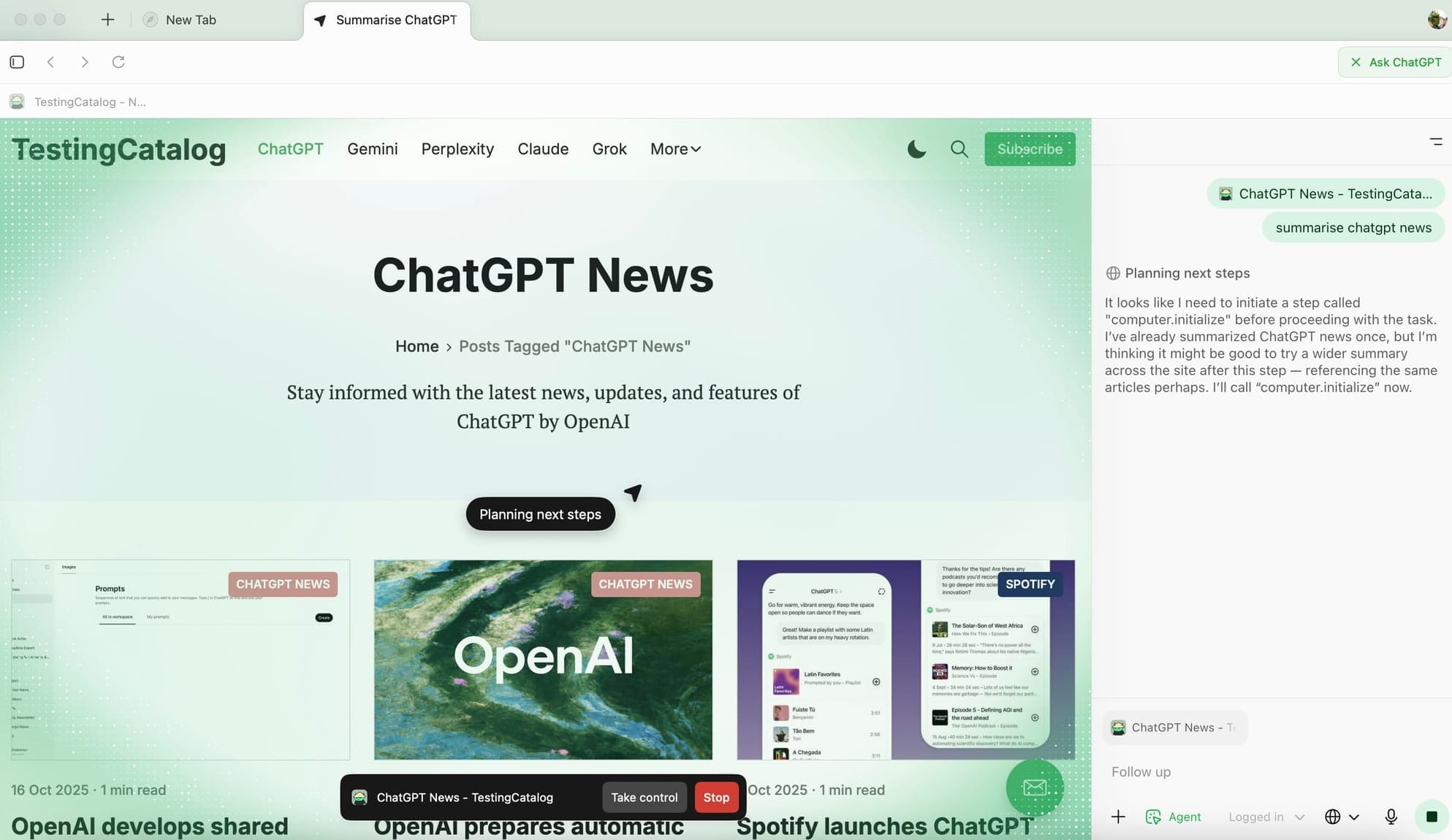
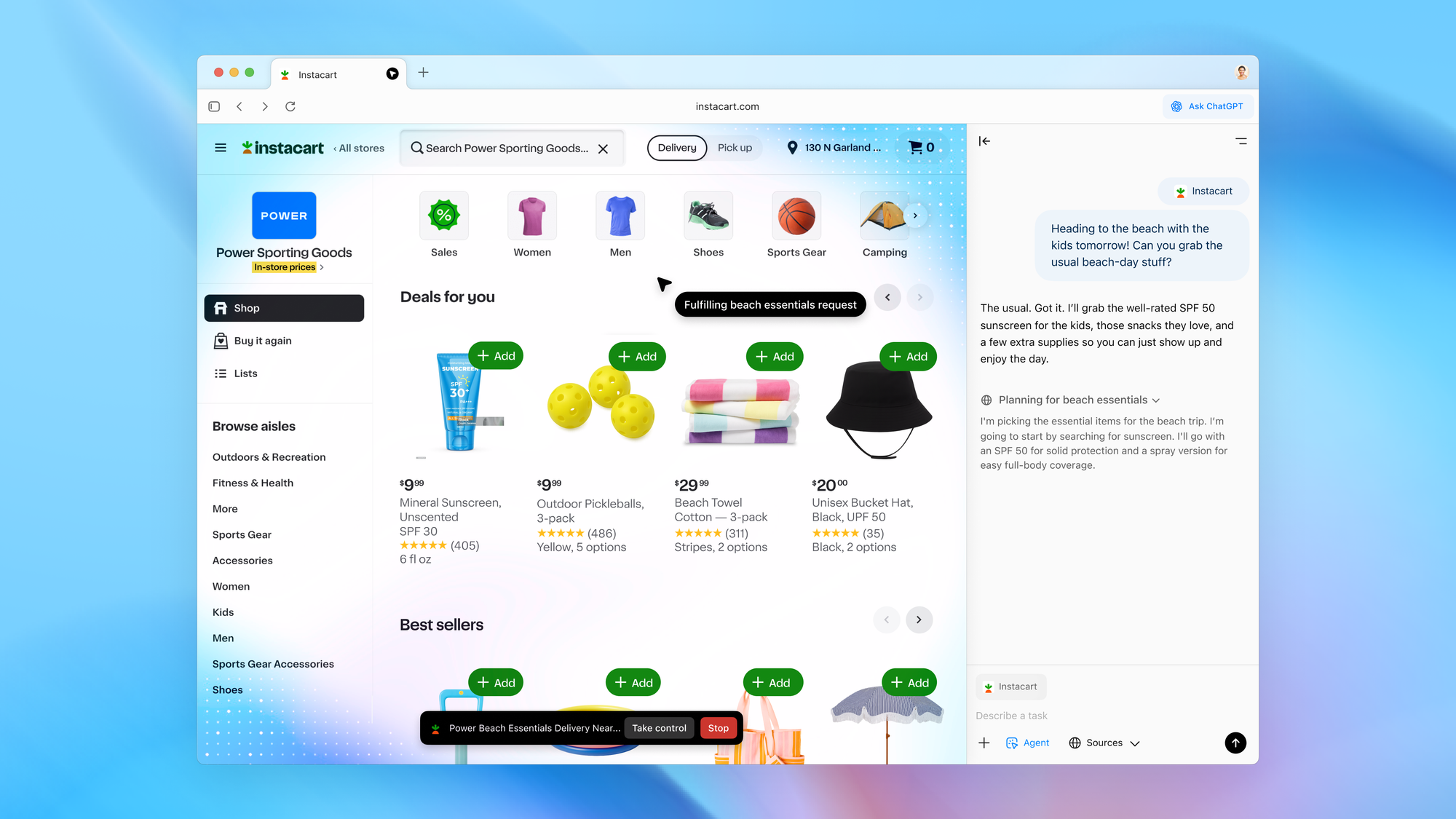
A preview of Agent Mode is included for Plus, Pro, and Business users. It allows ChatGPT to perform multi-step tasks such as research, travel planning, or workflow completion, under stricter safeguards. Atlas integrates ChatGPT tools such as image generation, study mode, custom instructions, and app connections.
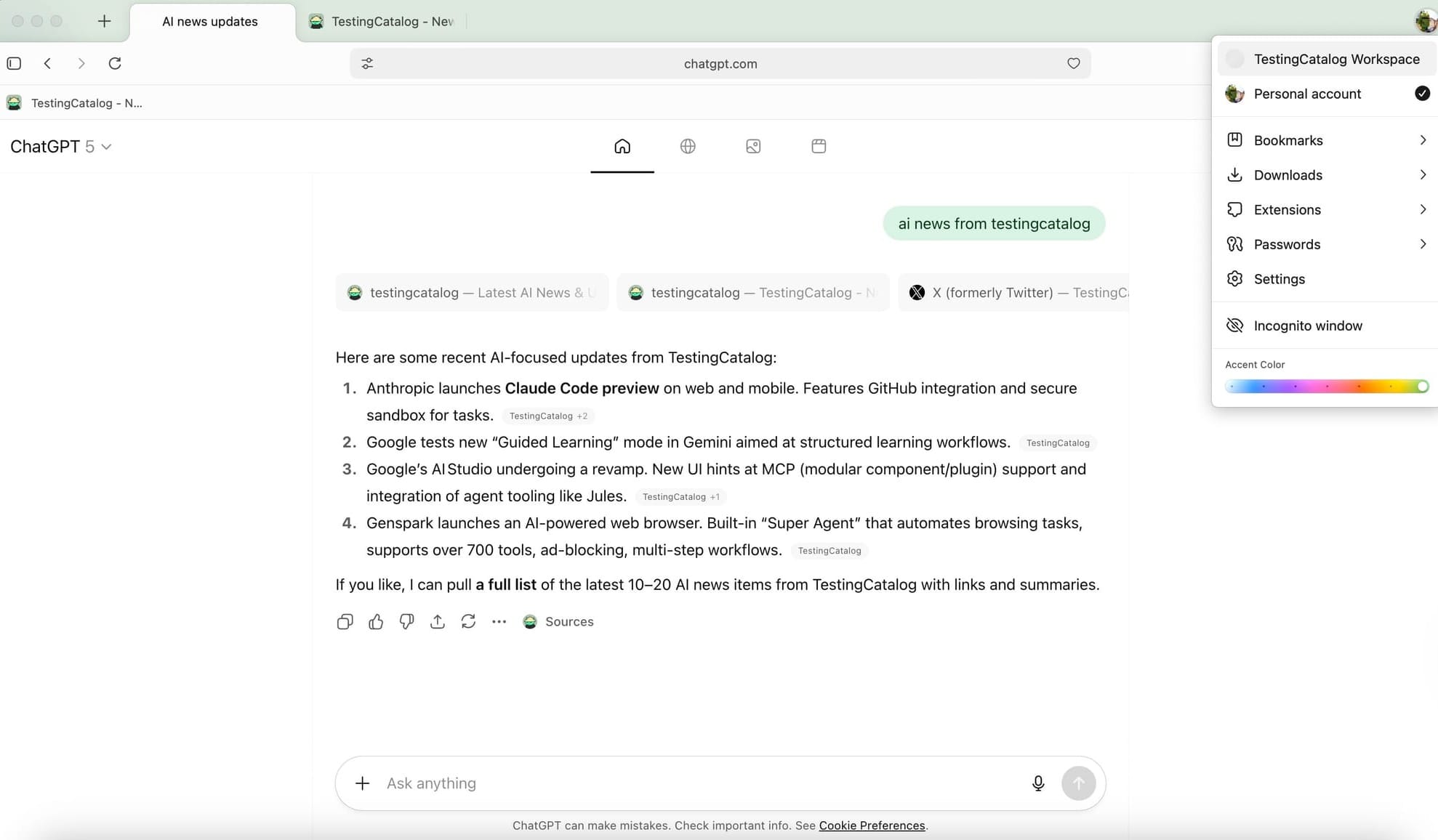
The browser is available starting October 21 for macOS at chatgpt.com/atlas, open to Free, Plus, Pro, Go, and Business users worldwide. Enterprise and Education customers can access a beta if enabled by their admin. Versions for Windows, iOS, and Android are in development.
Images: OpenAI
The browser stands out with thoughtful visual choices, starting from its animated, glowing logo and onboarding, to the pixelated takeover animation that signals Agent Mode activation. The integration of responsive theming and interactive UI elements like the Theme slider reflects OpenAI’s priority on creating a product that’s visually appealing and enjoyable for regular use. While there are still areas requiring improvement, such as the model selector and occasional button responsiveness, early impressions from users suggest that Atlas is already highly usable and likely to build a dedicated following.
Atlas in action
Agent Mode in Atlas is notable for the way it reframes how tasks are handled. Instead of the user being locked into a single workflow, tasks can be offloaded to the agent, which then runs them in parallel tabs. This design enables a more distributed way of working: users can delegate repetitive or time-consuming actions, then turn their attention elsewhere, knowing these are being processed independently. The architecture supports spawning multiple agent-driven tabs at once, which can be used for parallel research, automated data gathering, or background workflows.
A particularly interesting aspect is the separate browser memory. This opens up possibilities for new workflows, such as using Atlas to maintain independent to-do lists, run segmented research, or test persistent states between sessions. OpenAI, as the company behind Atlas and ChatGPT, is continuing its broader strategy of expanding agentic workflows across its products, positioning Atlas as both a productivity tool and a proving ground for autonomous agent models. Future updates are likely to refine the UI and expand on these agent-driven scenarios, aiming to make Atlas a central hub for next-generation web automation and personal task management.


